India's own AI video player
A free Android video player that writes subtitles from the audio, syncs late subtitles to the voices and lifts dialogue over loud music — all with AI that runs on your phone. No ads, no account, nothing uploaded.
An AI video player that runs offline
Most “smart” apps send your files to a server. VideoPlayer does the clever work on the phone itself — so it works on a train, in a village with one bar of signal, and with videos you’d never upload anywhere.
AI subtitles
No subtitle file? AI writes one from the audio — offline.
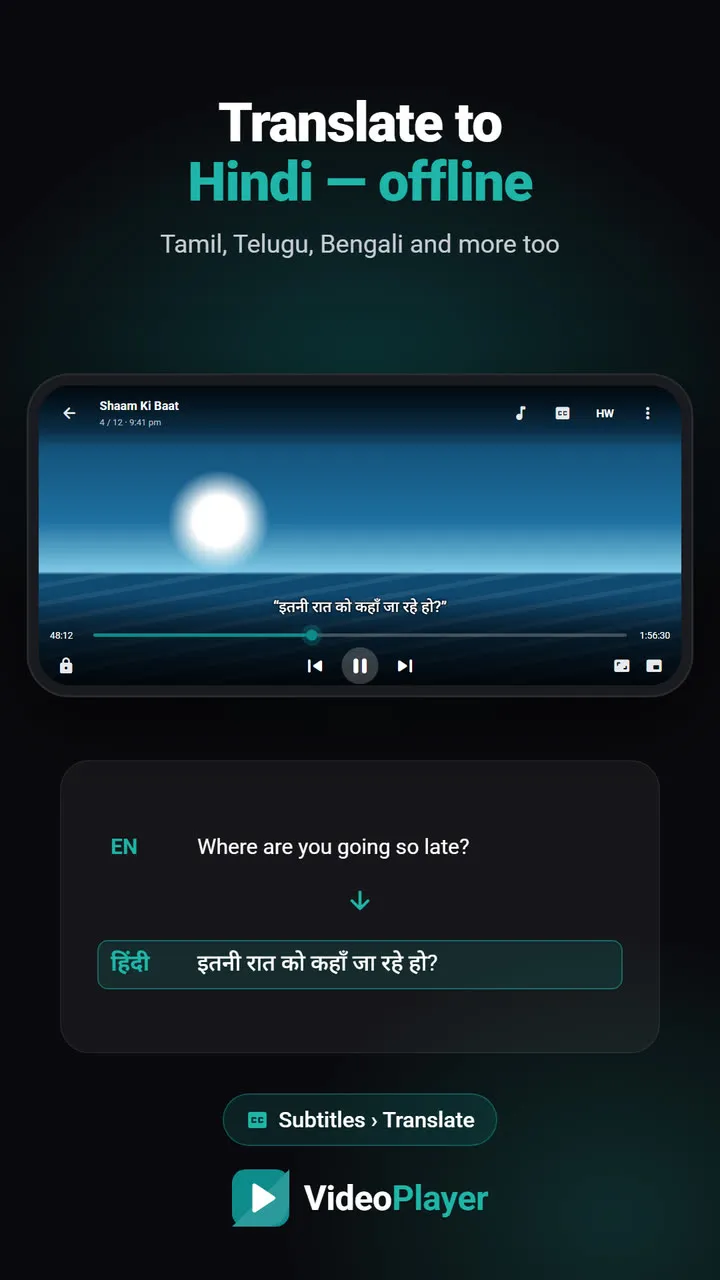
Translate subtitles
English subtitles in Hindi, Tamil, Telugu and more — offline.
Auto sync subtitles
Late subtitles? It listens to the voices and fixes the timing.
Dialogue Boost
Clear voices over loud music and effects — one switch.
Skip intro
A one-tap Skip intro button in your downloaded series.
Night Leveler
Loud scenes softer, quiet speech louder — perfect for late nights.
Everything a video player should do — and a few things none of them do
Tap any feature to see a 9-second demo and a step-by-step guide.
🔊 Sound
💬 Subtitles
▶️ Watching
📁 Library & tools
Plays the files other players give up on
Built-in FFmpeg decodes what your phone’s chip can’t — including the Dolby and DTS sound in most dual-audio movies. No codec packs, no “audio format not supported”.
Short video tips
Every feature has a 9-second demo and a detailed guide, in English and Hindi.
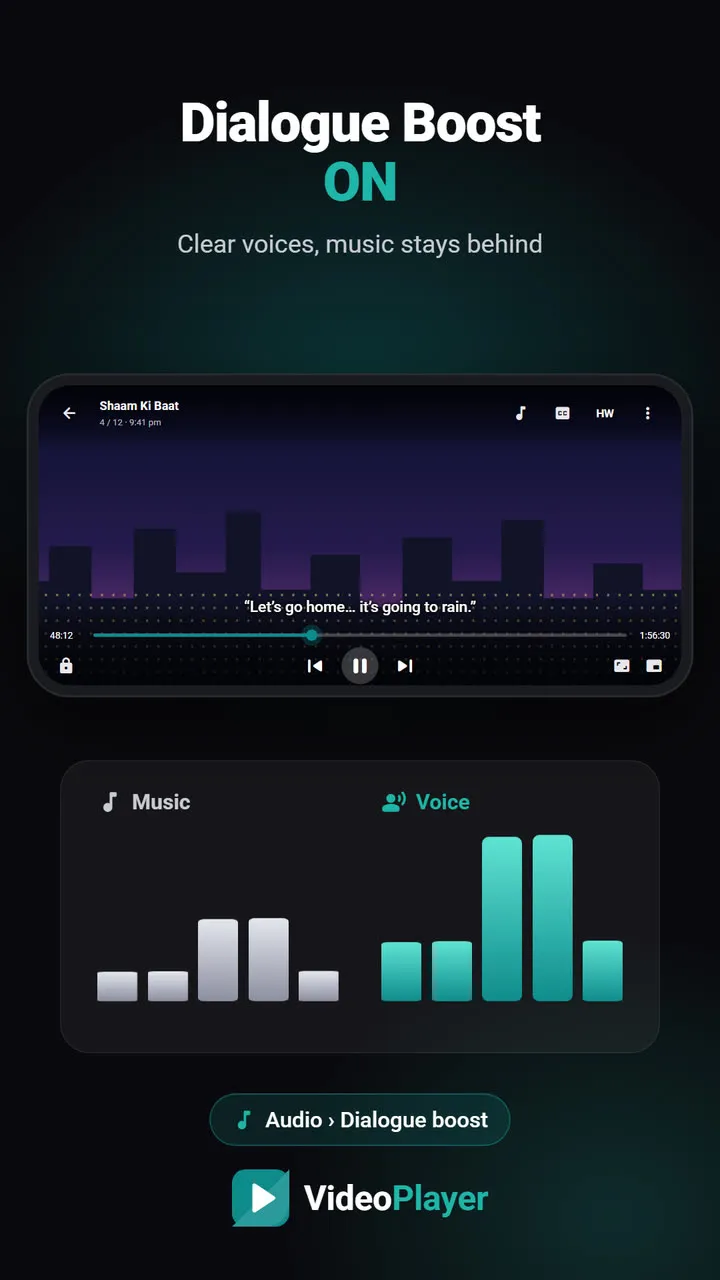
Dialogue Boost
Clear voices over loud music and effects — one switch.
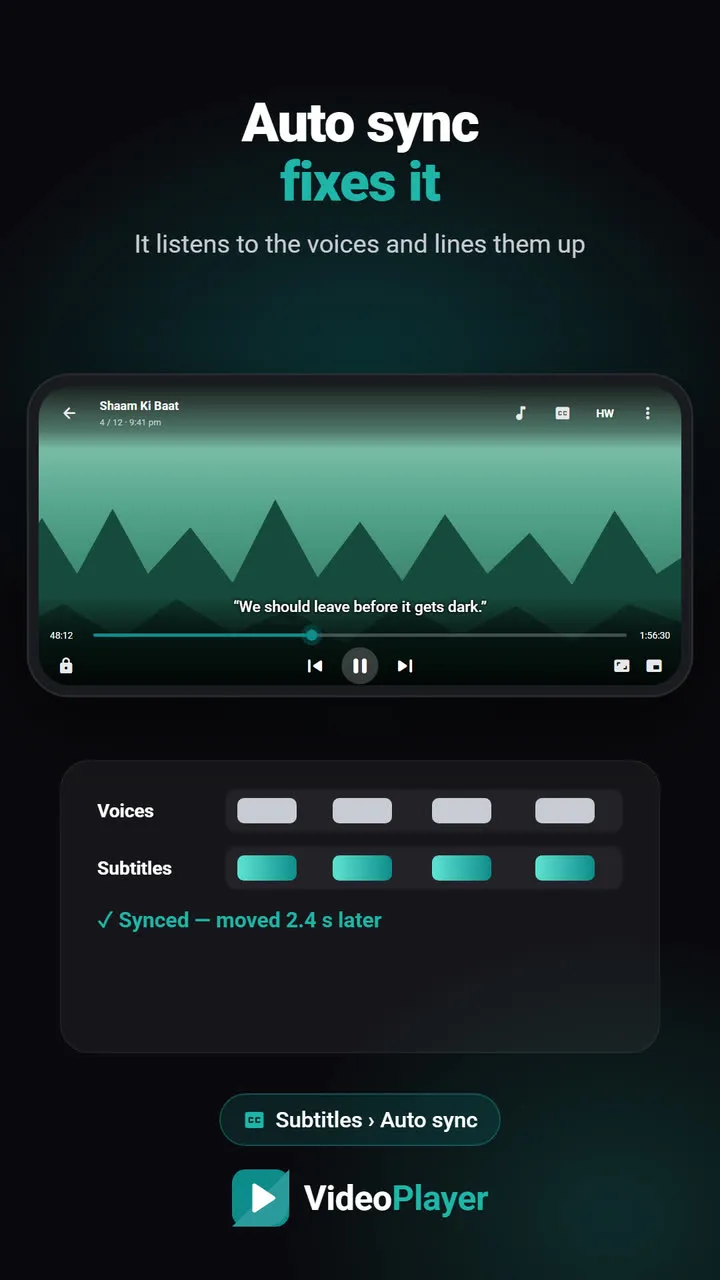
Auto sync subtitles
Late subtitles? It listens to the voices and fixes the timing.
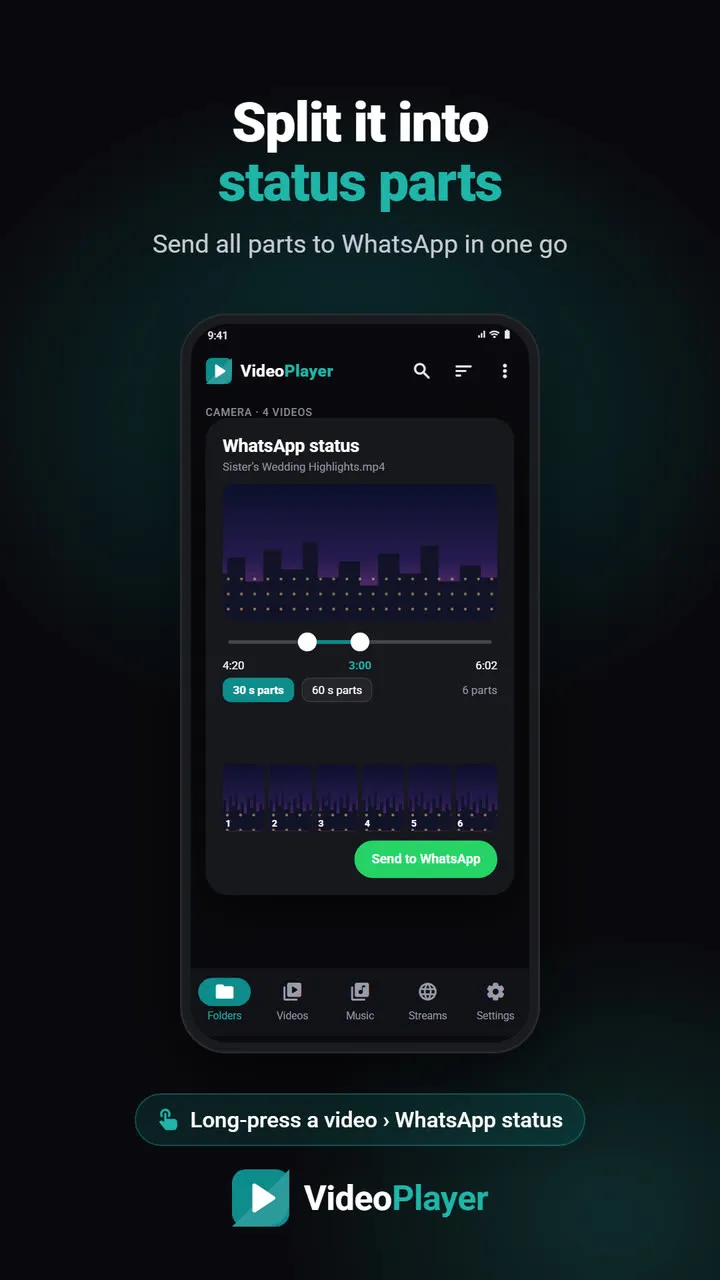
WhatsApp status parts
Split into 30 s or 60 s parts, send all at once.
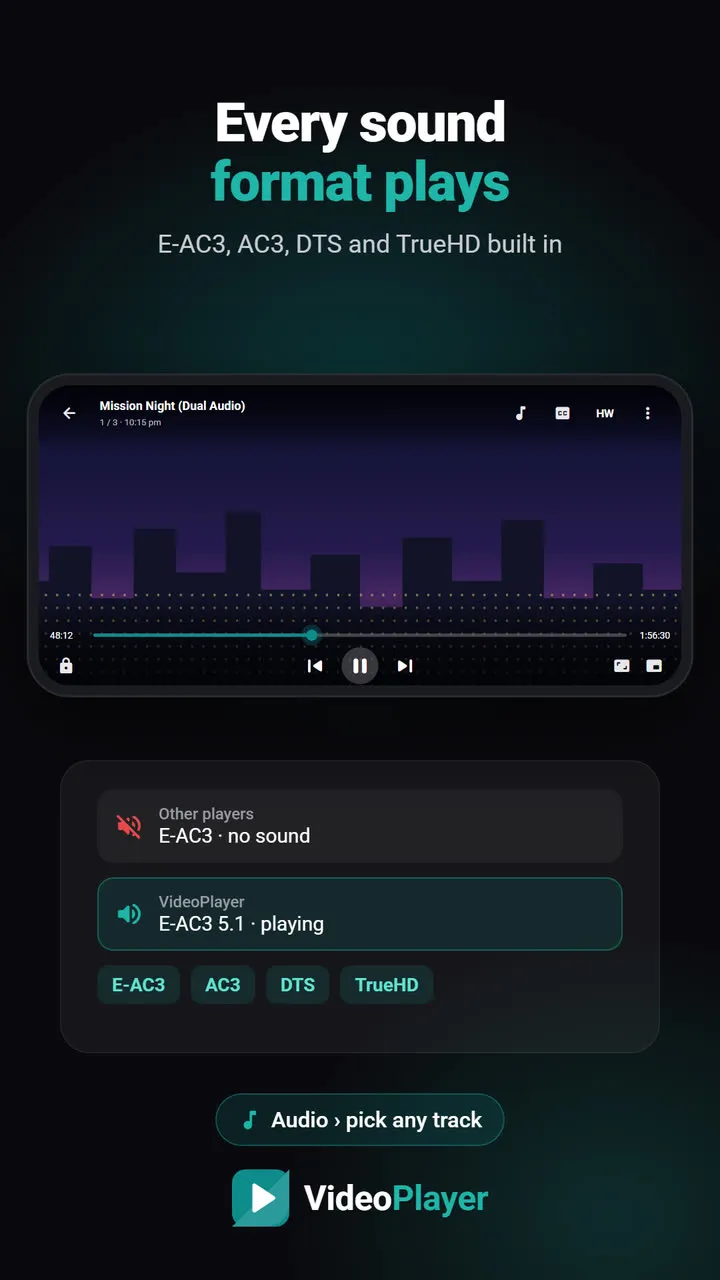
E-AC3 / AC3 / DTS sound
No more “audio format not supported” in dual-audio movies.
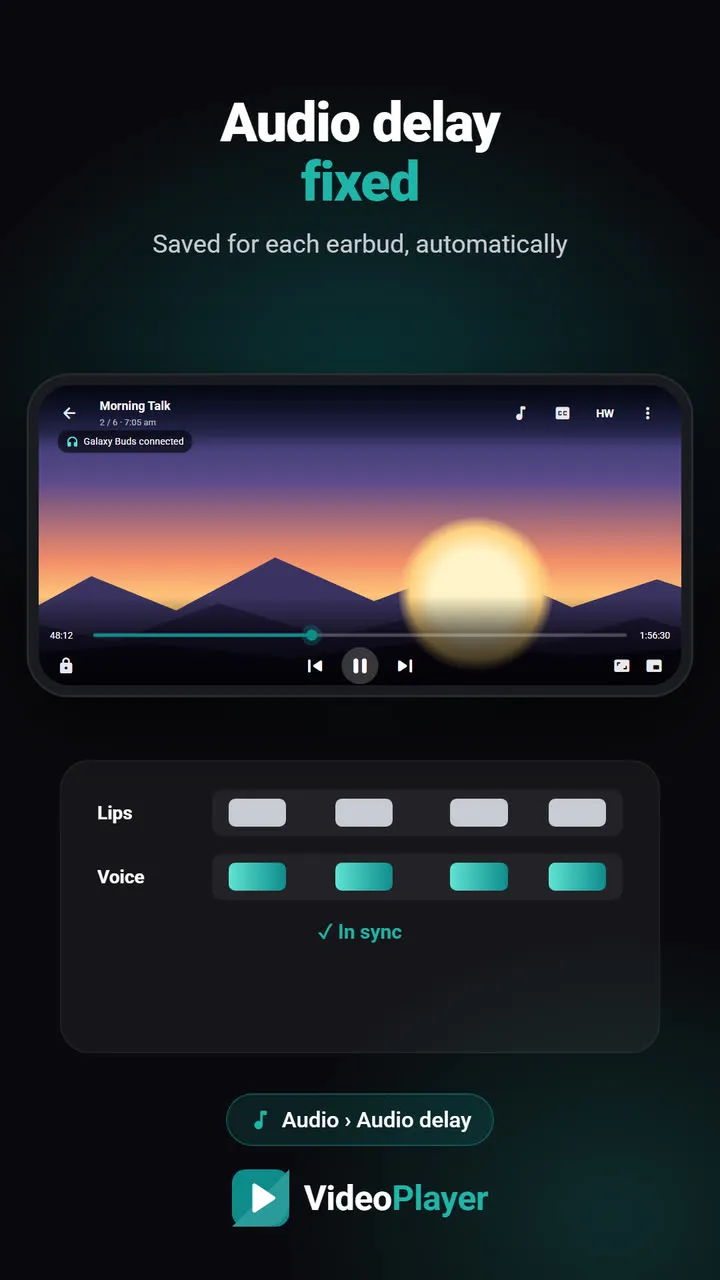
Bluetooth audio delay
Lips and voice back in sync — remembered per earbud.
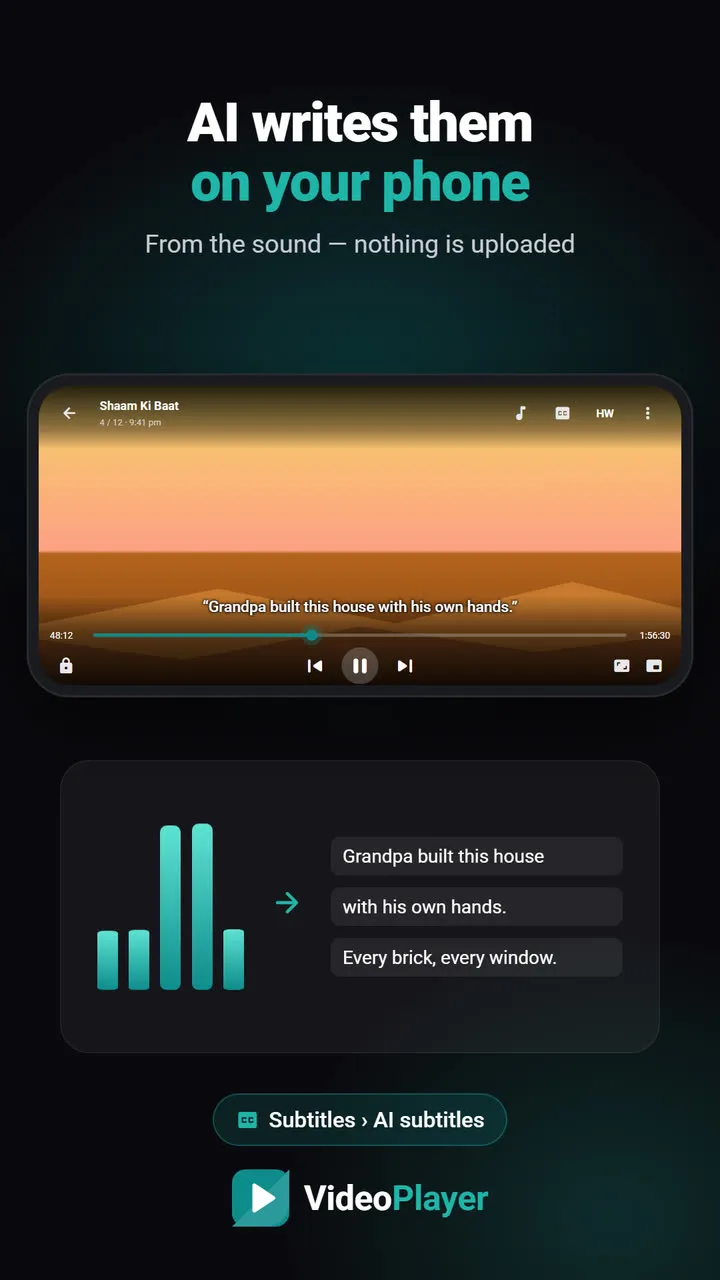
AI subtitles
No subtitle file? AI writes one from the audio — offline.
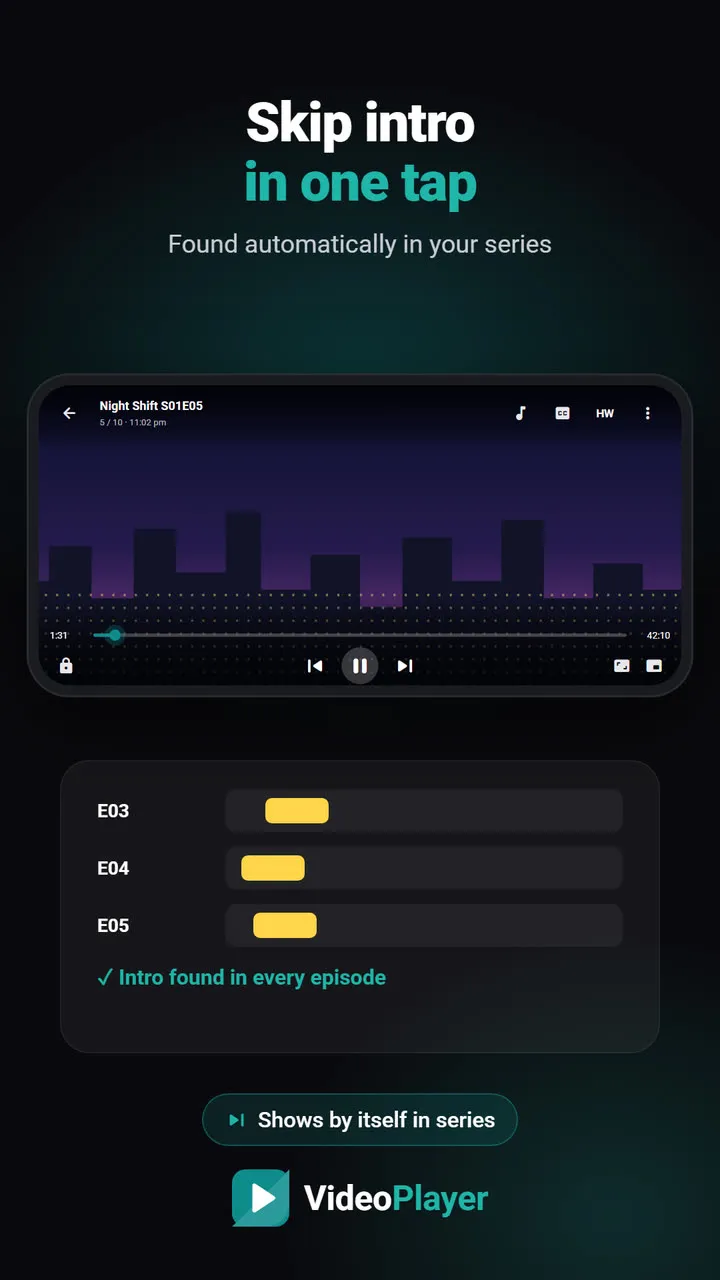
Skip intro
A one-tap Skip intro button in your downloaded series.
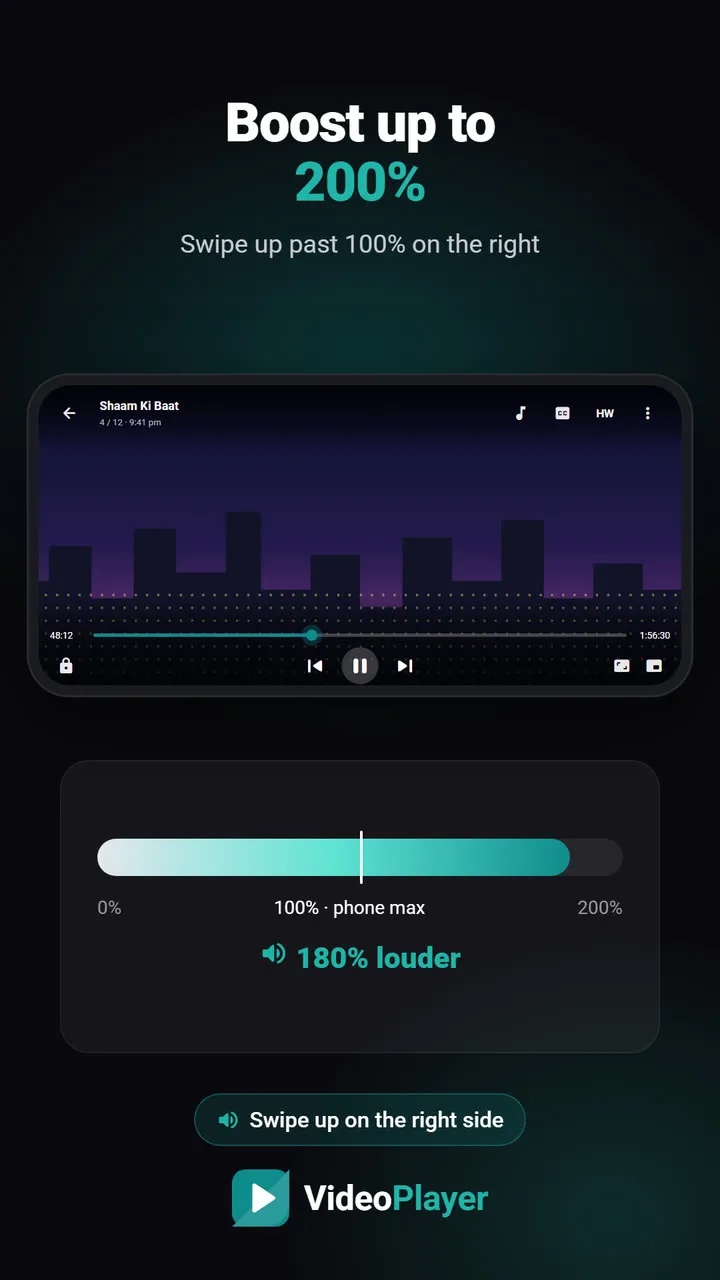
Volume boost to 200%
Louder than your phone’s maximum, still clear.
Video not playing right? Start here
No sound, black screen, lag or missing subtitles — clear fixes that work on any Android phone.
MKV no sound
Picture plays, audio is silent? Five fixes, easiest first.
Read the fix →Format not supported
“Can’t play this video”? Find the cause, then play it.
Read the fix →Black screen, sound plays
Hear the movie but can’t see it? Six fixes.
Read the fix →Subtitles not showing
The SRT is right there, but nothing shows? Seven fixes.
Read the fix →Video lagging
Stutter, jerks and frozen frames — eight fixes.
Read the fix →Learn English with movies
Dual subtitles, slower speed, repeat one line — a real method.
Read the fix →Free subtitle tools — right in your browser
Late subtitles, the wrong format or garbled letters? Fix them online in seconds, no app or upload needed.
Subtitle sync tool
Move every line earlier or later, or fix subtitles that slowly drift.
Open tool →SRT ⇄ VTT converter
SRT to VTT, VTT to SRT, and ASS to either — in your browser.
Open tool →Encoding fixer
é and ?? back to real letters, saved as UTF-8.
Open tool →Video codec checker
See a file’s codecs and if it plays — before you copy it.
Open tool →Subtitle FPS converter
Lines drift later and later? Change the frame rate.
Open tool →Subtitle cleaner
Strip [MUSIC], (laughs) and “Subtitles by…” lines.
Open tool →How VideoPlayer compares
Honest comparisons with the players you already know — including where they are better.
Best video player for Android
Six players, honest pros and cons, and which one fits you.
Read comparison →Players without ads
Five free players with no pop-ups at all.
Read comparison →PLAYit alternative
Same features you use in PLAYit, without the ads.
Read comparison →Best MKV player
Six free apps that play MKV with sound and subtitles.
Read comparison →Lightweight video player
Smooth playback on 2–3 GB RAM phones.
Read comparison →VLC vs MX Player
The two big names, compared fairly — plus a third option.
Read comparison →Get VideoPlayer on your Android phone
Free, no ads, no account. Download the APK and install it in a minute — Google Play is coming soon.
Direct APK
Recommended · the full app, about a minute to install
Download APK 14 MB Older 32-bit phone? Download this APK instead (13 MB)- v2.4.3
- Android 7.0 or newer
- Free · no ads · no account
When Android asks, allow “Install unknown apps” for your browser, then tap Install. Installed the APK and want Play Store updates later? Uninstall the APK version first — Android only updates an app from the same source.
SHA-256
3b98f77d2836b56afce1b6aab54d0803ea3be250af3c3c8fcc3d574a7d4495882390529a9779d6db861a06ea67b3b6a27da2f43dccc2340d76ed1a6f0e9772c5 (32-bit)