MKV Player for Android: 6 Best Apps Compared
MKV is the favourite format for downloaded films and series because one file can hold several audio languages, many subtitles and high-quality video together. That flexibility is also why the phone’s gallery so often fails with it. A good MKV player has to handle everything the box might contain. Below we explain what that means, then compare six free apps. We make VideoPlayer, one of them, and we point out where others do better.
What a good MKV player must handle
- Video: H.264, HEVC (including 10-bit), VP9 and AV1, with a software fallback when the phone’s chip can’t cope.
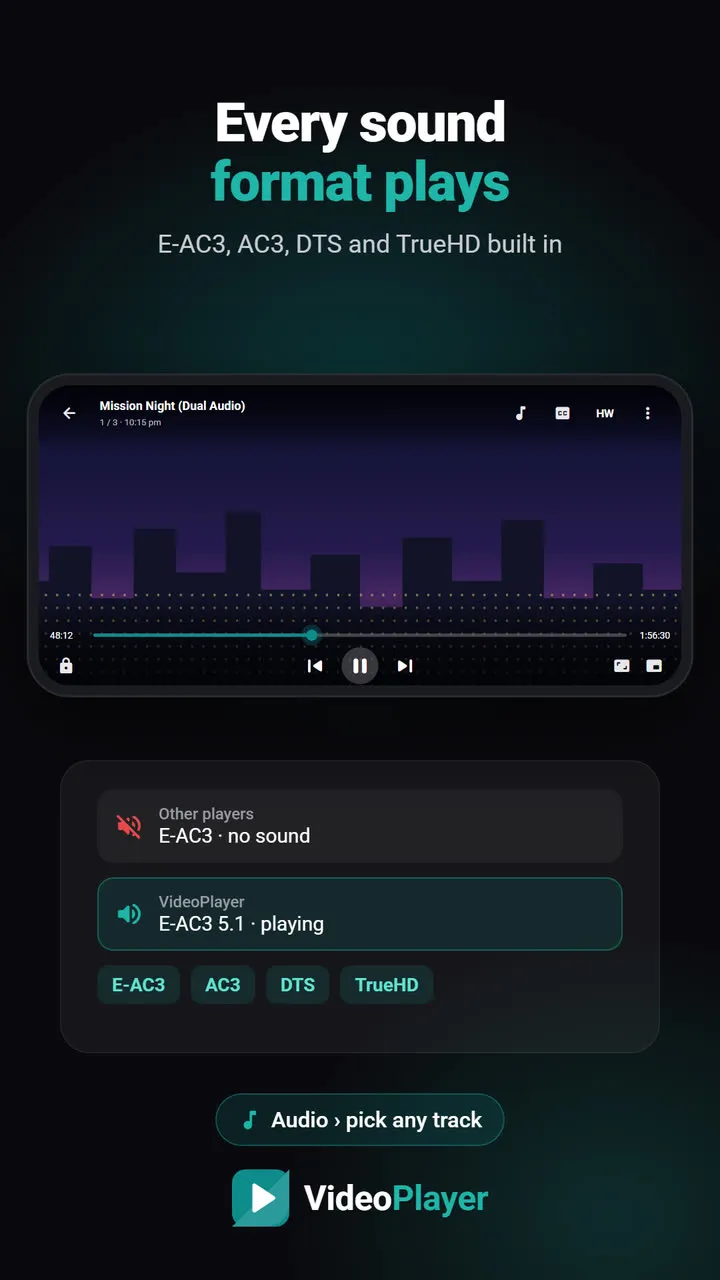
- Sound: AAC and MP3, but also Dolby Digital (AC3), Dolby Digital Plus (E-AC3), DTS and TrueHD — the formats behind most “no sound” complaints.
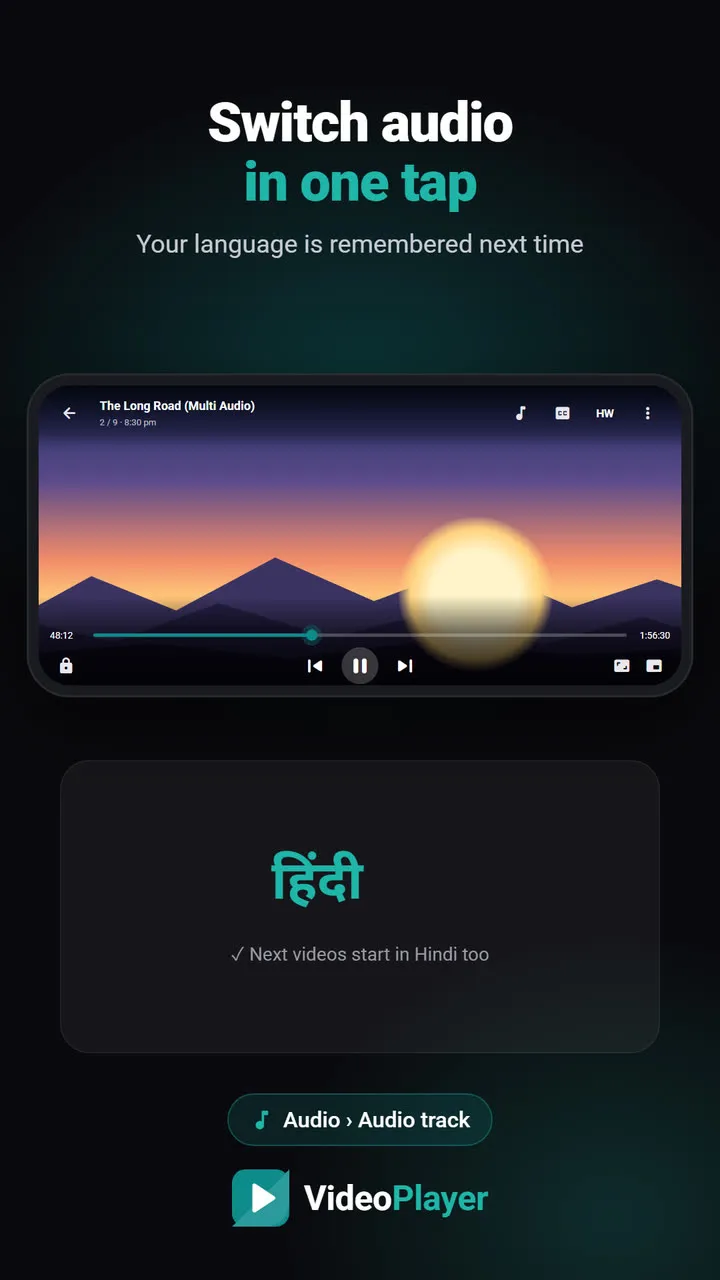
- Several tracks: an easy way to switch between Hindi and English audio and between subtitle tracks.
- Subtitles: SRT, ASS/SSA, and picture-based PGS from Blu-ray rips.
MKV player comparison
| App | Ads | Dolby / DTS | HW + SW decoding | ASS styling |
|---|---|---|---|---|
| VideoPlayer | No | Built in | Yes, one tap | Basic |
| VLC for Android | No | Built in | Yes | Full |
| mpv-android | No | Built in | Yes | Full |
| MX Player | Yes | Separate codec | Yes | Good |
| Next Player | No | Built in | Yes | Basic |
| Just Player | No | Built in | Hardware | Basic |
Based on each app’s official listing or project page in October 2026.
1. VideoPlayer — best MKV player for dual-audio films
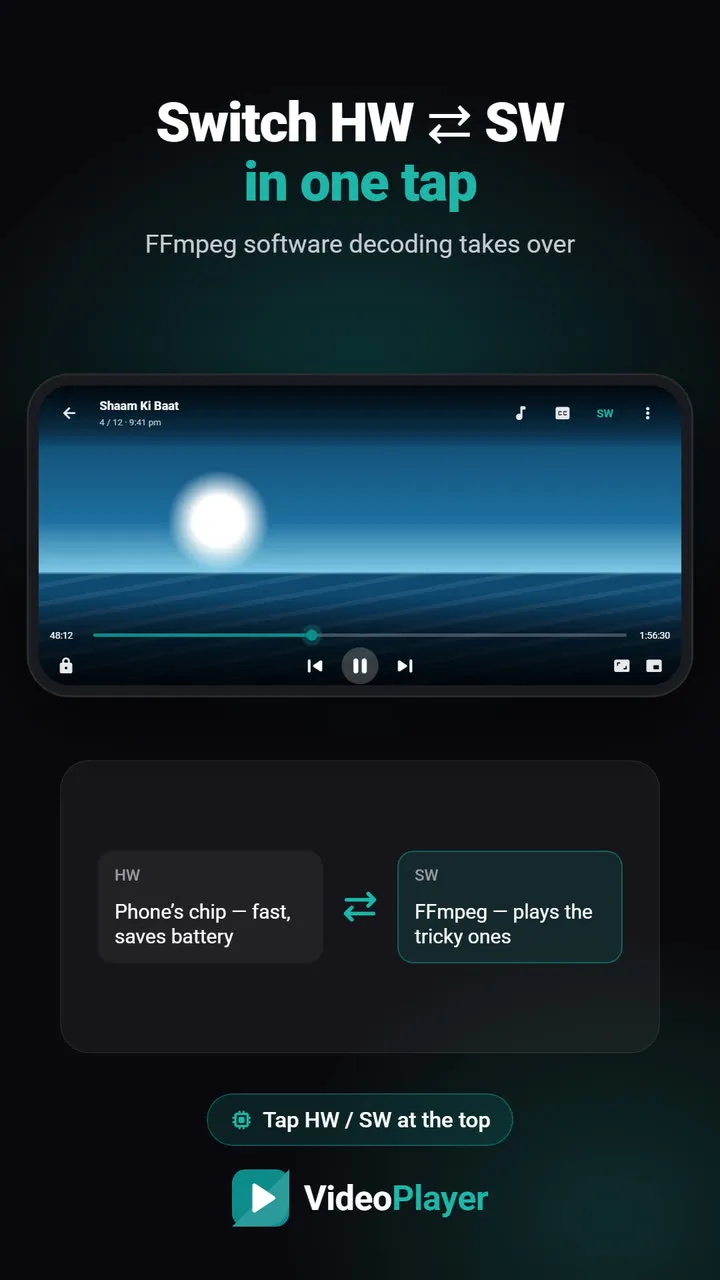
Dual-audio MKVs with E-AC3 or DTS sound play with audio straight away. Every track is listed with its language and format, and your choice is remembered per series. Tap HW to switch to the FFmpeg software decoder when a 10-bit HEVC file shows a green screen. Extras: AI subtitles, auto-sync, translation, skip intro. Falls short: anime ASS files show basic styling only — positions and karaoke effects are simplified.
2. VLC for Android — best all-rounder
Plays practically every MKV ever made, renders ASS subtitles faithfully, and adds Chromecast and network shares. Falls short: no AI or auto-sync features, and a busier interface.
3. mpv-android — best for anime and picture quality
The mpv engine gives excellent scaling and the most accurate ASS rendering, which anime fans love. Falls short: plain interface, settings in config files.
4. MX Player — familiar, with a catch
Smooth and well tested on Indian phones, with in-app subtitle search. Falls short: ads, and the Play Store version needs a separate custom codec for AC3, E-AC3 and DTS — without it, many MKV films play silently. See our MX Player comparison.
5. Next Player and 6. Just Player — simple and open source
Both play MKV with Dolby and DTS sound, show no ads and stay light. Next Player has a library and more settings; Just Player opens files through Android’s picker and does little else.
How to test any MKV player in two minutes
- Pick your most difficult file: dual audio, 10-bit HEVC, with subtitles.
- Check that each audio track has sound.
- Switch subtitles on and off, and drag to the middle of the film.
- Watch for green blocks or stutter during fast scenes.
Not sure what is inside your file? Our free video codec checker lists every track. If an MKV plays silently, read MKV no sound on Android. The format itself is documented by the Matroska project.
Our pick
For dual-audio Bollywood and Hollywood MKVs with Hindi needs, VideoPlayer is the easiest MKV player. For anime with heavy ASS styling, choose mpv-android or VLC. For casting MKV to a TV, choose VLC.
Frequently asked questions
Which is the best MKV player for Android?
Why does my MKV player have no sound?
Can an MKV player switch between Hindi and English audio?
Do I need a codec pack for an MKV player?
Try it on your own videos
VideoPlayer is free, has no ads and needs no account. Every feature in this guide works offline.
Compare
Best video player for Android
Six players, honest pros and cons, and which one fits you.
Read comparison →Players without ads
Five free players with no pop-ups at all.
Read comparison →PLAYit alternative
Same features you use in PLAYit, without the ads.
Read comparison →Lightweight video player
Smooth playback on 2–3 GB RAM phones.
Read comparison →VLC vs MX Player
The two big names, compared fairly — plus a third option.
Read comparison →VideoPlayer vs MX Player
Ads, Dolby sound, AI subtitles — and where MX Player still wins.
Read comparison →