Video Player Without Ads for Android: 5 Free Picks
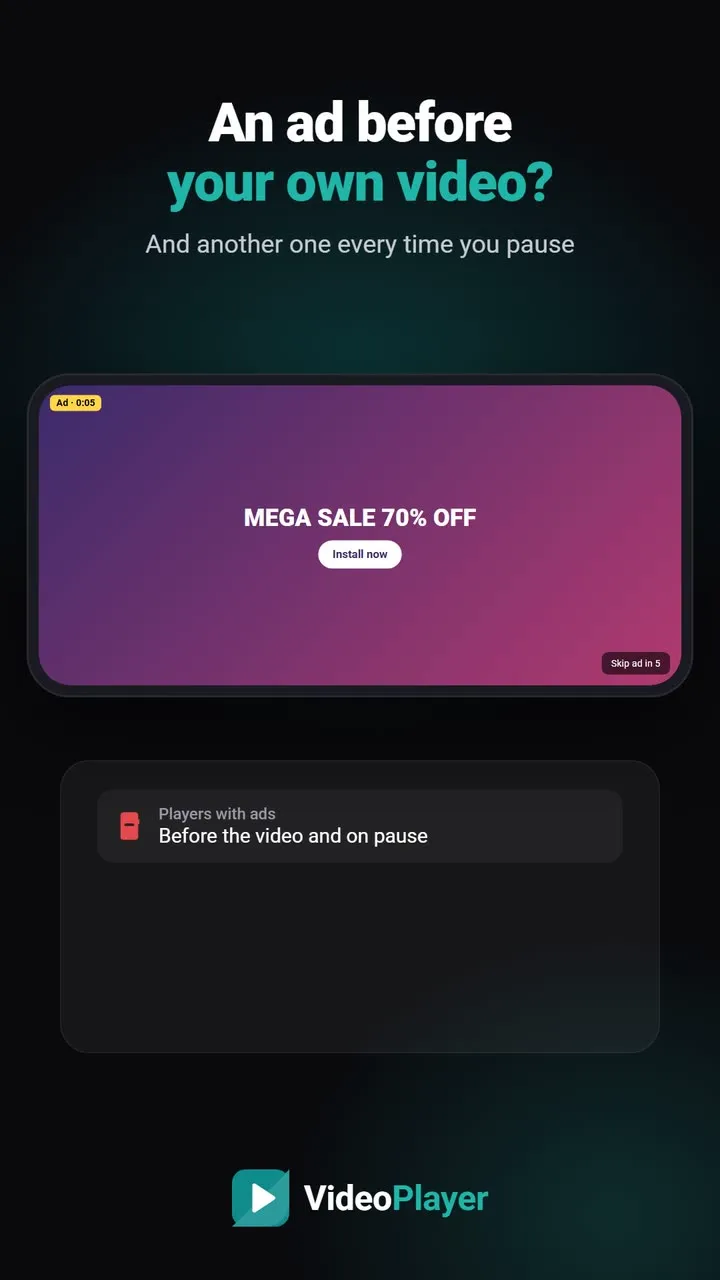
You open your own film, saved on your own phone, and an advert plays first. Then another on pause. For many people that’s the moment they start looking for a video player without ads. The good news: several excellent players are free and show no ads at all. Here are five, with an honest note on each. One disclosure first — we make VideoPlayer, which is on this list.
Why so many video players show ads
Building and updating an app costs money, and ads are the easiest way to pay for it. The trade-off is yours: full-screen ads interrupt films, use mobile data and battery, and ad networks collect information about your device. Players without ads are usually paid for another way — by a non-profit, by volunteers, or by a company that doesn’t want ads in the product.
How to check before you install
On an app’s Google Play page, look under the install button. Apps that show ads carry a small Contains ads label; many also say In-app purchases. If neither label is there, the app shouldn’t show ads. Open-source players are also listed on F-Droid, a store that only carries free and open-source apps.
5 free picks for a video player without ads
| Player | Ads | Dolby / DTS sound | Stand-out feature |
|---|---|---|---|
| VideoPlayer | None | Built in | AI subtitles, auto sync, dialogue boost |
| VLC for Android | None | Built in | Chromecast, home network, Android TV |
| Next Player | None | Built in | Clean, modern, open source |
| Just Player | None | Built in | Minimal and fast |
| mpv-android | None | Built in | Top picture quality for enthusiasts |
1. VideoPlayer — no ads, plus AI features
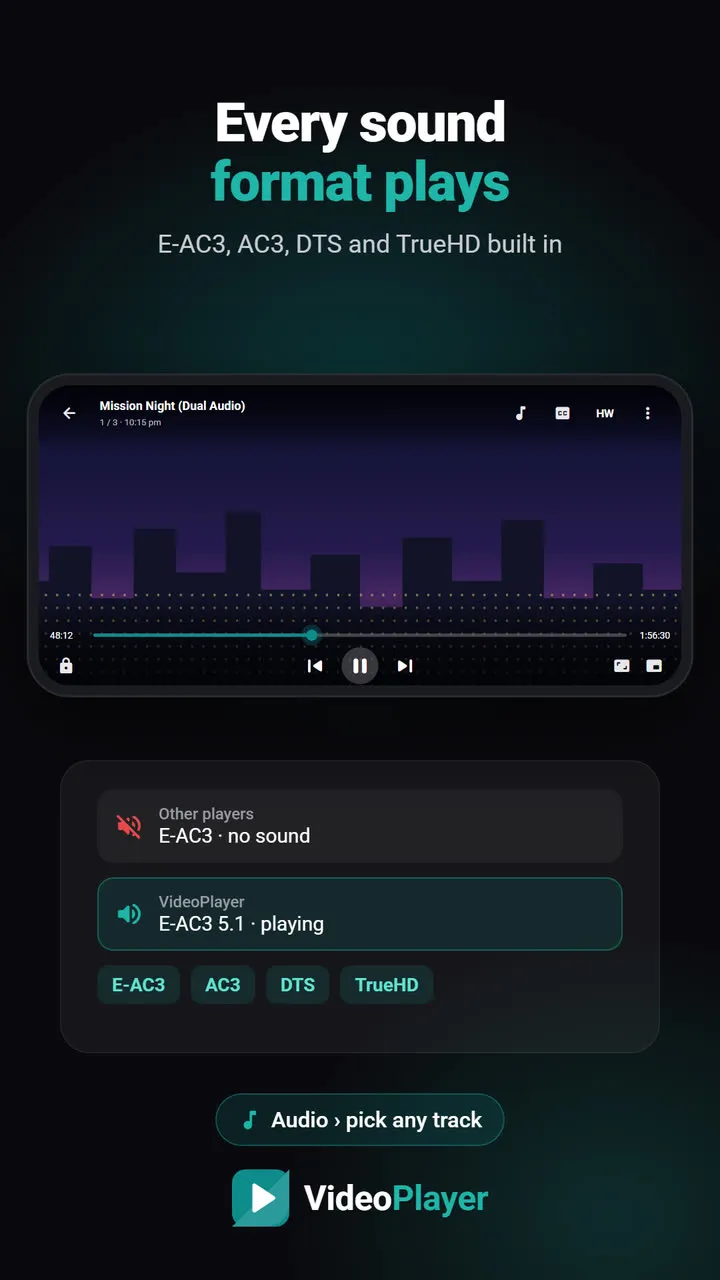
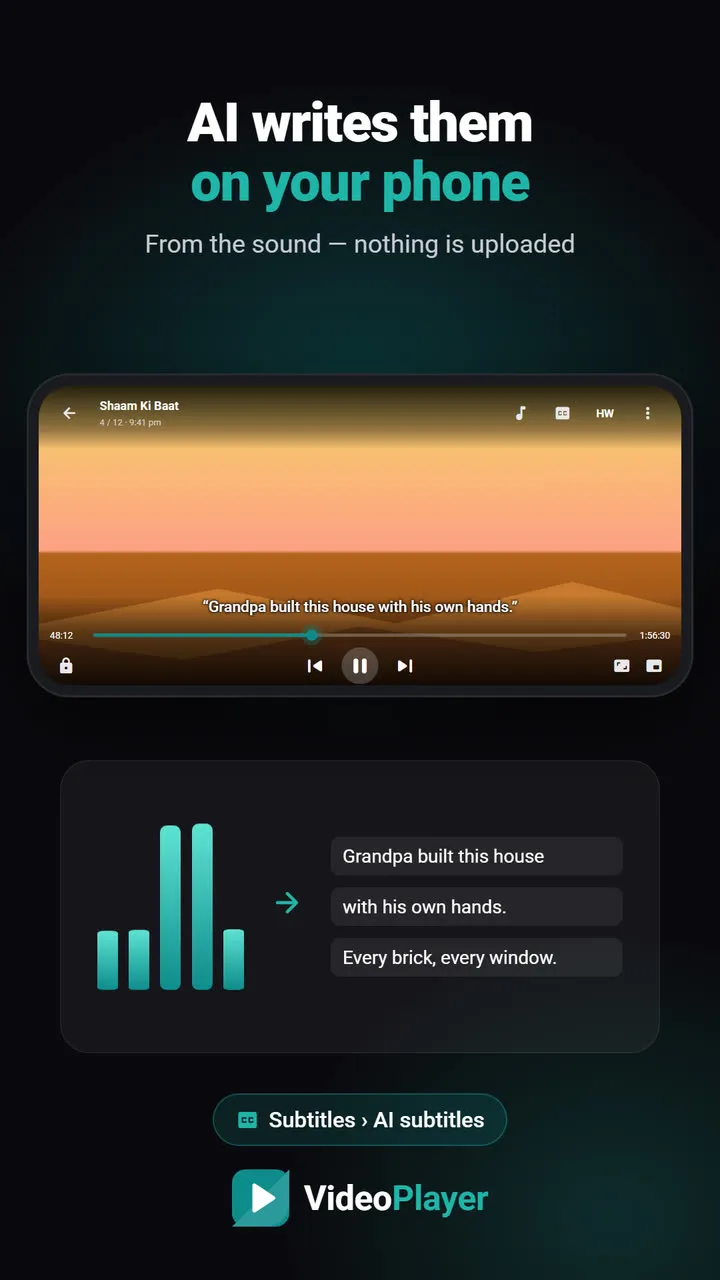
Free, no ads, no account. It plays MKV, HEVC and dual-audio films with E-AC3 and DTS sound, and adds features you won’t find elsewhere: AI subtitles written from the audio on the phone, auto-sync for late subtitles, translation to Hindi, Dialogue Boost and skip intro. Falls short: no Chromecast, no network folders, and it’s a new app.
2. VLC for Android — the trusted all-rounder
Built by the non-profit VideoLAN, open source and ad-free for over twenty years. It plays almost anything, casts to Chromecast and browses shared folders on your Wi-Fi. Falls short: no AI subtitles or automatic sync, and its many options can feel busy. Read VideoPlayer vs VLC.
3. Next Player — simple and open source
A clean, modern player built on Google’s Media3 with FFmpeg audio. Gestures, picture-in-picture and subtitles all work, with no ads. Falls short: fewer extras, and its developer still describes it as in development.
4. Just Player — minimal on purpose
Opens a file and plays it, fast. Dolby and DTS sound work. Falls short: no library of its own and very few settings — by design.
5. mpv-android — for people who like to tweak
Based on the mpv engine, loved for picture quality and anime subtitle rendering. Falls short: a plain interface and settings in text files.
What about MX Player and PLAYit?
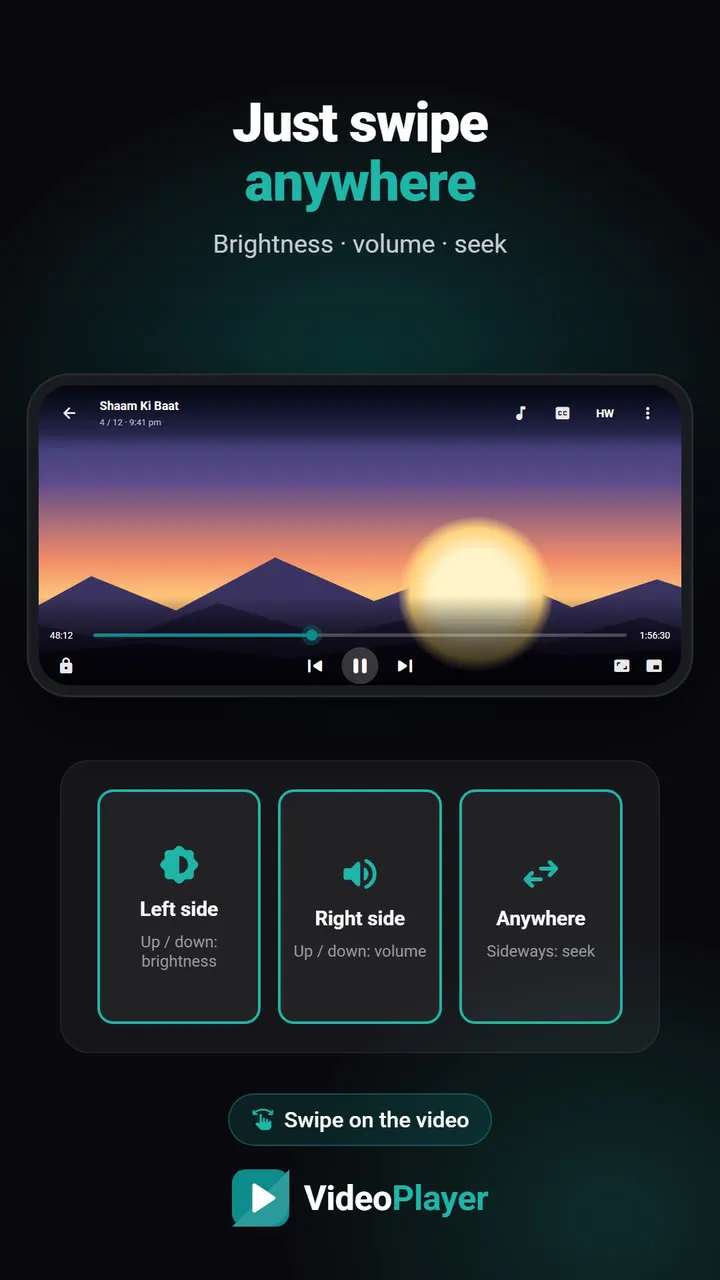
Both are popular, capable players, and both show ads in their free versions. If you already like them and the ads don’t bother you, there’s no need to switch. If they do, any video player without ads above will feel familiar within minutes — gestures for brightness, volume and seeking work almost the same way. Our PLAYit alternative guide compares them in more detail.
How to choose
- You cast to a TV or watch from a PC on Wi-Fi → VLC.
- You watch downloaded films and want subtitles, Hindi and AI help → VideoPlayer.
- You want the simplest possible app → Just Player or Next Player.
Whichever you pick, a video player without ads makes your phone feel faster and calmer. For a wider comparison, see the best video player for Android.
Frequently asked questions
Which is the best video player without ads for Android?
Is there a free video player without ads?
How do I know if an app has ads before installing?
Does a video player without ads play MKV and Dolby sound?
Try it on your own videos
VideoPlayer is free, has no ads and needs no account. Every feature in this guide works offline.
Compare
Best video player for Android
Six players, honest pros and cons, and which one fits you.
Read comparison →PLAYit alternative
Same features you use in PLAYit, without the ads.
Read comparison →Best MKV player
Six free apps that play MKV with sound and subtitles.
Read comparison →Lightweight video player
Smooth playback on 2–3 GB RAM phones.
Read comparison →VLC vs MX Player
The two big names, compared fairly — plus a third option.
Read comparison →VideoPlayer vs MX Player
Ads, Dolby sound, AI subtitles — and where MX Player still wins.
Read comparison →