Night Mode Audio: How to Stop Loud Movie Scenes at Night
It’s midnight, everyone else is asleep, and you’re watching an action film with the volume at two bars. Then a car explodes and you dive for the button — only to miss the next line of dialogue because it’s far too quiet. That constant up-and-down is exactly what night mode audio is for. In VideoPlayer it’s called Night Leveler, and it keeps the whole film at one comfortable level.
Why movies swing from whisper to explosion
Film sound has a huge dynamic range — the gap between the quietest and loudest moments. In a cinema, that gap is part of the experience: you feel the explosion in your chest and still hear the whisper because the room is silent and the speakers are enormous.
On a phone in a quiet bedroom, that same gap is a problem. To hear the whisper you need high volume; at high volume the explosion is painful. Streaming apps sometimes offer a “night mode audio” setting for exactly this reason. Downloaded and offline files never had one — until now.
How to turn on night mode audio in VideoPlayer
- While a video plays, tap the screen and tap the music-note button at the top.
- Under Sound, switch on Night leveler.
- Set your phone volume once — you shouldn’t need to touch it again.
The setting is remembered, so it’s still on tomorrow night. Turn it off for a big-screen, big-speaker evening when you want the full punch.
What Night Leveler does to the sound
Night Leveler is a compressor — the same tool radio stations and TV broadcasters use to keep their sound even:
- Loud moments are turned down. Anything above a set level is reduced, so explosions, gunfire and sudden songs arrive softer.
- Quiet moments are lifted. After compressing, the whole track is raised a little, so dialogue and room sounds come up.
- It reacts in milliseconds. The level adjusts smoothly as the scene changes, without the “pumping” you hear from cheap auto-volume tricks.
- No distortion. A soft limiter catches the peaks, so it never crackles even on small phone speakers.
Night mode audio + Dialogue Boost: the late-night combo
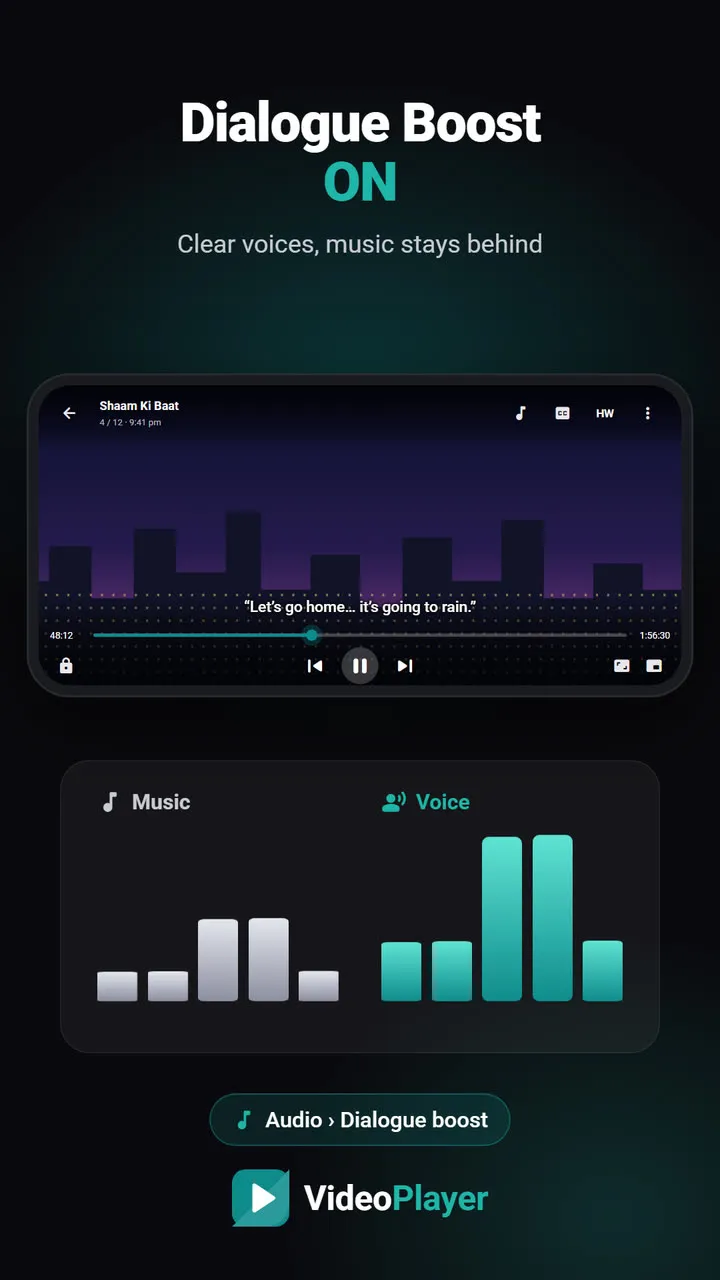
Night Leveler keeps the overall level steady. Dialogue Boost brings the voices forward within that level. Together they’re the most comfortable way to watch a film with earphones while someone sleeps next to you.
| Setting | Fixes |
|---|---|
| Night Leveler | Sudden loud scenes, too-quiet scenes |
| Dialogue Boost | Voices buried under music |
| Both | Late-night films and dubbed action movies |
Good to know
- Works with every track. Stereo, 5.1, 7.1, AAC, Dolby or DTS — the leveler works on the decoded sound.
- Works on any output. Speaker, wired earphones or Bluetooth. If Bluetooth makes the sound late, fix it with audio delay.
- Pair it with a sleep timer. Falling asleep mid-film? Set the sleep timer to “end of video” and the player stops by itself.
- Music sounds flatter. That’s the point of a compressor. For concerts and music videos, switch it off.
If you’d like to know more about how compressors work, the Wikipedia article on dynamic range compression explains the idea in plain terms.
Night Leveler runs entirely on your phone and uses almost no battery. Nothing about what you watch is sent anywhere.
Frequently asked questions
What is night mode audio?
Is Night Leveler the same as Night mode for the picture?
Does night mode audio work with Bluetooth earphones?
Should I keep Night Leveler on all the time?
Try it on your own videos
VideoPlayer is free, has no ads and needs no account. Every feature in this guide works offline.