EAC3 Audio Not Supported? How to Play Dual-Audio Movies With Sound
You download a dual-audio movie, the picture plays perfectly — and there’s silence. A small message says “EAC3 audio format not supported”, or the audio track simply refuses to switch. This is the single most common problem with Hindi dual-audio files, especially ones labelled DDP5.1, and it isn’t your phone’s fault. VideoPlayer plays EAC3 audio (and AC3, DTS and TrueHD) out of the box, with no codec pack to install.
What is EAC3 audio, and why won’t it play?
EAC3 — also written E-AC3, Dolby Digital Plus or DD+ — is a Dolby sound format used by almost every streaming service. When a film is ripped from a streaming source, the soundtrack usually stays EAC3. That’s what “DDP5.1” in a filename means.
Playing it needs a Dolby decoder. Some phones include one in their hardware; many don’t, because the phone maker has to pay a licence for it. Some well-known video players also removed their built-in AC3 and EAC3 decoders for licensing reasons and now ask you to download a separate “custom codec”. The result: picture yes, sound no.
How to play EAC3 audio in VideoPlayer
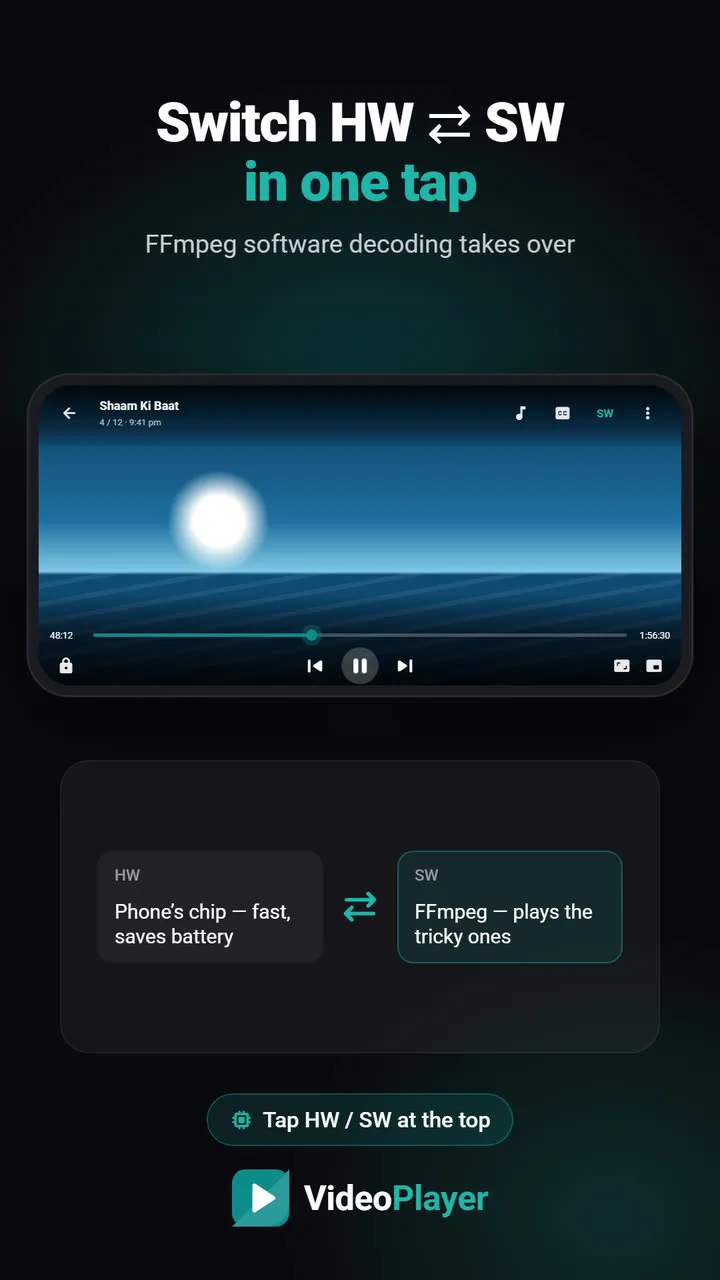
- Open the video in VideoPlayer. In most cases the sound simply plays — the built-in FFmpeg decoder takes over automatically when the phone can’t decode the track.
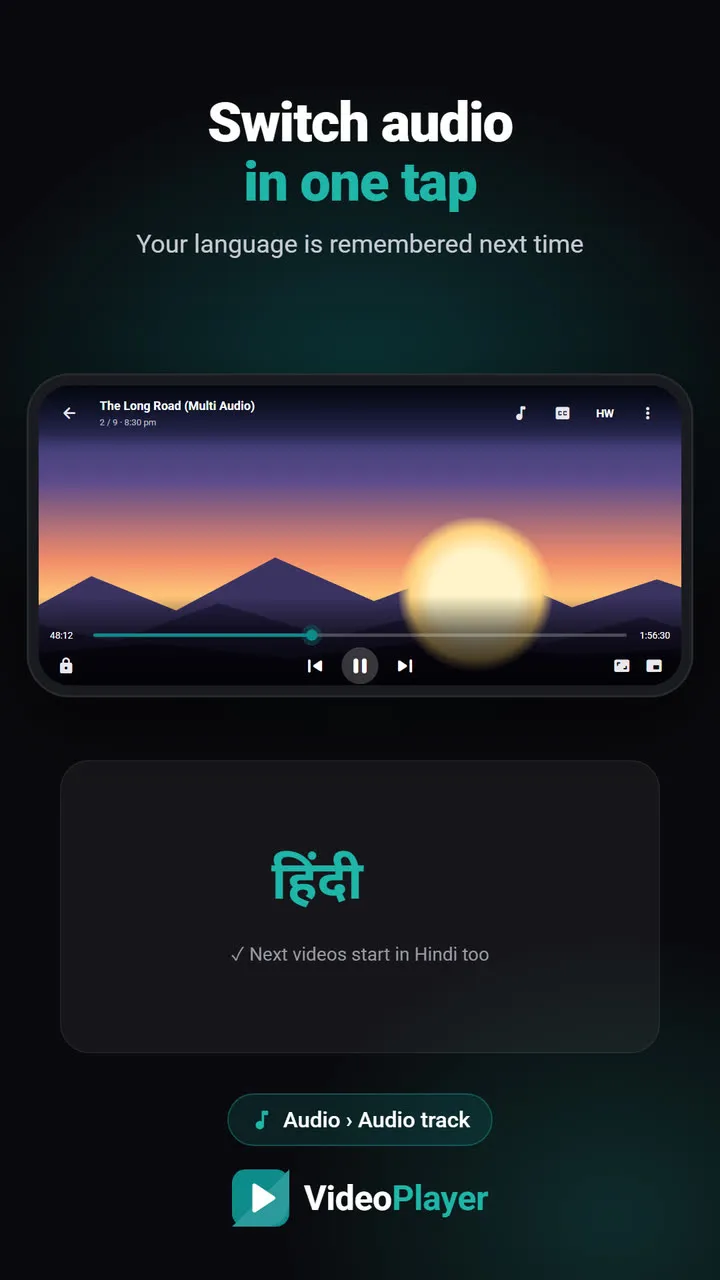
- For dual-audio files, tap the music-note button and choose the language you want. The track list shows the format, for example Hindi · 5.1 · E-AC3.
- If a track still crackles or stays silent on your particular phone, switch on Software audio decoder in the same panel. That forces FFmpeg for every track.
That’s the entire fix. No APK from a random website, no matching ARM version, no permission prompts.
Formats VideoPlayer decodes built in
| Sound format | Where you see it | VideoPlayer |
|---|---|---|
| EAC3 / DD+ / DDP5.1 | WEB-DL dual-audio movies, web series | ✓ |
| AC3 / Dolby Digital 5.1 | DVD rips, older dubbed films | ✓ |
| DTS, DTS-HD | Blu-ray rips | ✓ |
| Dolby TrueHD | Large Blu-ray remuxes | ✓ |
| AAC, MP3, Opus, FLAC, Vorbis | Almost everything else | ✓ |
Video formats work the same way: HEVC, 10-bit and AV1 files that the phone’s chip can’t handle are decoded in software. See fixing videos that won’t play for the video side.
EAC3 audio and 5.1 sound on a phone
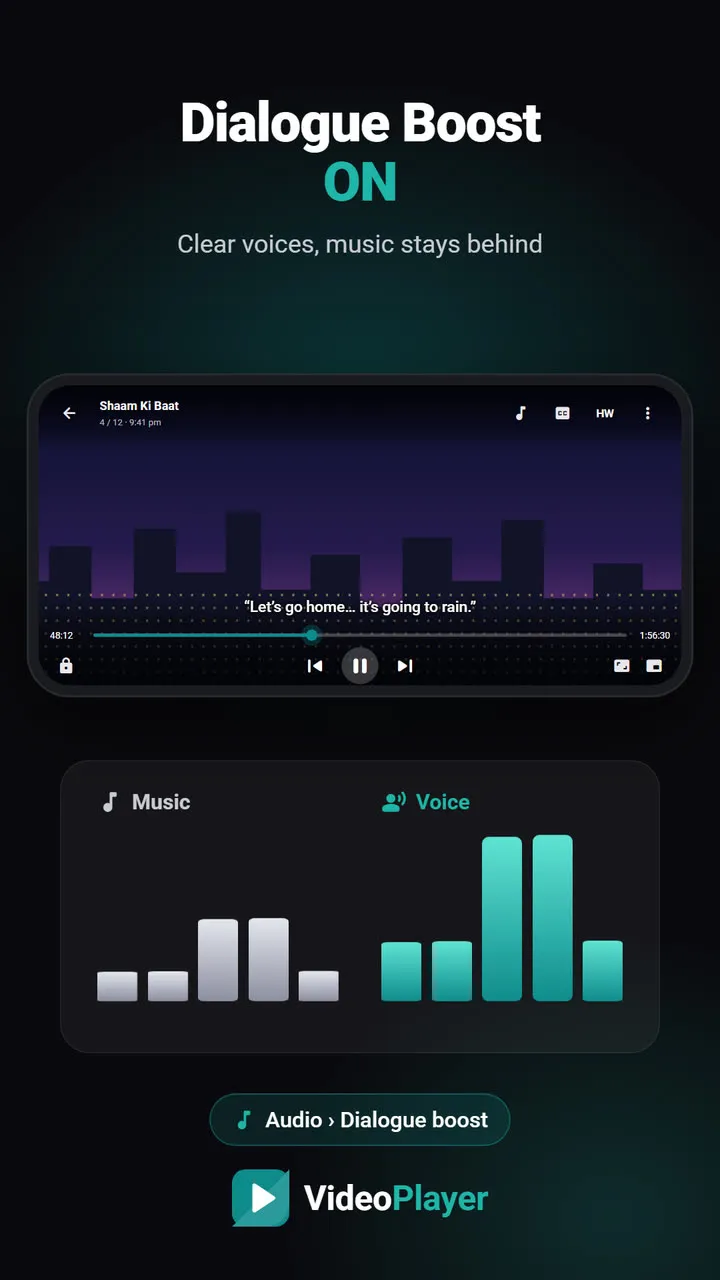
Most EAC3 tracks are 5.1 surround. VideoPlayer mixes the six channels down to your speaker or earphones properly, and if voices sound distant — common with 5.1 — Dialogue Boost lifts the centre channel where the dialogue lives. It’s the best way we know to watch DDP5.1 movies on a phone.
Still no sound? Check these
- Is the right track selected? Some files start with a commentary or a silent track. Pick another one under Audio.
- Is the phone on mute or the media volume at zero? Obvious, but it catches everyone once.
- Is the file complete? A partly downloaded file can have picture but a broken audio stream.
- Is Bluetooth connected to something else? The sound may be going to earbuds in your pocket.
If you switch between languages often, read how to change the audio language in dual-audio movies — VideoPlayer remembers your choice for the next files.
For background on the format itself, Wikipedia’s page on Dolby Digital Plus explains where EAC3 is used.
Frequently asked questions
How do I fix “EAC3 audio not supported”?
What does DDP5.1 mean in a movie name?
Does VideoPlayer play AC3 and DTS too?
Why does EAC3 audio play on my TV but not my phone?
Try it on your own videos
VideoPlayer is free, has no ads and needs no account. Every feature in this guide works offline.