VideoPlayer vs VLC for Android: An Honest Comparison
VLC for Android is one of the most respected apps on any platform: free, open source, no ads, and it plays nearly every file you throw at it. If you already use it happily, you may not need anything else. VideoPlayer is also free and ad-free and plays the same formats, but it adds AI and comfort features VLC doesn’t have yet. We make VideoPlayer — so here is a comparison that also says clearly where VLC is ahead.
VLC for Android vs VideoPlayer at a glance
| VideoPlayer | VLC for Android | |
|---|---|---|
| Price and ads | Free, no ads | Free, no ads |
| Open source | No | Yes (VideoLAN, non-profit) |
| MKV, HEVC, AC3 / E-AC3, DTS | Built in | Built in |
| AI subtitles from the audio | Yes, offline | Announced, not released yet |
| Auto-sync subtitles to the voices | Yes | Manual delay |
| Translate subtitles | Yes, offline | No |
| Two subtitle languages at once | Yes | No |
| Dialogue boost, night mode | Yes | Equalizer and volume boost |
| Skip intro, scene grid, dialogue search | Yes | No |
| Chromecast | No | Yes |
| Network shares (SMB, UPnP) | No — links and streams only | Yes |
| Android TV app | No | Yes |
Where VLC for Android is better
- Open source and non-profit. Anyone can read VLC’s code, and it has been trusted for over twenty years.
- Casting. VLC can send video to a Chromecast. VideoPlayer can’t yet.
- Your home network. VLC browses shared folders on a PC or NAS over SMB and UPnP. VideoPlayer plays direct links and streams (m3u8, DASH, RTSP) but doesn’t browse network folders.
- Everywhere. VLC runs on Android TV, Windows, Mac, Linux and iPhone too, so it feels the same on every screen.
Where VideoPlayer does more
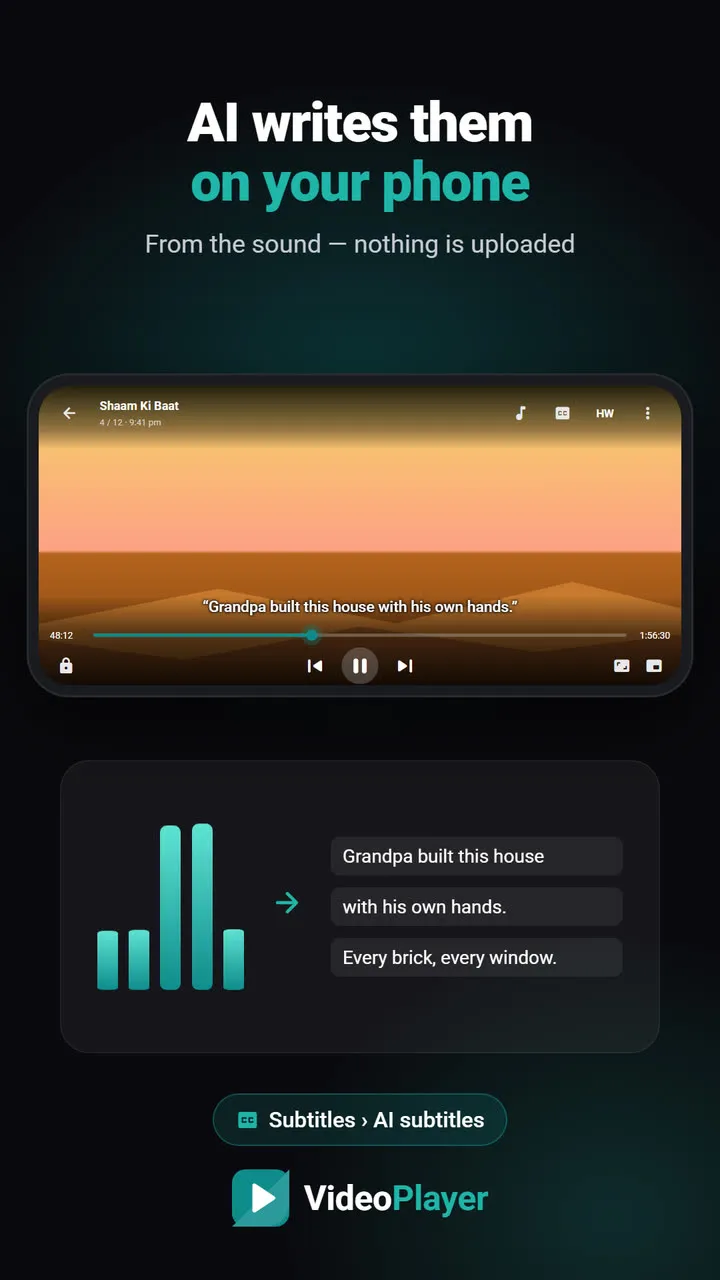
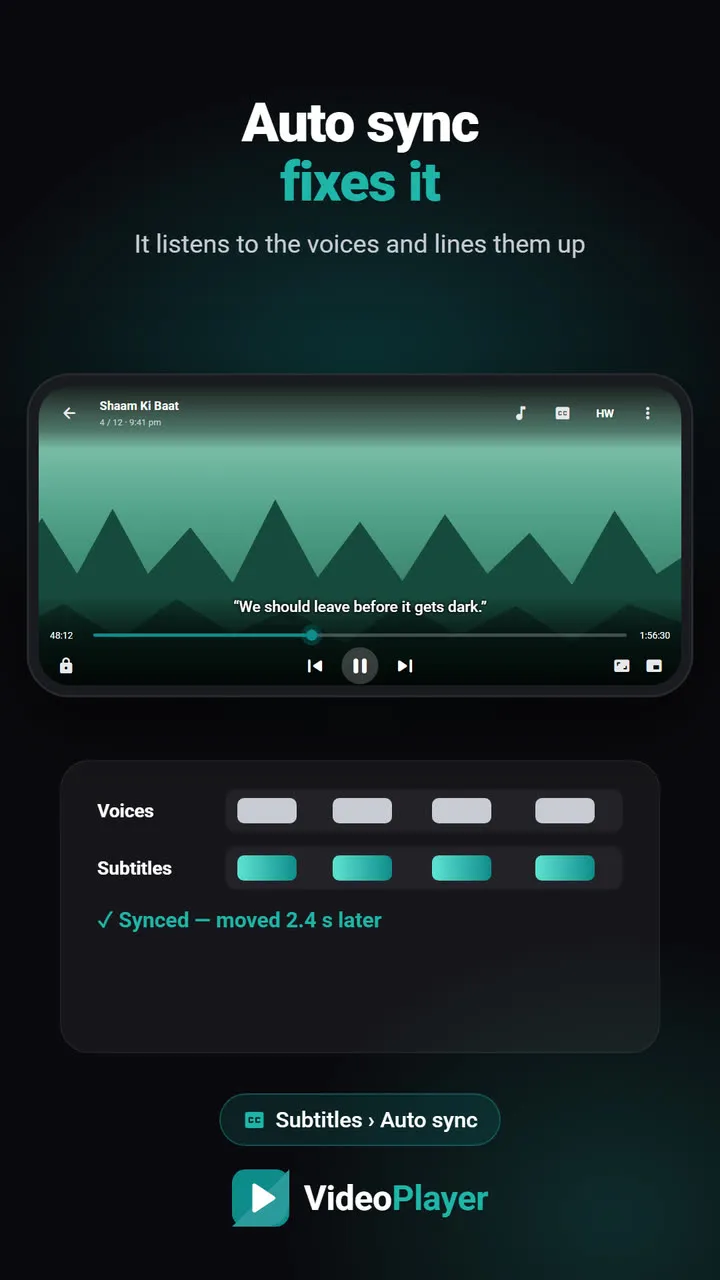
- AI on the phone. VideoPlayer writes subtitles from the audio with an on-device Whisper model, and syncs subtitles to the voices in seconds. VideoLAN demonstrated AI subtitles for VLC at CES 2025, but as of October 2026 they haven’t shipped in VLC for Android.
- Subtitles for learners and families: live translation into Hindi and other languages, and dual subtitles — your language below, another above.
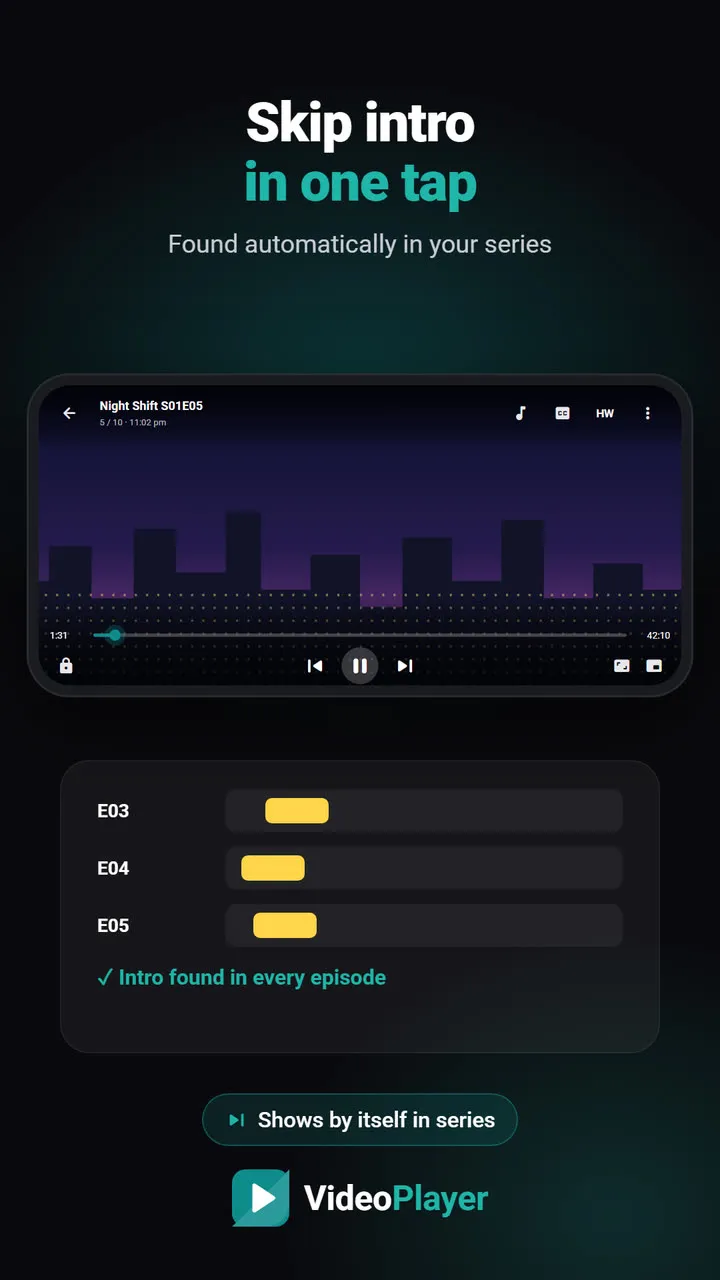
- Binge-watching comforts: skip intro in your own downloaded series, a scene grid to jump anywhere, and search for any line of dialogue.
- Sound made for real rooms: Dialogue Boost lifts voices over music, Night Leveler tames explosions, and the Bluetooth delay fix is remembered per earbud.
- Phone tools: WhatsApp status splitter, clip cutter, save audio, storage cleaner, battery estimate.
Interface and everyday use
VLC for Android has a lot of options, which power users love and newcomers sometimes find busy. VideoPlayer keeps the screen minimal — a quick bar of six buttons you choose, everything else one tap away under More — and its library is built around folders, Continue watching and NEW badges. Both support gestures for brightness, volume and seeking, picture-in-picture, background audio and a sleep timer.
Which one should you use?
- Pick VLC for Android if you cast to a TV, play from a PC or NAS on your Wi-Fi, use Android TV, or care most about open source.
- Pick VideoPlayer if you watch downloaded films and series on your phone and want AI subtitles, auto sync, translation, dual subtitles or dialogue boost.
- Many people keep both — VLC for the TV and network, VideoPlayer for the phone.
Not sure yet? Our best video player for Android guide compares six players, and the MX Player comparison covers the other big name.
Get VLC from VideoLAN’s official page.
Frequently asked questions
Is VLC for Android better than VideoPlayer?
Does VLC for Android have AI subtitles?
Do both play AC3, E-AC3 and DTS?
Can I use VideoPlayer and VLC together?
Try it on your own videos
VideoPlayer is free, has no ads and needs no account. Every feature in this guide works offline.
Compare
Best video player for Android
Six players, honest pros and cons, and which one fits you.
Read comparison →VideoPlayer vs MX Player
Ads, Dolby sound, AI subtitles — and where MX Player still wins.
Read comparison →