The Best Video Player for Android in India (2026): 6 Players Compared
There is no single best video player for Android for everyone — someone who casts films to a TV needs something different from a student watching recorded lectures or a family watching dubbed movies on one phone. Below are six good players, all free, with what each does best and where each falls short. One disclosure up front: we make VideoPlayer, which is on this list. We’ve tried to be as fair to the others as we’d want them to be to us.
Quick comparison
| Player | Ads | Dolby / DTS built in | AI subtitles | Chromecast | Open source |
|---|---|---|---|---|---|
| VideoPlayer | No | Yes | Yes | No | No |
| VLC for Android | No | Yes | Not yet | Yes | Yes |
| MX Player | Yes | Separate codec | No | — | No |
| Next Player | No | Yes | No | No | Yes |
| Just Player | No | Yes | No | No | Yes |
| mpv-android | No | Yes | No | No | Yes |
Based on each app’s official listing or project page in October 2026.
1. VideoPlayer — best video player for Android if you want AI features
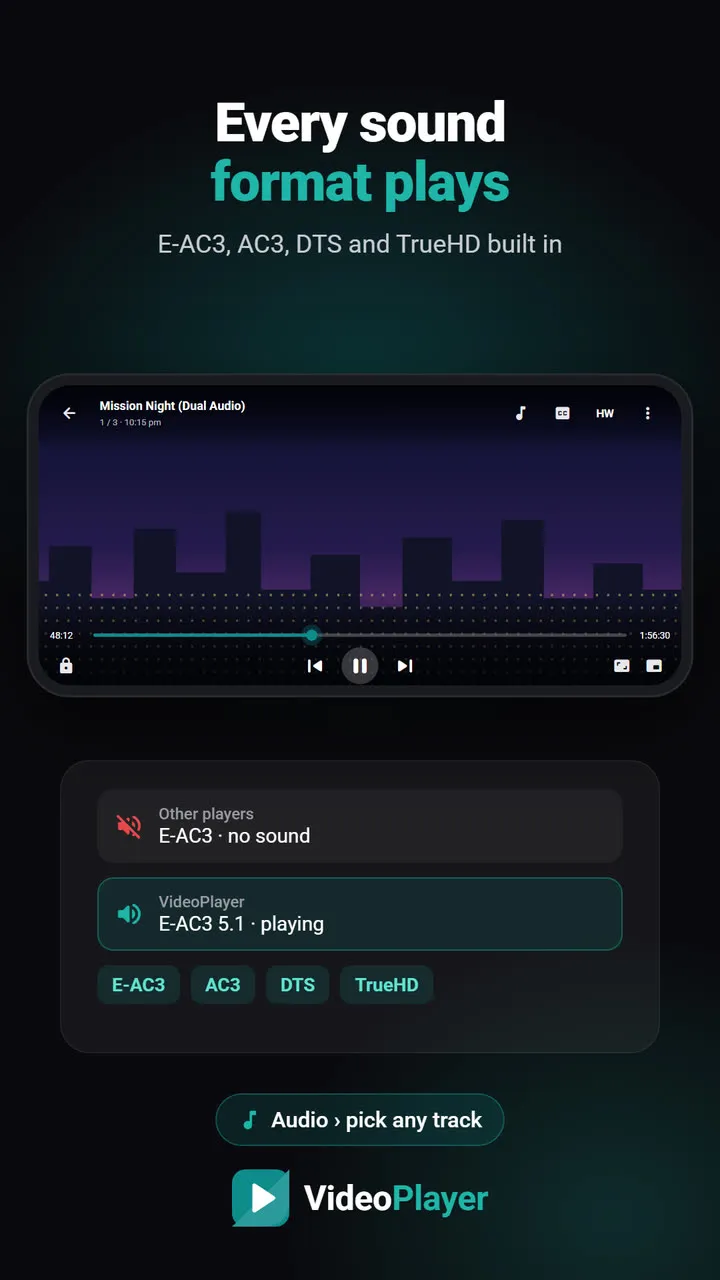
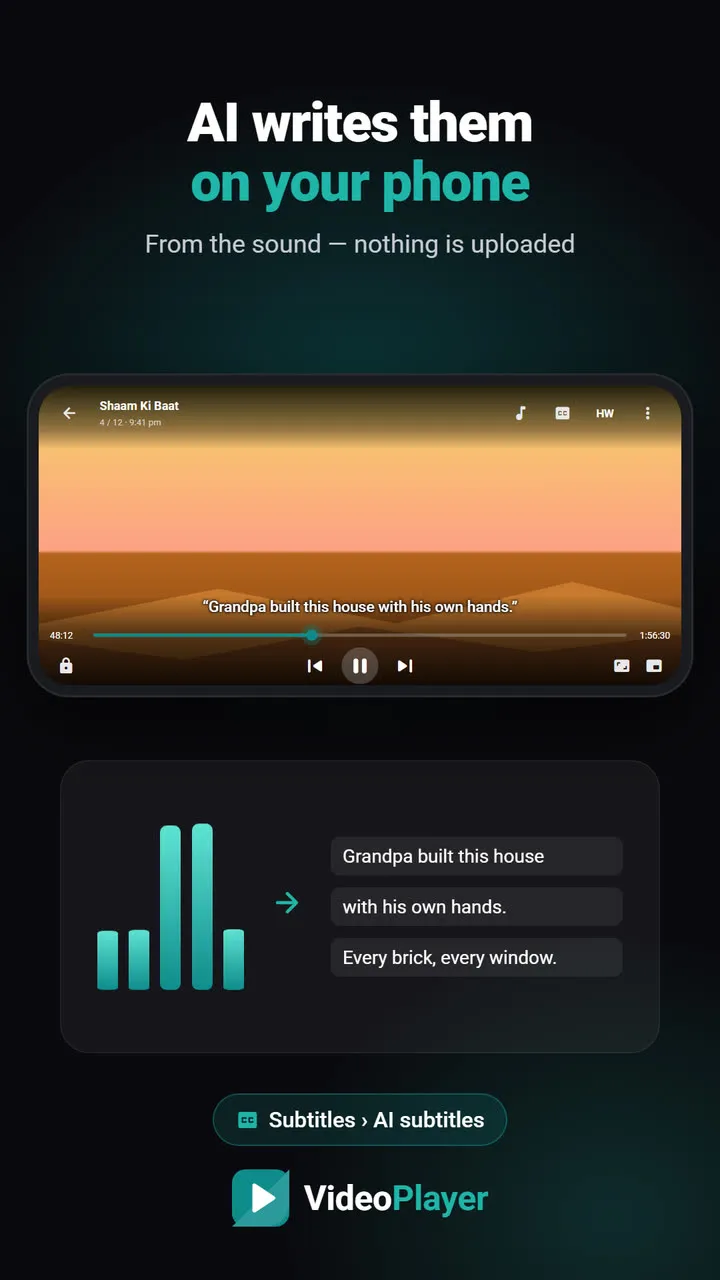
Good for: downloaded films and series, dual-audio movies, Hindi viewers, anyone who struggles with subtitles. It writes AI subtitles from the audio on the phone, syncs late subtitles to the voices, translates them, and plays Dolby and DTS sound without codec packs. Dialogue Boost and skip intro make long watching easier.
Falls short: no Chromecast, no network folders, no Android TV or iPhone app, and it’s new, with a much shorter track record than the others.
2. VLC for Android — best all-rounder and best open-source pick
Good for: people who want one trusted, ad-free player for everything — phone, Android TV, home network and Chromecast. It plays almost any format and is built by a non-profit.
Falls short: no AI subtitles or automatic subtitle sync yet, and its many options can feel busy. See VideoPlayer vs VLC.
3. MX Player — the familiar choice
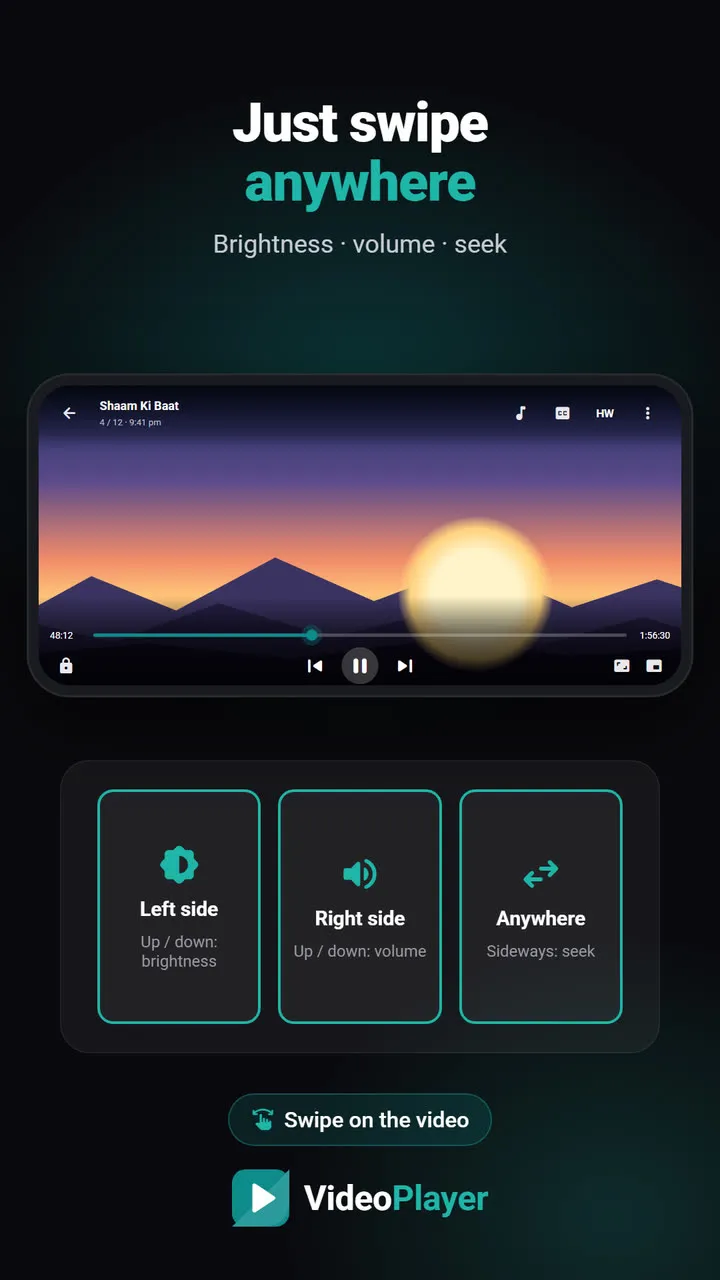
Good for: people who already know it. It has years of device testing, gestures that set the standard, and in-app subtitle search.
Falls short: ads in the free app, and Dolby AC3/E-AC3/DTS sound needs a separate Custom Codec download. See VideoPlayer vs MX Player.
4. Next Player — clean and open source
Good for: a simple, modern interface with no ads. It’s built on Google’s Media3 with FFmpeg audio decoders (the same open-source libraries VideoPlayer builds on), and supports gestures, picture-in-picture and the usual subtitle formats.
Falls short: its developer still describes it as in development, and it has fewer extras.
5. Just Player — the minimalist
Good for: people who want a fast player and nothing else. It uses ExoPlayer with FFmpeg audio, so Dolby and DTS work, and it opens files through Android’s own file picker.
Falls short: no library of its own and few settings — by design.
6. mpv-android — for enthusiasts
Good for: technical users who want mpv’s excellent playback and are happy to tune it with configuration files.
Falls short: a plain interface and a learning curve.
How to choose the best video player for Android
- Cast to TV or play from a PC? VLC.
- Dual-audio films, Hindi subtitles, AI help? VideoPlayer.
- Already happy with MX and don’t mind ads? Stay with MX Player.
- Want open source and simple? Next Player or Just Player.
- Love tweaking? mpv-android.
Whichever you pick, a few features make any player better on an Indian phone: make sure it plays E-AC3 sound, supports swipe gestures, and can boost quiet dialogue.
Project pages: Next Player, Just Player, mpv-android, VLC.
Frequently asked questions
What is the best video player for Android in 2026?
Which is the best video player for Android without ads?
Which best video player for Android plays AC3 and DTS?
Is VideoPlayer the best video player for Android for Indian users?
Try it on your own videos
VideoPlayer is free, has no ads and needs no account. Every feature in this guide works offline.
Compare
VideoPlayer vs MX Player
Ads, Dolby sound, AI subtitles — and where MX Player still wins.
Read comparison →VideoPlayer vs VLC
Two ad-free players that play everything — here is how they differ.
Read comparison →