VideoPlayer vs MX Player: Is It the MX Player Alternative You Want?
MX Player has been the default video player on Indian phones for over a decade, so if you’re searching for an MX Player alternative, you probably have a specific reason: the ads, the “audio format not supported” message on dual-audio films, or features it never added. We make VideoPlayer, so keep that in mind — but we’ve tried to write this the way we’d want to read it, including the things MX Player does better.
VideoPlayer vs MX Player at a glance
| VideoPlayer | MX Player | |
|---|---|---|
| Price | Free | Free |
| Ads | None | Yes, in the free app |
| Dolby AC3 / E-AC3, DTS sound | Built in | Needs a separate “Custom Codec” download |
| AI subtitles from the audio (offline) | Yes | No |
| Auto-sync subtitles to the voices | Yes | Manual delay only |
| Translate subtitles on the phone | Yes | No |
| Search and download subtitles online | No | Yes |
| Dialogue boost and night mode | Yes | No dedicated option |
| Skip intro in downloaded series | Yes | No |
| WhatsApp status splitter, clip cutter | Yes | No |
| Track record | New (2026) | 10+ years, hundreds of millions of users |
MX Player details are from its Google Play listing and help pages as of October 2026. Apps change, so check the current listing too.
Where MX Player is still better
- Online subtitles. MX Player can search for and download subtitle files from inside the app. In VideoPlayer you add a file you already have — or let AI write one.
- Years of testing. MX Player has run on almost every Android phone ever sold in India. VideoPlayer is new; if something misbehaves on your phone, please tell us.
- Streaming content. MX Player also carries shows and films to stream. VideoPlayer is only a player for your own files and links.
Why people pick VideoPlayer as an MX Player alternative
- No ads at all — not before a video, not on pause, not in the library.
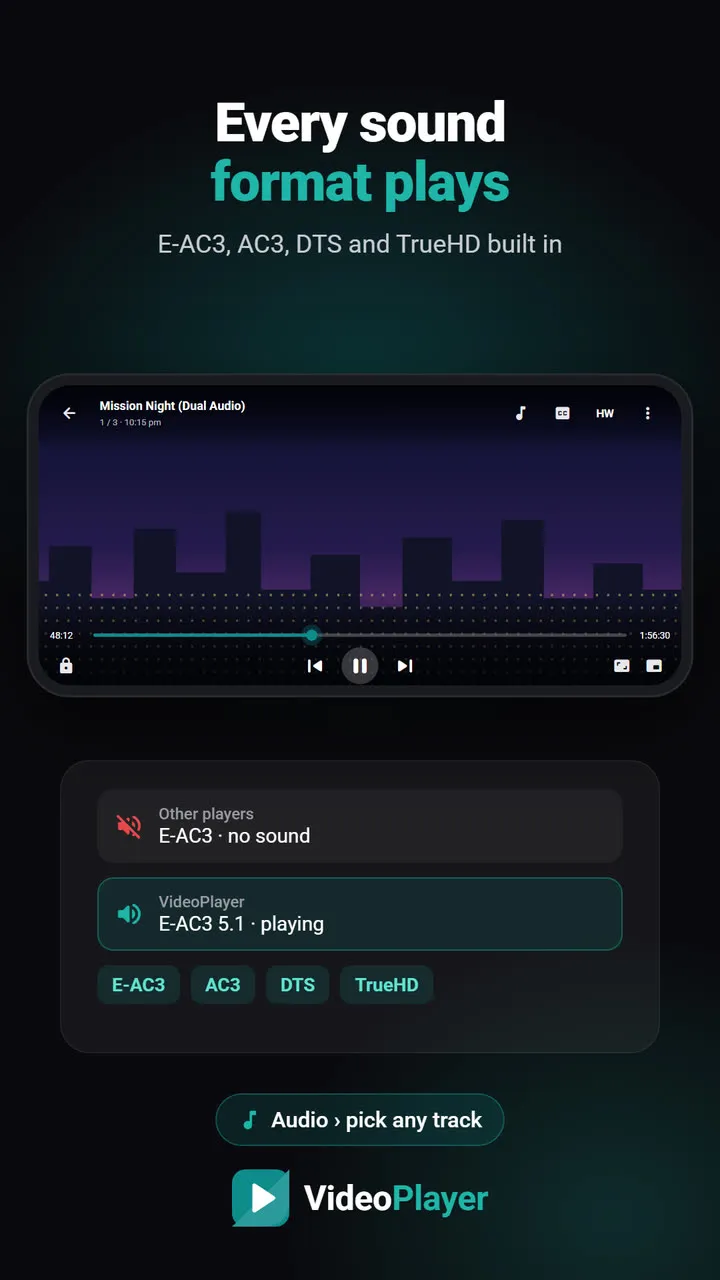
- Dolby and DTS sound just work. Dual-audio movies with E-AC3 or DTS tracks play with sound straight away, with no codec file to hunt for. See why E-AC3 shows “not supported”.
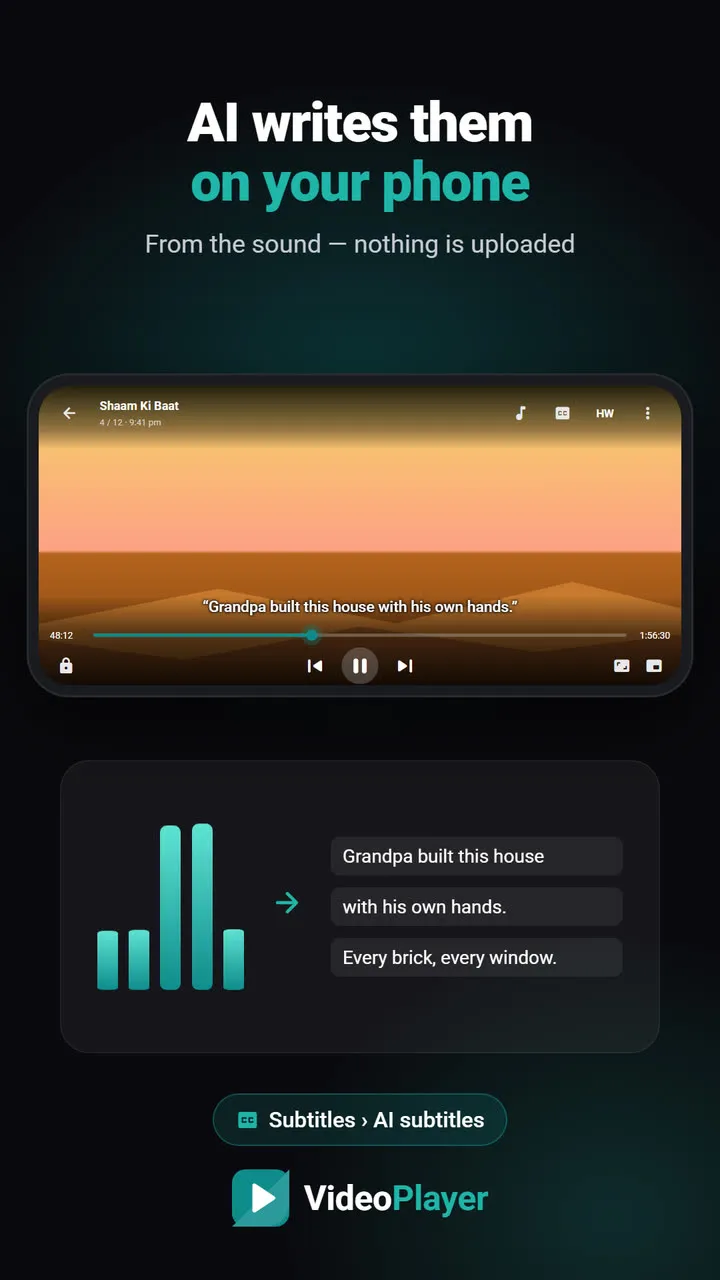
- AI that runs on the phone: subtitles written from the audio, subtitles synced to the voices, translation into Hindi and other languages — all offline after a one-time download.
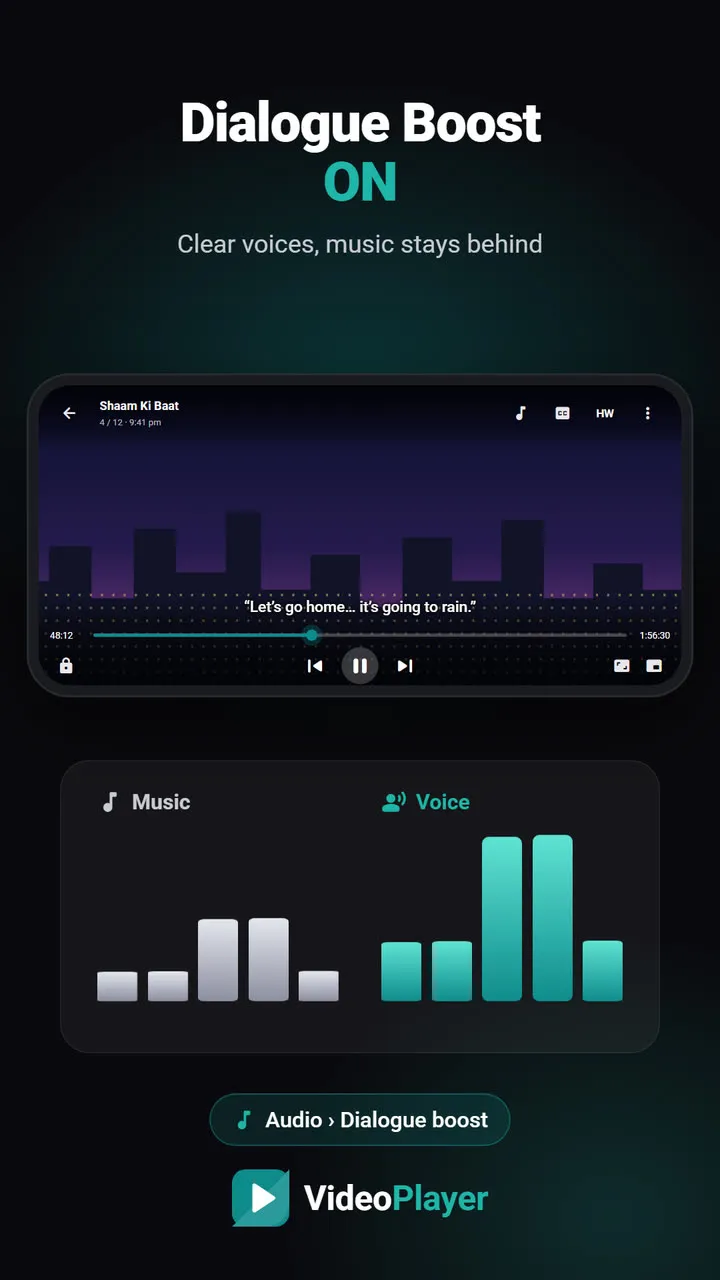
- Sound fixes for Indian homes: Dialogue Boost for quiet voices, Night Leveler for late nights, a per-earbud Bluetooth delay fix.
- Everyday tools MX Player never added: split a long video into WhatsApp status parts, cut a clip, save the audio, free up space from watched videos.
The Dolby sound question
This is the most common reason people search for an MX Player alternative. Many dual-audio films carry Dolby Digital (AC3), Dolby Digital Plus (E-AC3) or DTS sound. Because of licensing, the Play Store version of MX Player doesn’t include those decoders; you have to find and install a separate Custom Codec package that matches your app version and phone. VideoPlayer ships with FFmpeg decoders built in, so the same files play with sound out of the box.
Ads, privacy and size
VideoPlayer has no ads and no account, and your videos never leave your phone; it only goes online for optional downloads such as an AI model (31–181 MB) or a translation language. The direct APK is about 29 MB; Google Play usually delivers a smaller download for your phone. MX Player is free because it shows ads, and it includes a streaming section — a fair trade for many people, but not for everyone.
Which one should you install?
- Choose MX Player if you rely on in-app subtitle search, want streaming shows in the same app, or simply prefer the player you know.
- Need to cast to a TV? Neither is the best pick — VLC for Android has Chromecast support; VideoPlayer doesn’t yet.
- Choose VideoPlayer if you want an ad-free MX Player alternative that plays Dolby/DTS films with sound, and you’d use AI subtitles, auto sync or dialogue boost.
- They can live side by side. Android lets you pick which one opens videos.
Switching from MX Player
The basics will feel familiar: swipe left for brightness, right for volume, sideways to seek, double-tap to skip, and a lock button for kids — see gestures. Videos resume where you stopped, and your folders show up the same way. To make VideoPlayer the default, open a video from your file manager and choose “Always”.
MX Player’s own listing is on Google Play if you want to compare yourself.
Frequently asked questions
What is the best MX Player alternative without ads?
Why does MX Player say audio format not supported?
Is this MX Player alternative safe?
Can this MX Player alternative cast to a TV?
Try it on your own videos
VideoPlayer is free, has no ads and needs no account. Every feature in this guide works offline.
Compare
Best video player for Android
Six players, honest pros and cons, and which one fits you.
Read comparison →VideoPlayer vs VLC
Two ad-free players that play everything — here is how they differ.
Read comparison →