Sync Subtitles Online — Shift or Stretch SRT Timing for Free
The subtitles appear two seconds after the actor speaks, or worse, they start fine and are half a minute off by the interval. This free tool lets you sync subtitles online without installing anything: move every line by the same amount, or stretch the timing so a drifting file lines up from start to finish. Your file is processed in your browser and never leaves your device.
Minus = subtitles appear earlier. Plus = later.
🔒 Runs in your browser — your file is never uploaded.
How to sync subtitles online with this tool
- Open your subtitle — tap the box above and pick the .srt, .vtt or .ass file, or paste the text.
- Find the offset. Play the video and note when the first spoken line really starts. Compare it with the time the subtitle shows.
- Choose “Move all lines” and type the difference in seconds: a minus number makes subtitles appear earlier, a plus number makes them later. The −1 / +1 buttons help you nudge it.
- Download the fixed file. It keeps the same name with “synced” added, ready to load in any player.
Move all lines or fix drift?
There are two kinds of out-of-sync subtitles, and they need different fixes:
| What you see | Cause | Use |
|---|---|---|
| Always the same gap, start to end | The video has an extra logo or recap at the start, or it was cut differently | Move all lines |
| Fine at first, worse and worse later | The subtitle was made for a version with a different frame rate (for example 23.976 vs 25 fps) | Fix drift |
A frame-rate mismatch is more common than people think. A film released at 23.976 frames per second and a TV copy running at 25 are about 4% apart in speed — on a two-hour film that adds up to roughly five minutes. No single shift can fix that; the timing has to be stretched.
How to fix subtitles that drift
- Choose Fix drift (two points).
- Pick a line near the start (line 1 is preselected) and type when it is actually spoken in the video, like 1:12.
- Pick a line near the end (the last line is preselected) and type its real time, like 1:58:40.
- Every line in between is moved proportionally, so the whole file lines up. The tool shows the speed change it applied.
Tip: avoid lines that are sound descriptions like [music] or song lyrics — pick clear spoken lines you can time exactly.
Supported formats
You can sync subtitles online here in the three formats you’ll meet most:
- SRT (SubRip) — the most common subtitle format. Numbers and text are kept as they are.
- VTT (WebVTT) — used on the web. Cue settings like position are preserved.
- ASS / SSA — styled anime subtitles. Only the start and end times change; fonts, colours and positions stay untouched.
Need a different format? Use the SRT to VTT converter. Letters look like é or boxes? Fix them first with the subtitle encoding fixer.
Sync subtitles automatically on Android
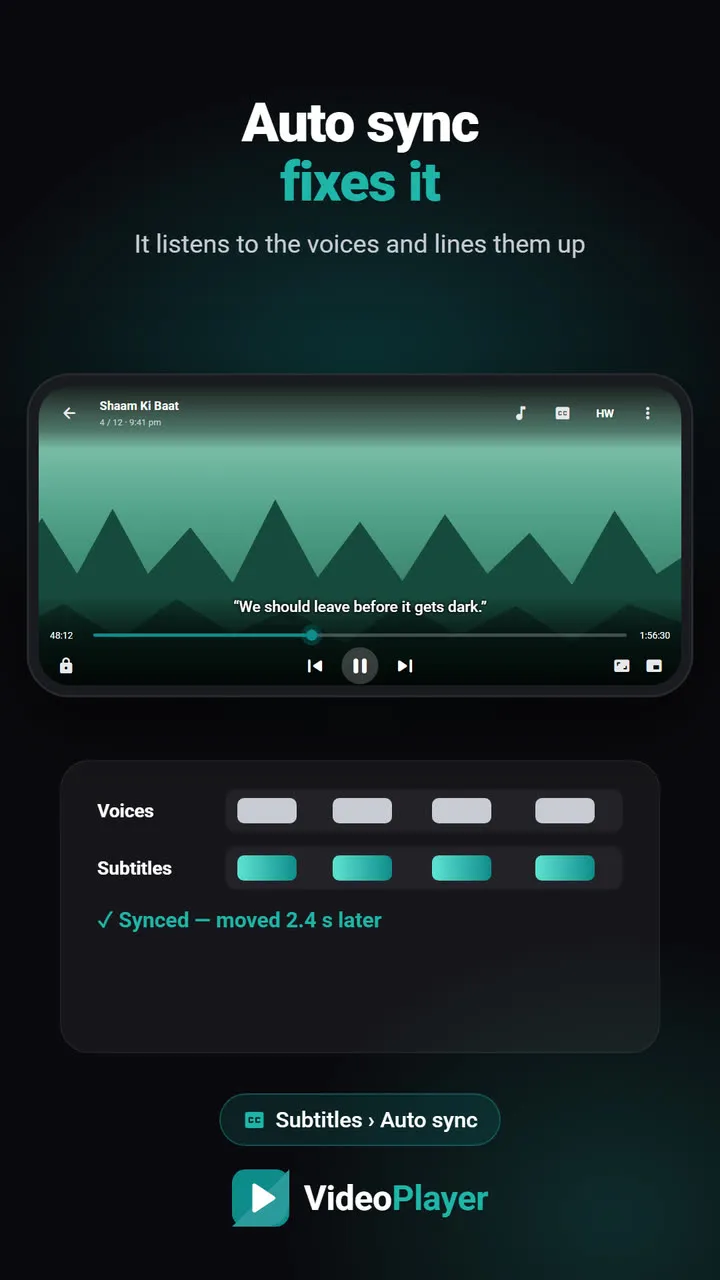
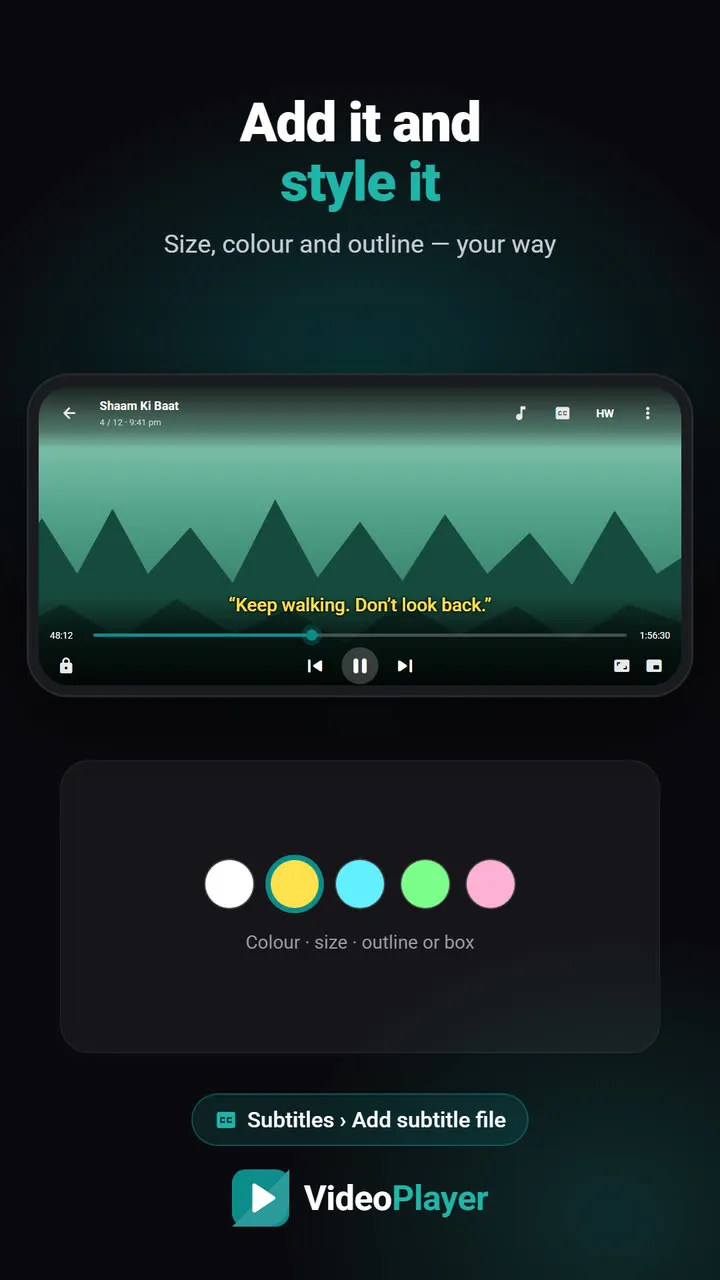
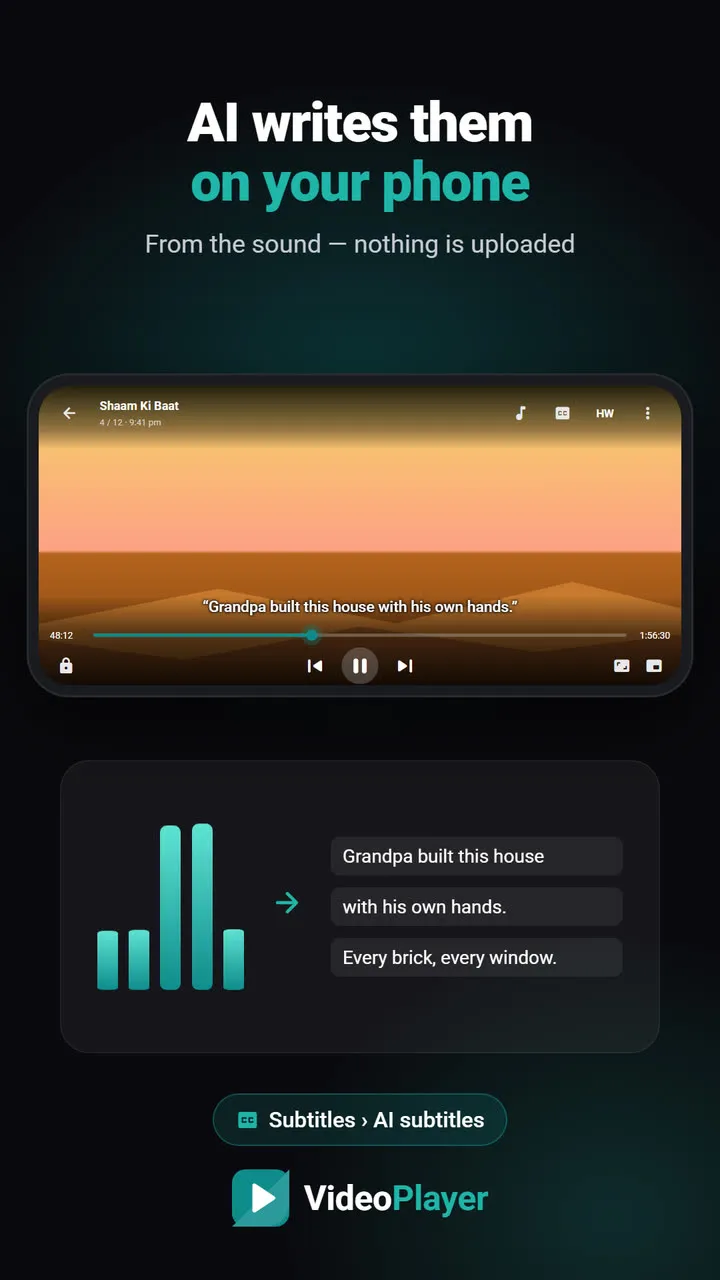
Being able to sync subtitles online is handy on a laptop, but on a phone there is a faster way. VideoPlayer listens to the voices in the film and lines the subtitle up for you in about ten seconds — no stopwatch, no typing. See how auto sync works, or how to add a subtitle file to a video in the first place. No subtitle at all? AI subtitles can write one from the audio.
The SRT format itself is simple and well documented — Wikipedia’s SubRip article shows exactly how each line is built.
Frequently asked questions
How do I sync subtitles online?
Is my subtitle file uploaded when I sync subtitles online here?
My subtitles get more out of sync over time. What do I do?
Which formats can I sync?
Try it on your own videos
VideoPlayer is free, has no ads and needs no account. Every feature in this guide works offline.
Free tools
SRT ⇄ VTT converter
SRT to VTT, VTT to SRT, and ASS to either — in your browser.
Open tool →Encoding fixer
é and ?? back to real letters, saved as UTF-8.
Open tool →