SRT to VTT Converter — Change Subtitle Format in One Click
Web video players, HTML5 <track> tags and many course platforms want WebVTT, while most subtitles you download are SRT. This free tool converts SRT to VTT in one click, and the other way round too. It also flattens styled ASS/SSA anime subtitles into plain SRT or VTT. The conversion happens in your browser, so private files stay private.
🔒 Runs in your browser — your file is never uploaded.
How to convert SRT to VTT
- Tap the box above and choose your .srt file, or paste the subtitle text.
- Leave Convert to on Automatic: SRT becomes VTT, VTT becomes SRT. Or pick the format you want.
- Check the preview — the first lines of the new file appear right away.
- Tap Download. The file keeps its name with the new extension.
What changes between SRT and VTT
| SRT | VTT | |
|---|---|---|
| First line of the file | Starts straight with cue 1 | Must start with WEBVTT |
| Time format | 00:01:02,500 | 00:01:02.500 |
| Cue numbers | Required | Optional |
| Styling | <i>, <b>, <u>, often <font> | <i>, <b>, <u>, CSS classes |
| Where it’s used | Downloaded films, most players | Web players, YouTube uploads, e-learning |
The converter handles all of this: it adds the header, swaps commas for dots, keeps italics and bold, and removes <font> tags that browsers would show as raw text.
VTT to SRT and ASS to SRT
Going the other way is just as easy — open a .vtt file and you get a numbered SRT that plays on TVs, old DVD players and video editors. For ASS/SSA files from anime releases, the converter keeps the text and timing, turns line breaks (\N) into real ones and drops the styling codes. Signs and karaoke effects are flattened into plain lines, which is what simple players expect.
When you need to convert SRT to VTT
- Adding captions to a website video with the HTML5
<track>element. - Uploading lessons to a course platform that only accepts WebVTT.
- Using subtitles in a browser-based player or a streaming test page.
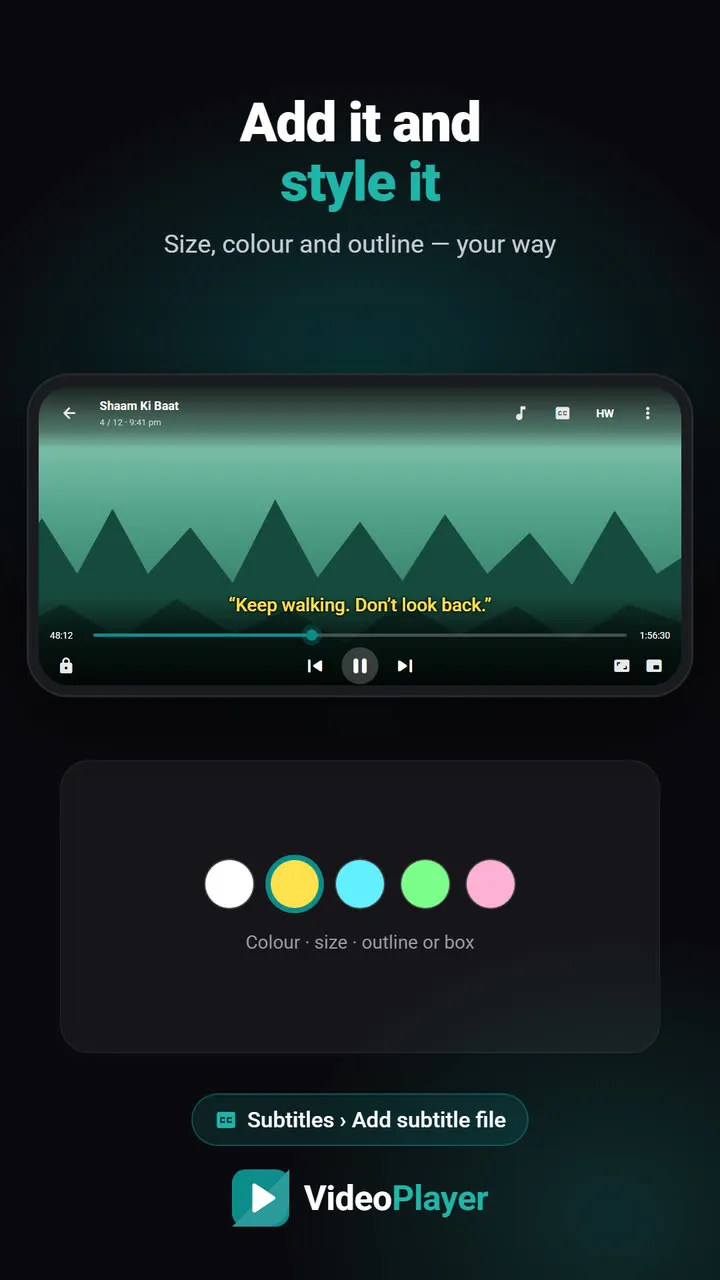
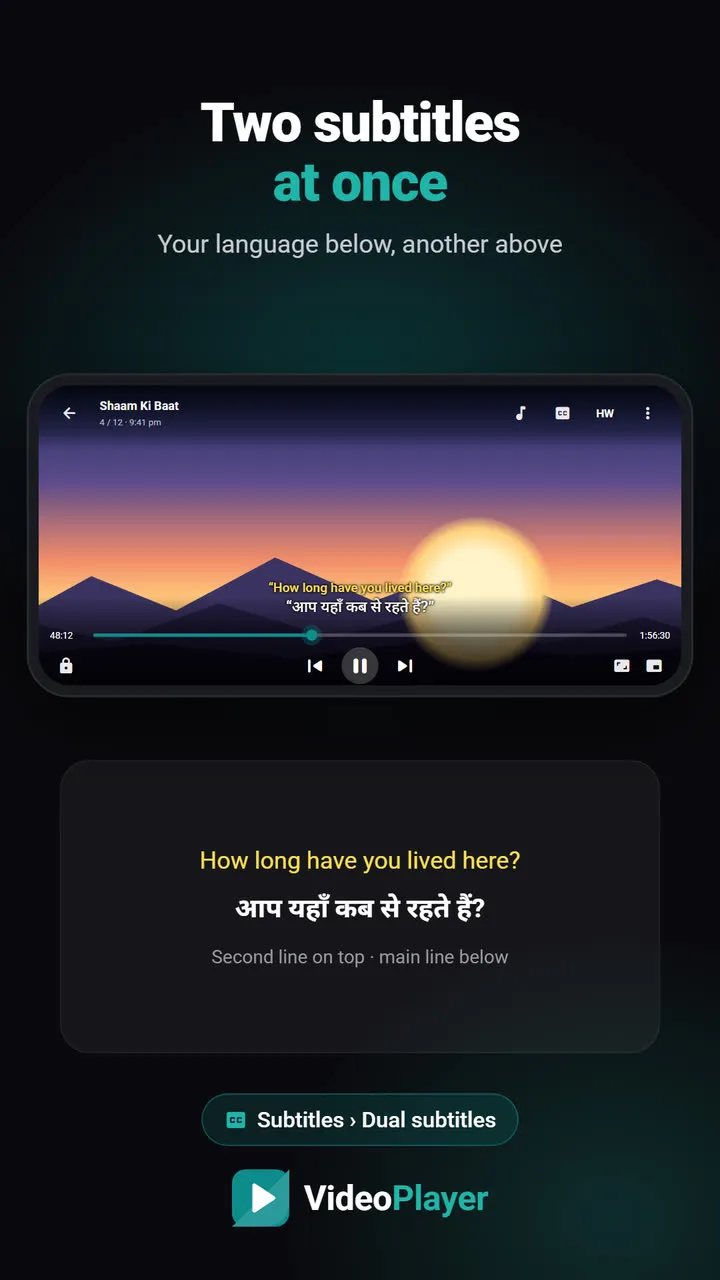
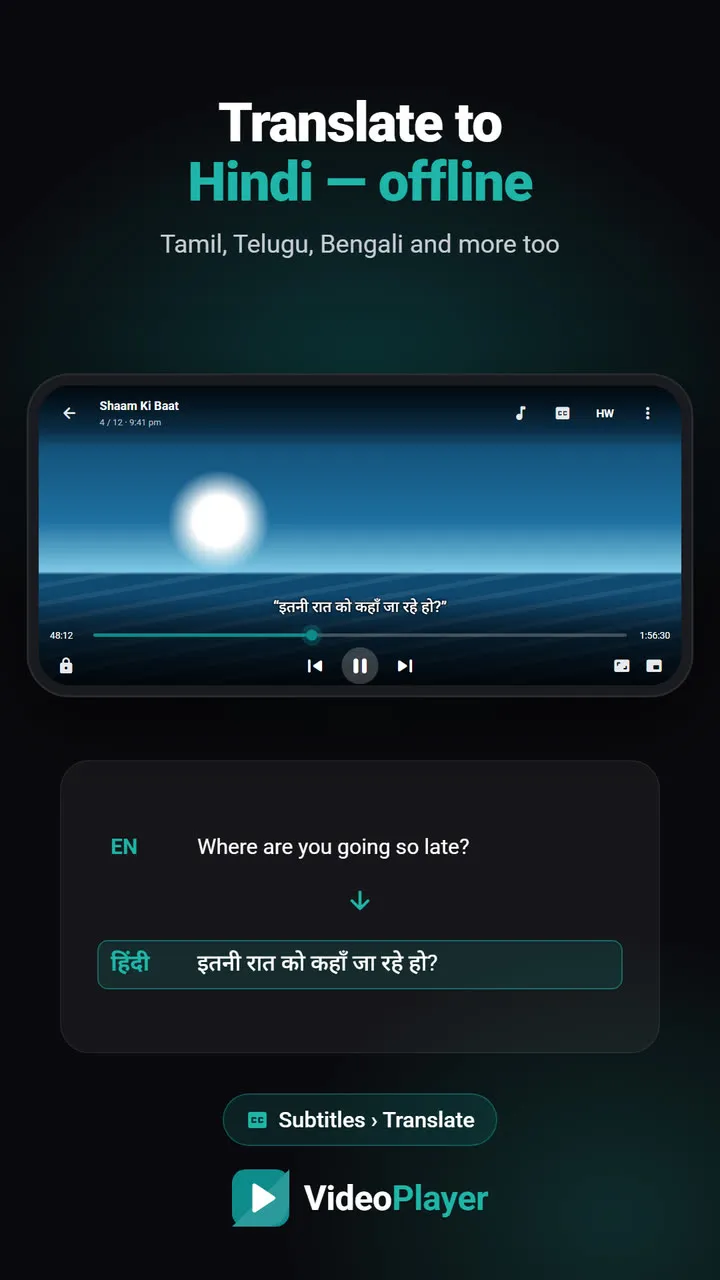
And when you don’t: on your phone, a good player reads SRT, VTT and ASS directly. VideoPlayer opens all three — see how to add subtitles to a video, show two subtitle languages at once, or translate English subtitles to Hindi.
VTT not showing after you convert SRT to VTT?
- Check the server. Browsers expect .vtt files to be served as
text/vtt. A wrong type, or a file on another domain without CORS headers, means the captions silently don’t load. - Turn the track on. Add
defaultto the<track>tag, or captions stay off until the viewer picks them. - Keep it UTF-8. The converter always saves UTF-8, which is what WebVTT requires — but if you edit the file later, save it as UTF-8 again.
Get those three right and an SRT to VTT conversion plays in every modern browser.
More free subtitle tools
Timing off? Use the subtitle sync tool. Seeing é or ?? instead of letters? Run the file through the encoding fixer before converting.
The full WebVTT format is defined by the W3C in the WebVTT specification.
Frequently asked questions
How do I convert SRT to VTT?
Is the SRT to VTT converter free?
Can I convert VTT back to SRT?
Does it work with ASS anime subtitles?
Try it on your own videos
VideoPlayer is free, has no ads and needs no account. Every feature in this guide works offline.
Free tools
Subtitle sync tool
Move every line earlier or later, or fix subtitles that slowly drift.
Open tool →Encoding fixer
é and ?? back to real letters, saved as UTF-8.
Open tool →