How to Increase Dialogue Volume in Movies (Without Blasting the Music)
You turn the volume up to hear what the hero is whispering, then the background score kicks in and the whole house wakes up. If that sounds familiar, the problem isn’t your ears or your phone speaker — it’s how most films are mixed. The good news: you can raise the dialogue volume on its own, without making the music and explosions louder, with a single switch in VideoPlayer.
Why dialogue volume is so low in movies
Cinema soundtracks are made for big theatres with a speaker behind the screen just for voices. In a 5.1 mix, that speaker is the centre channel. Music and effects go to the left, right and surround speakers.
When a phone plays that 5.1 track, it has to squeeze six channels into two tiny speakers or a pair of earphones. During that “downmix” the centre channel — the voices — usually ends up quieter than everything around it. Dubbed films make it worse, because the new language track is often mixed in a hurry against a loud original score.
So you get the classic problem: low dialogue volume and loud action, in the same scene.
How to increase dialogue volume in VideoPlayer
- Open any video and tap the screen once to show the controls.
- Tap the music-note button at the top (the Audio panel).
- Under Sound, switch on Dialogue boost.
That’s it. The change is instant — no reload, no seeking. If you use it a lot, pin it to the quick bar under the title: tap the arrow, then Customise quick actions and tick Dialogue boost.
What Dialogue Boost actually does
It’s not a louder volume knob. It works on the sound before it reaches the speaker:
- 5.1 and 7.1 tracks: the centre channel (where the voices live) is lifted and the other channels are lowered slightly, so the downmix keeps the actors in front.
- Stereo tracks: voices sit in the middle of a stereo mix, so VideoPlayer boosts the “mid” part of the sound around the speech frequencies (roughly 1–4 kHz) and gently narrows the wide music and effects.
- No clipping: a soft limiter rounds off peaks, so boosted voices never crackle.
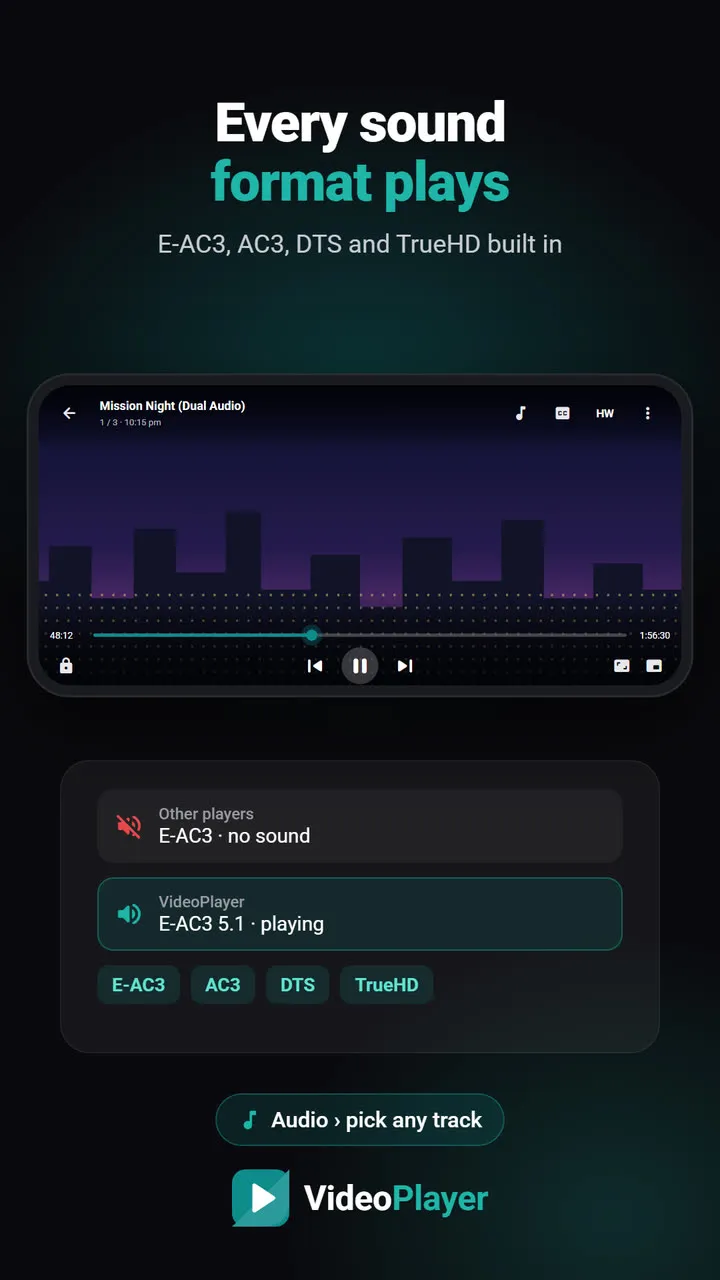
Because it works on the decoded sound, it works with every format VideoPlayer plays — including E-AC3, AC3 and DTS tracks that many players can’t even decode.
Dialogue volume vs. normal volume: which to use?
| Problem | Best fix |
|---|---|
| Voices are buried under music | Dialogue Boost |
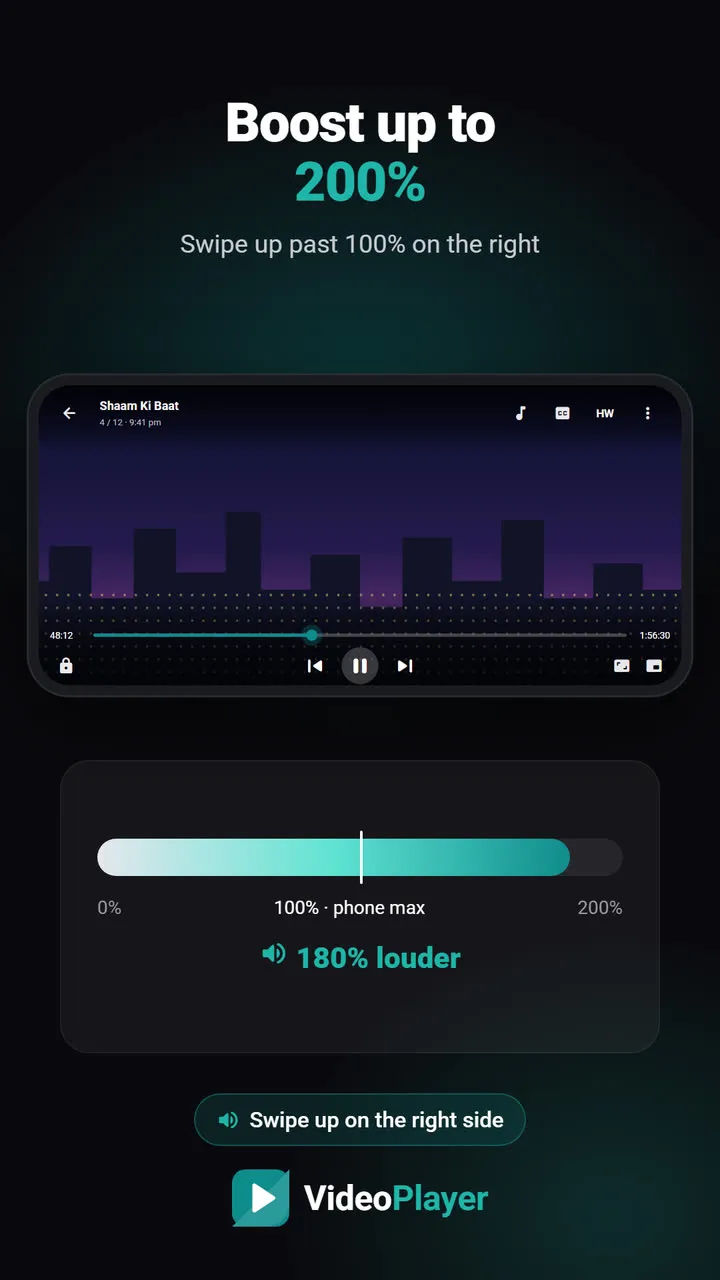
| Everything is too quiet, even at full volume | Volume boost up to 200% |
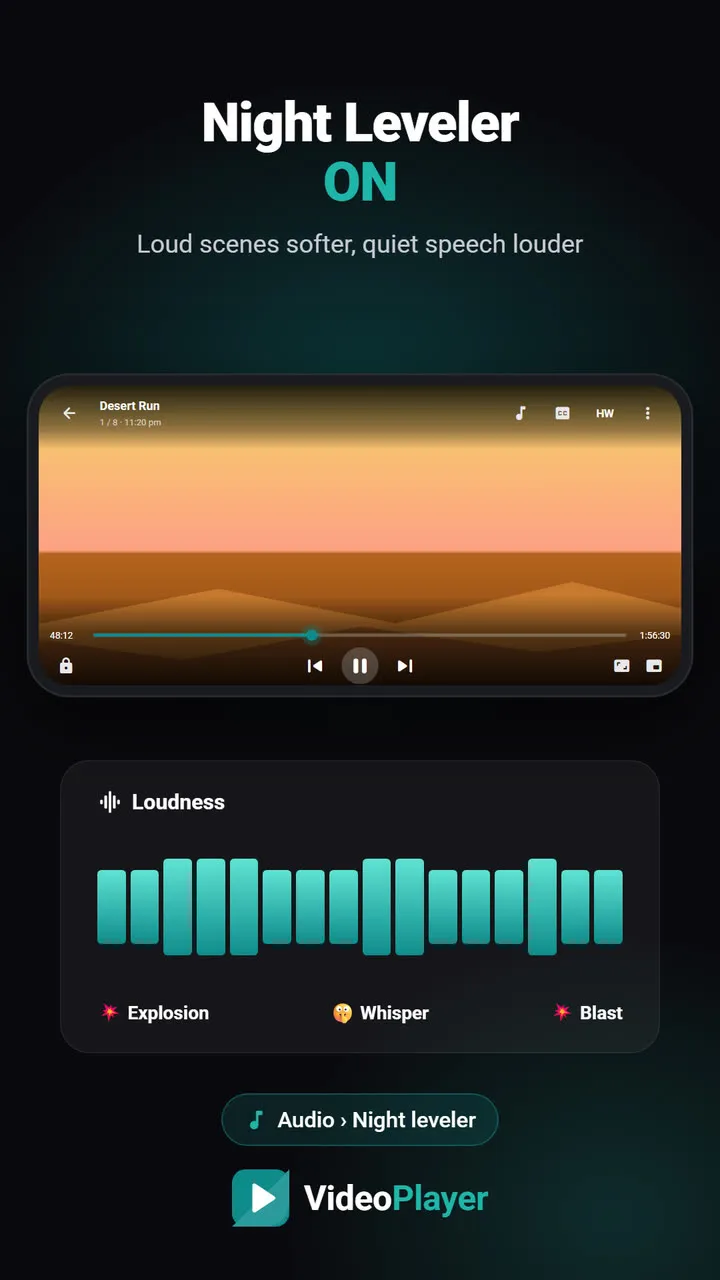
| Explosions too loud, whispers too soft (at night) | Night Leveler |
They also work together. For late-night watching with earphones, Dialogue Boost plus Night Leveler is the most comfortable combination we’ve found.
Tips for the clearest dialogue
- Pick the right audio track. Dual-audio files often have a 5.1 and a stereo version of the same language. Dialogue Boost works best on the 5.1 track, because it can reach the centre channel directly.
- Turn off the phone’s own “sound effects”. Some phones add their own surround or bass effects that push voices back again.
- Use subtitles for whispered scenes. No processing can recover words that were mixed far below the music. If a line is still unclear, sync a subtitle file and read along.
Where dialogue volume problems hit hardest
We tested Dialogue Boost on the kind of files people actually watch on their phones, and three situations stood out:
- South Indian films dubbed into Hindi. The dubbed voices are often recorded quieter than the original score. Boost makes the biggest difference here.
- Web series with “cinematic” mixes. Streaming shows are mixed for home theatres with a wide dynamic range, so quiet conversations get lost on a phone speaker.
- Old TV episodes and lectures. These are usually stereo with a hiss or a hum underneath. The voice band boost lifts the speaker above the noise.
Where it helps less: concerts and music videos (there’s no dialogue to separate), and tracks where the voice was recorded badly in the first place. If a scene still sounds muddy, switch to the other audio track of the same language if the file has one — the 5.1 version is usually cleaner.
Dialogue Boost runs entirely on your phone. Nothing is uploaded, and it doesn’t use any extra battery you’d notice.
Curious about how cinema sound is laid out? Wikipedia has a clear explanation of 5.1 surround sound and why the centre channel carries the dialogue.
Frequently asked questions
How do I increase dialogue volume without increasing the music?
Why is dialogue volume low only in some movies?
Does Dialogue Boost work with earphones and Bluetooth?
Will Dialogue Boost drain my battery?
Try it on your own videos
VideoPlayer is free, has no ads and needs no account. Every feature in this guide works offline.