Skip Intro for Downloaded Series: How VideoPlayer Finds the Opening
Streaming apps have spoiled us: the theme song starts and a Skip intro button appears. Watch the same series from downloaded files and you’re back to dragging the seek bar every single episode, usually overshooting into the first scene. VideoPlayer brings the skip intro button to your own files — it works out where the opening is by itself, without any internet.
How skip intro works on your own files
Streaming services mark intros by hand. Your downloaded episodes have no such markers, so VideoPlayer finds them the clever way: it compares the sound of two episodes from the same series.
- When you play an episode (with a name like S01E05, E05, Episode 5 or 1x05), VideoPlayer looks at the next episode in the folder.
- A few seconds after playback starts, it listens to the first six minutes of both, turning the sound into compact audio fingerprints.
- The intro is the stretch of at least 15 seconds that sounds the same in both — the theme song and title music — even if it starts at a different time in each episode.
- The result is saved for both episodes, so the next ones are ready instantly.
When the intro begins, a Skip intro button appears at the bottom right. Tap it and you land exactly where the episode begins.
Do I need to set up skip intro?
No. There’s nothing to switch on. As long as the episodes are in one folder and their names contain an episode number, the button simply appears when there’s an intro to skip. If two episodes don’t share an opening — a pilot, a special, a series with no theme song — nothing is shown.
When skip intro works best
- Anime and TV series with a fixed opening theme: near-perfect.
- Cold opens before the theme (a scene, then the titles): handled — the intro is found wherever it starts.
- Different releases mixed in one folder (different audio encodes): usually still works, because fingerprints compare the sound pattern rather than exact bytes.
- Intros longer than about 2½ minutes are ignored on purpose, so a long shared recap is never skipped by mistake.
Tips for smooth binge-watching
- Keep episodes in one folder and leave the episode numbers in the names.
- Turn on Auto-play next in the ⋮ menu so the next episode starts by itself.
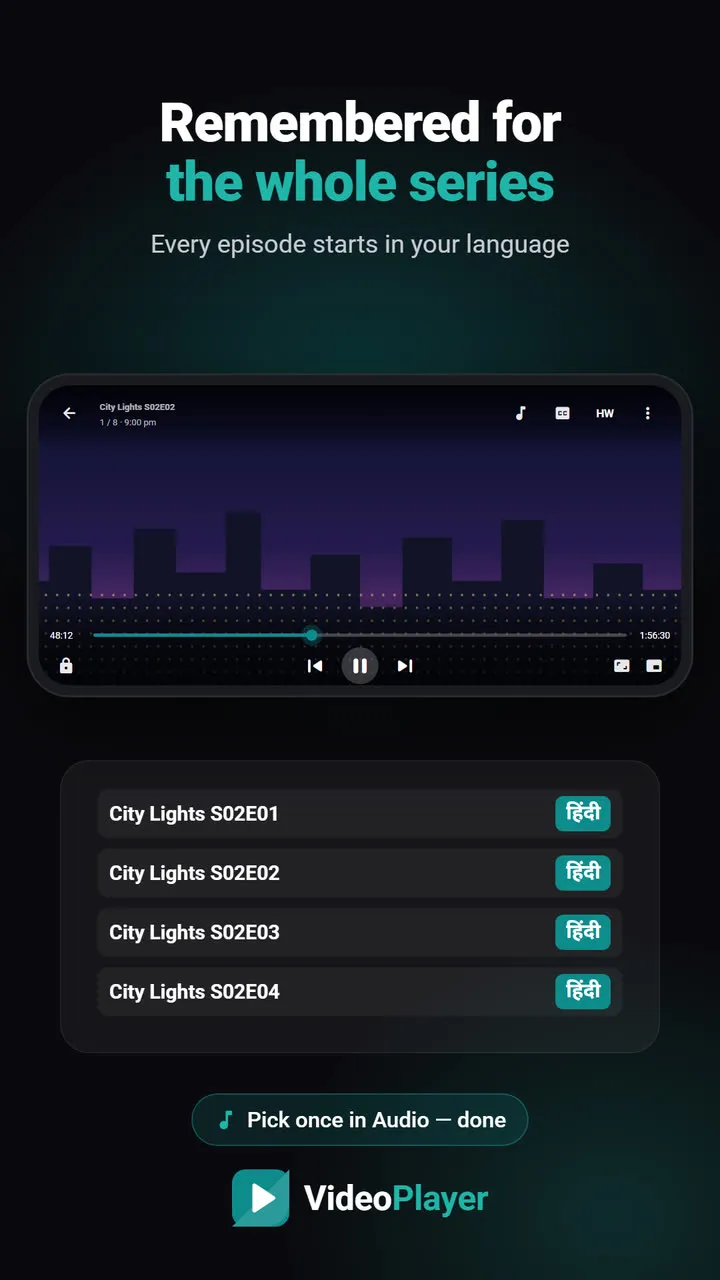
- Set your language once — VideoPlayer remembers audio and subtitles for the whole series. See series language memory.
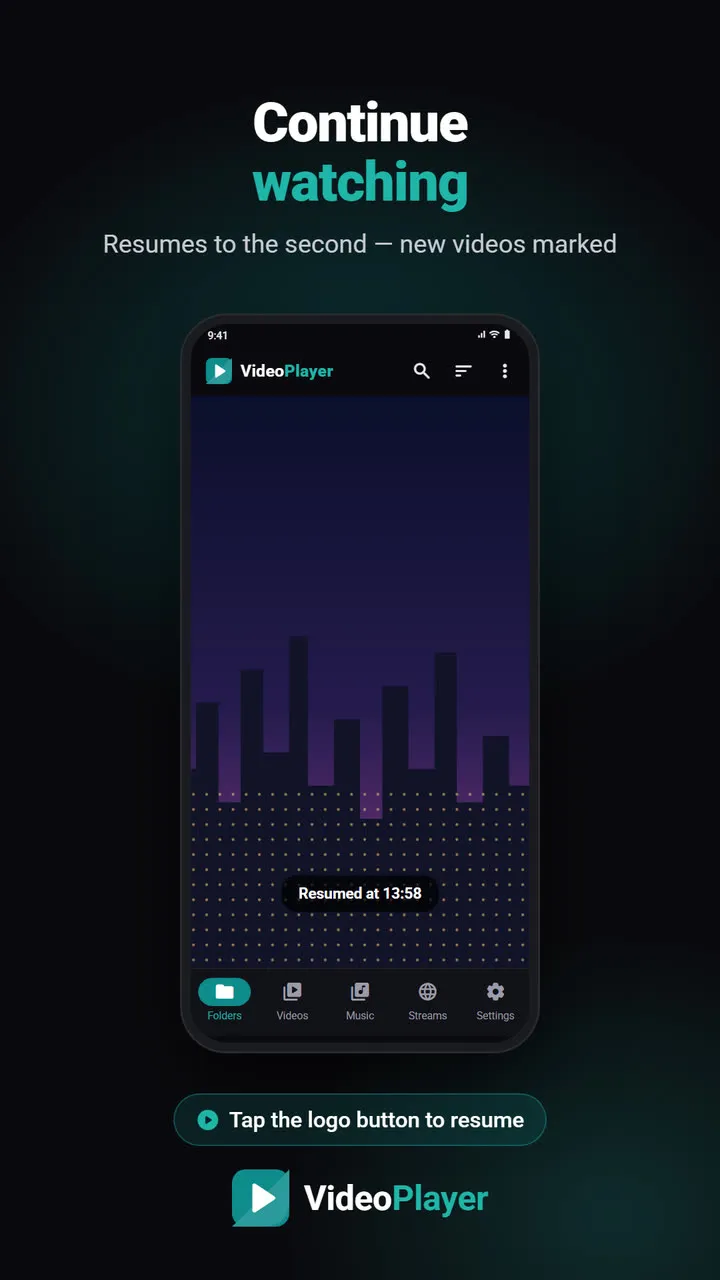
- Stopped halfway? Continue watching returns you to the exact second.
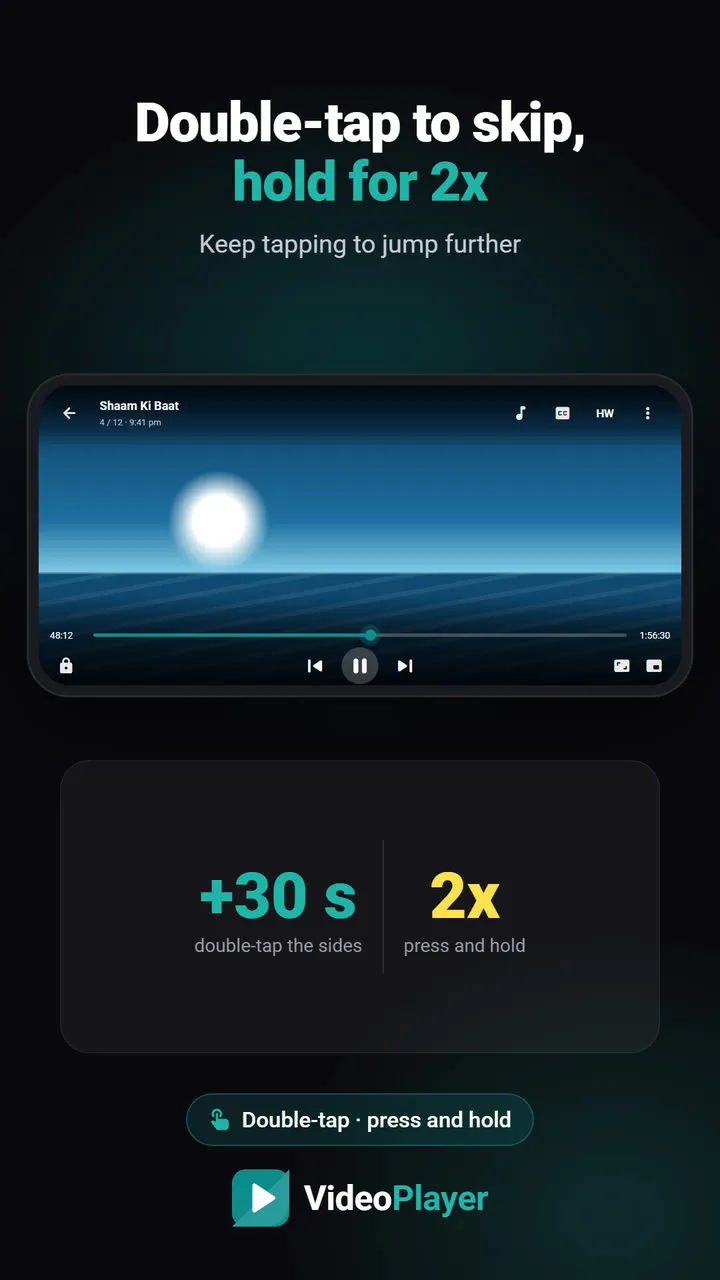
- No skip button yet? Double-tap the right side to jump 10 seconds at a time — see double-tap to skip.
Is skip intro private?
Completely. The listening and comparing happens on your phone, in the background, with low priority so the video you’re watching never stutters. Only the start and end times of the intro are stored.
The technique is related to acoustic fingerprinting, the same idea behind song-recognition apps; Wikipedia explains acoustic fingerprints if you’re curious.
Frequently asked questions
How do I get a skip intro button for downloaded episodes?
Does skip intro need the internet?
Why don’t I see Skip intro on the first episode?
Can skip intro skip the wrong part?
Try it on your own videos
VideoPlayer is free, has no ads and needs no account. Every feature in this guide works offline.