PLAYit Alternative: 5 Ad-Free Players Compared Honestly
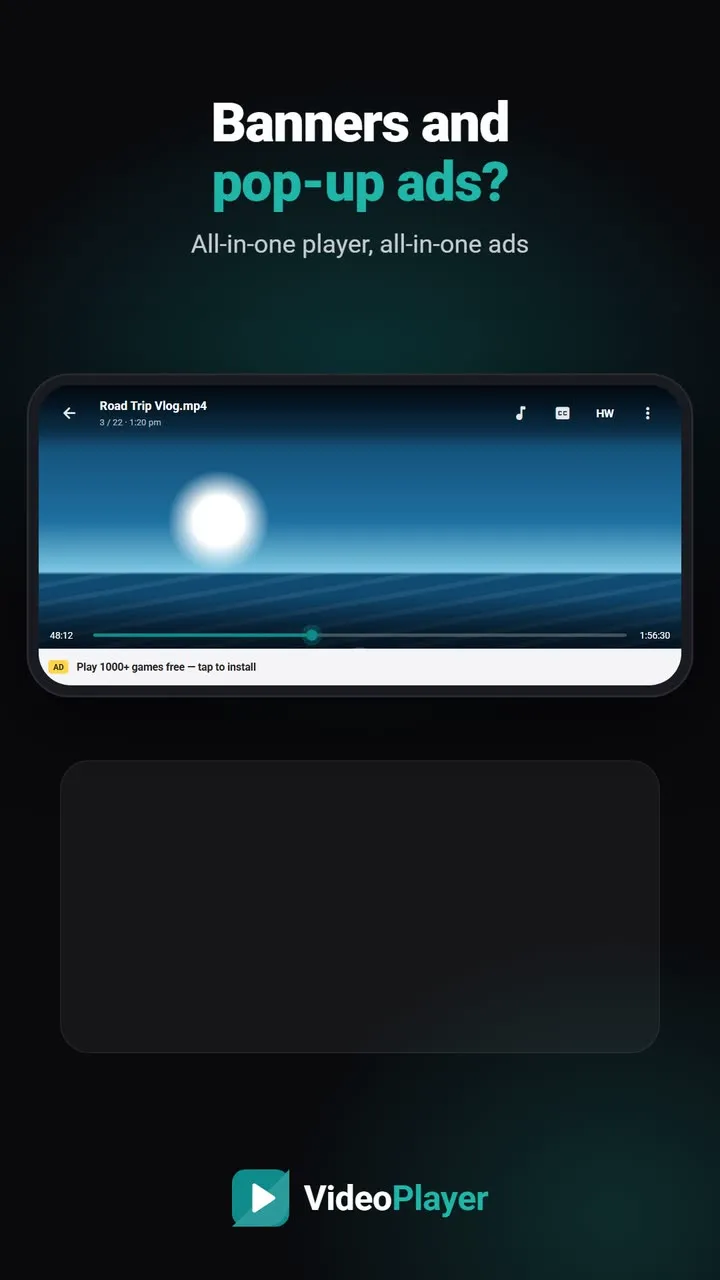
PLAYit is one of the most installed video players in India. It plays almost any file, has a floating window, background audio and a music section, and it’s free. So why look for a PLAYit alternative? Usually for one reason: the ads. Banners in the library and full-screen ads between videos get tiring, and a paid upgrade isn’t for everyone. Here are five free players without ads, and how each compares. We make VideoPlayer, one of the five, so we’ve tried to be fair to everyone.
What PLAYit does well
Credit where it’s due. PLAYit opens MP4, MKV, FLV, 3GP and other common formats, has easy gestures for brightness, volume and seeking, a floating mini player, background audio, a music section and one-tap video-to-audio conversion. If those are the features you use, a good PLAYit alternative should match them. The free app is supported by ads, and a paid upgrade removes them. Details are from its public app listings as of October 2026.
PLAYit alternative: quick comparison
| Feature | VideoPlayer | VLC | Next Player | MX Player |
|---|---|---|---|---|
| Ads | None | None | None | Yes |
| Floating window (PiP) | Yes | Yes | Yes | Yes |
| Dolby / DTS sound built in | Yes | Yes | Yes | Separate codec |
| Music tab | Yes | Yes | No | Yes |
| AI subtitles, auto sync | Yes | No | No | No |
1. VideoPlayer — the closest match, without ads
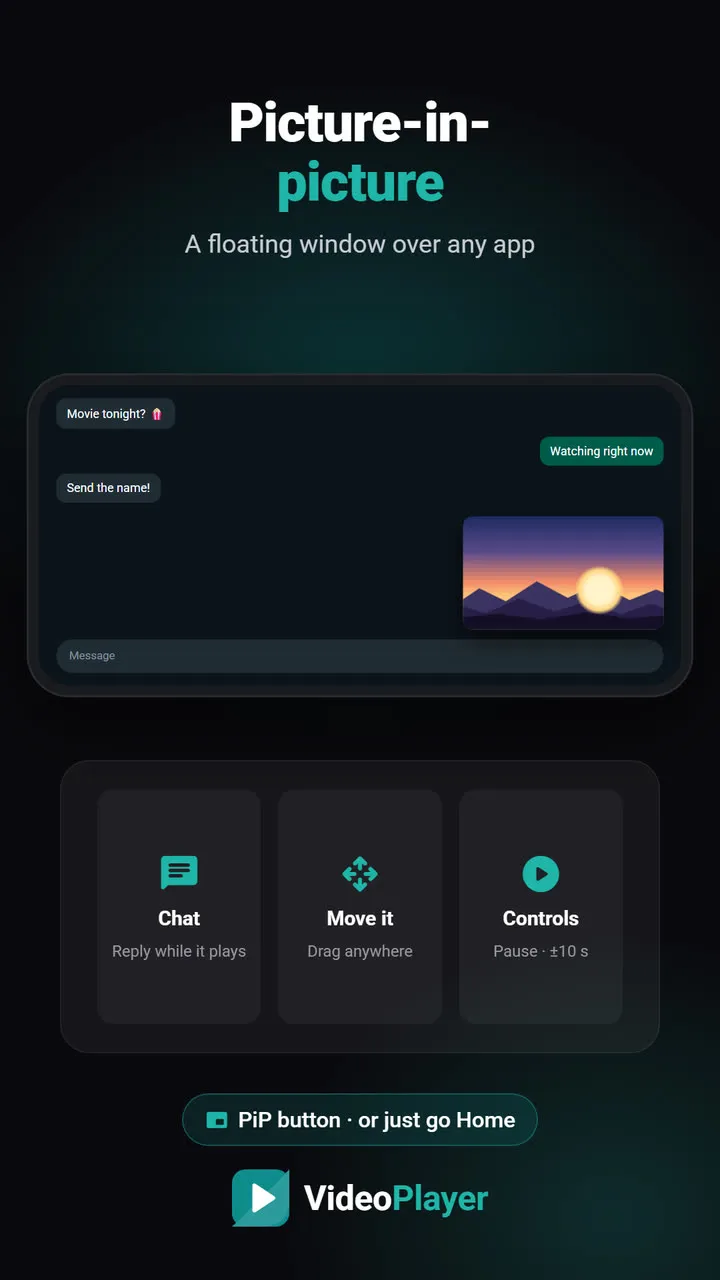
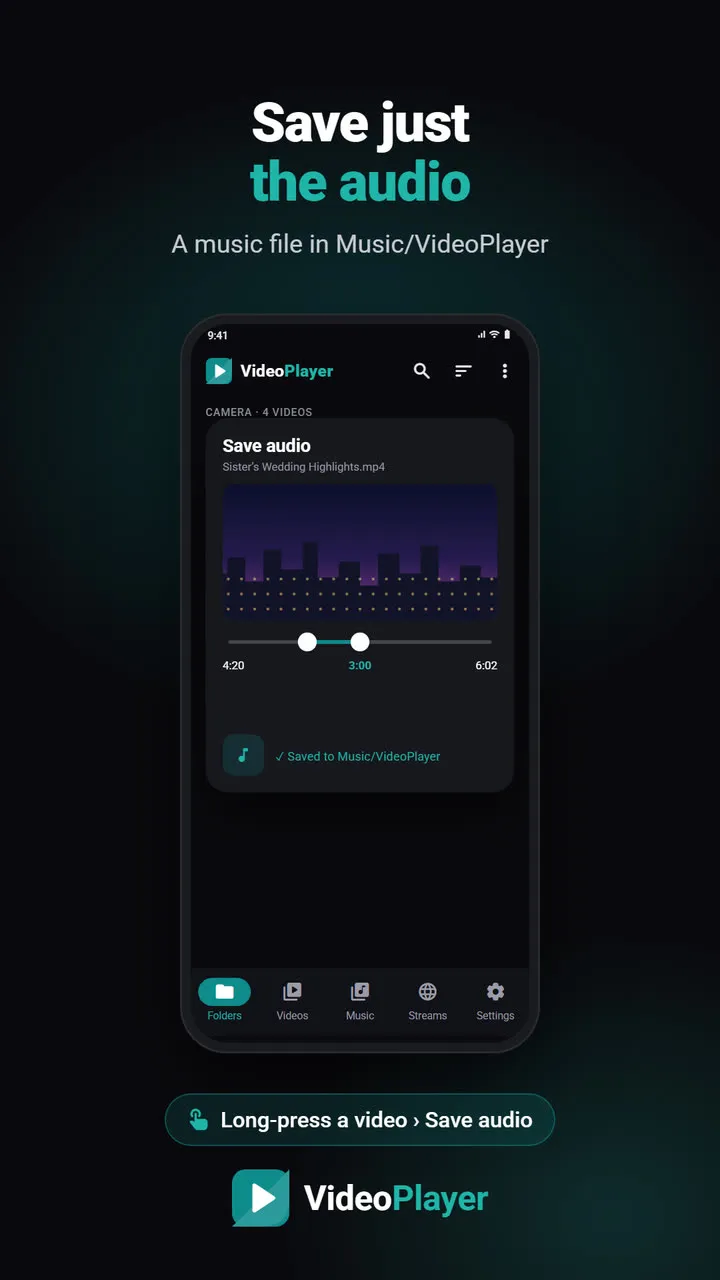
If you use PLAYit for its extras, VideoPlayer covers them with no ads at all: picture-in-picture, background play with lock-screen controls, a music tab, and saving a video’s sound as audio. It adds AI subtitles, subtitle auto-sync, Hindi translation and Dialogue Boost. Falls short: no online video downloader and no cloud drives, and it’s a new app.
2. VLC for Android — open source and trusted
No ads, ever, from the non-profit VideoLAN. Plays almost every format, has an audio library, casts to Chromecast and reads shared folders on Wi-Fi. Falls short: the interface is busier, and there are no AI features. See VideoPlayer vs VLC.
3. Next Player — clean and simple
An open-source player with a modern design, gestures and PiP. Falls short: no music section or extras.
4. Just Player — the lightest option
A minimal, ad-free player that just plays. Falls short: no library at all.
5. MX Player — familiar, but also has ads
Feels very similar to PLAYit and has in-app subtitle search. But it also shows ads in the free version, and Dolby or DTS sound needs a separate codec download, so it doesn’t solve the main reason to switch. Our MX Player comparison has the full picture.
A warning about “PLAYit VIP unlocked” APKs
Search for a PLAYit alternative and you’ll find modified “VIP unlocked” or “no ads” APKs. Avoid them. They come from unknown sources, can’t be updated safely and may carry malware. Google’s Play Protect exists exactly to catch such apps. A genuinely ad-free player is safer and free anyway.
Moving from PLAYit
Your videos stay exactly where they are; a new player simply reads the same folders. Gestures work the same way: swipe left for brightness, right for volume, sideways to seek. To make the new player open videos by default, open any video from your file manager and choose it with “Always”. You can keep PLAYit installed side by side until you’re sure.
Which PLAYit alternative should you pick?
- Want PLAYit’s features without ads → VideoPlayer.
- Want casting and home network → VLC.
- Want the simplest app possible → Next Player or Just Player.
For a wider look, read our list of every video player without ads.
Frequently asked questions
What is the best PLAYit alternative without ads?
Is there a PLAYit alternative that plays all formats?
Are PLAYit VIP mod APKs safe?
Will I lose my videos if I switch from PLAYit?
Try it on your own videos
VideoPlayer is free, has no ads and needs no account. Every feature in this guide works offline.
Compare
Best video player for Android
Six players, honest pros and cons, and which one fits you.
Read comparison →Players without ads
Five free players with no pop-ups at all.
Read comparison →Best MKV player
Six free apps that play MKV with sound and subtitles.
Read comparison →Lightweight video player
Smooth playback on 2–3 GB RAM phones.
Read comparison →VLC vs MX Player
The two big names, compared fairly — plus a third option.
Read comparison →VideoPlayer vs MX Player
Ads, Dolby sound, AI subtitles — and where MX Player still wins.
Read comparison →