Subtitles Not Showing on Android: 7 Fixes That Work
You downloaded the right SRT, put it next to the movie and pressed play — and the bottom of the screen stays empty. Subtitles not showing is rarely a broken file. Usually the track is simply switched off, the file name doesn’t match, or the lines are there but at the wrong time. Work through these seven fixes in order; most people are done by fix 3.
Fix 1: Turn on the subtitle track
Many players keep subtitles off until you choose a track, even when the file has them built in. Open the subtitle menu and pick one.
In VideoPlayer, tap the CC button at the top of the player. You’ll see every built-in track and every loaded file. Tap the one you want. If the list only says “Off”, the video has no subtitles inside — go to fix 2.
Fix 2: Name the file so the player finds it
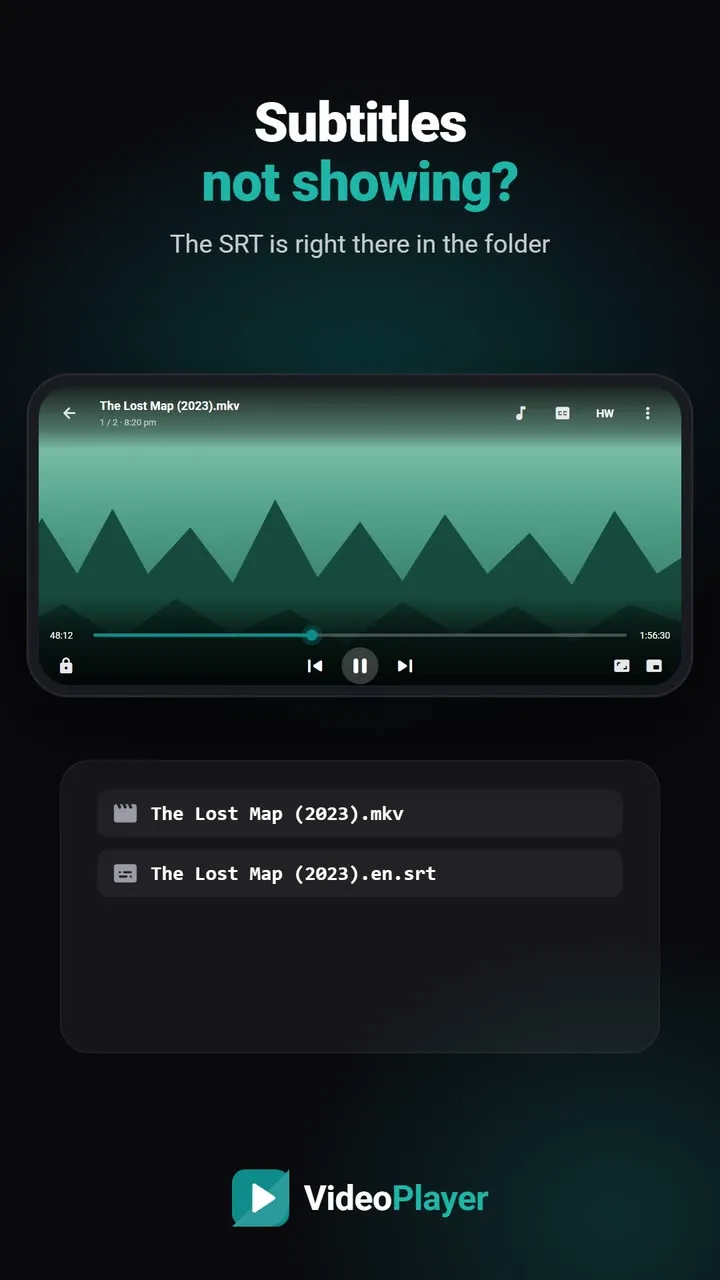
Players look for a subtitle with exactly the same name as the video, in the same folder. Movie.2024.1080p.mkv needs Movie.2024.1080p.srt — one extra dot or space and it won’t load. VideoPlayer also accepts a language code before the extension, like Movie.2024.1080p.en.srt.
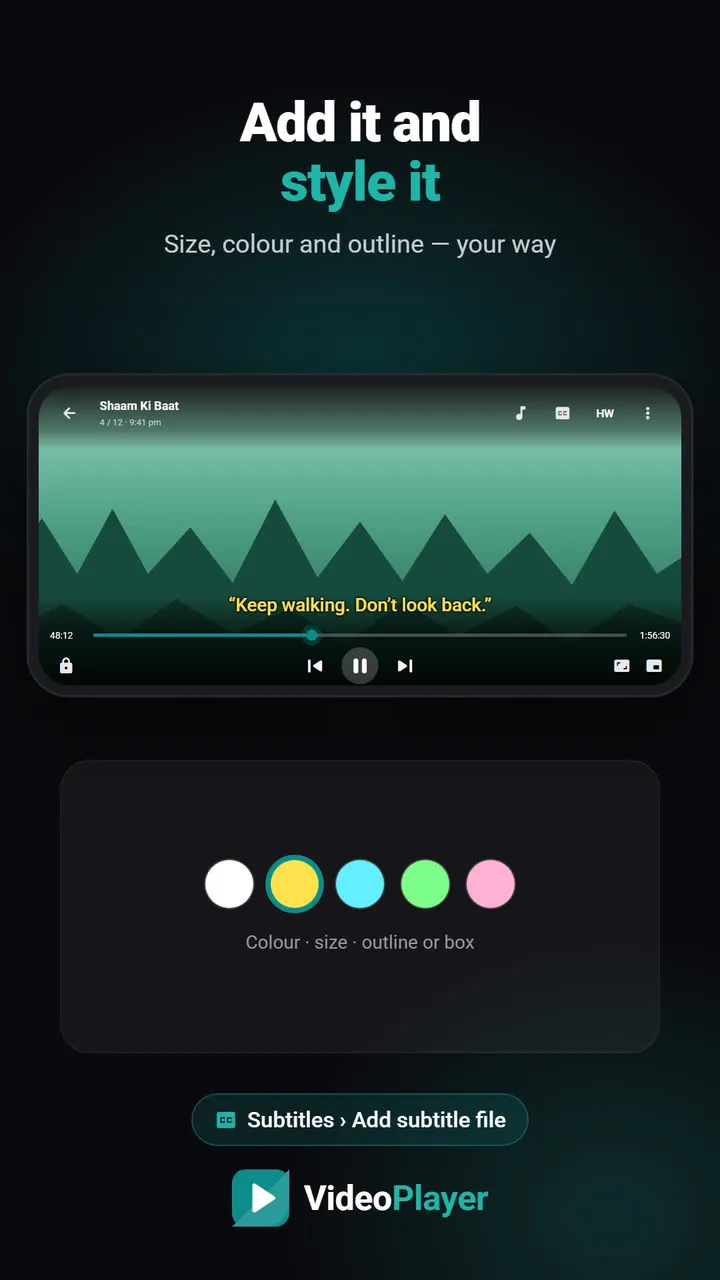
Or skip the renaming: in VideoPlayer tap CC → Add subtitle file and pick the file from anywhere on your phone. Our guide to add subtitles to a video shows each tap.
Fix 3: Check the timing
Sometimes the subtitles are working but appear minutes away from where you are, so it looks like subtitles not showing at all. Jump to the middle of the film and wait a minute. If lines appear, the timing is off. A subtitle made for a different release can be early or late by a few seconds, and some drift further away as the film goes on.
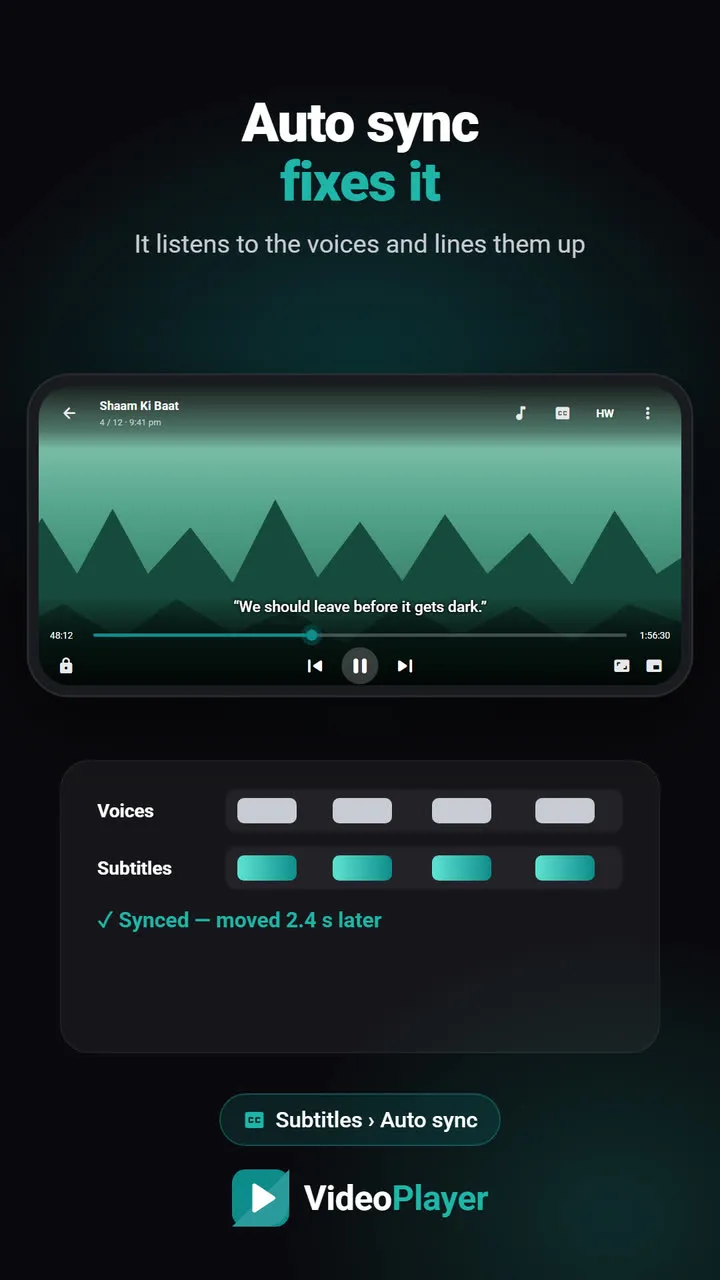
VideoPlayer can sync subtitles automatically by listening to the voices. On a computer, the free subtitle sync tool does the same job by hand, and the subtitle FPS converter fixes subtitles made for a 25 fps release.
Fix 4: Fix garbled letters
If you see boxes, question marks or text like “é” instead of words, the subtitle was saved in an old encoding. Run it through the free subtitle encoding fixer, which saves a clean UTF-8 copy. Hindi, Arabic and Russian subtitles hit this most often.
Fix 5: Make the text visible
White text on a bright snowy scene can vanish. Tiny text on a small phone can be easy to miss. In VideoPlayer, scroll down in the CC menu to Style: set the size anywhere from 50% to 220%, pick yellow instead of white, and choose “Outline” or “Box” as the background. Our guide to increase subtitle size has more tips.
Fix 6: Convert unusual subtitle formats
Android players read SRT, ASS/SSA, VTT and TTML files. Older formats such as MicroDVD .sub or SAMI .smi usually aren’t loaded at all — the reason for many subtitles not showing reports. Convert them to SRT on a computer with the free Subtitle Edit. Picture-based subtitles from Blu-ray and DVD (PGS and VobSub) do play inside MKV files, but they can’t be restyled or translated.
Fix 7: No subtitle at all? Make one
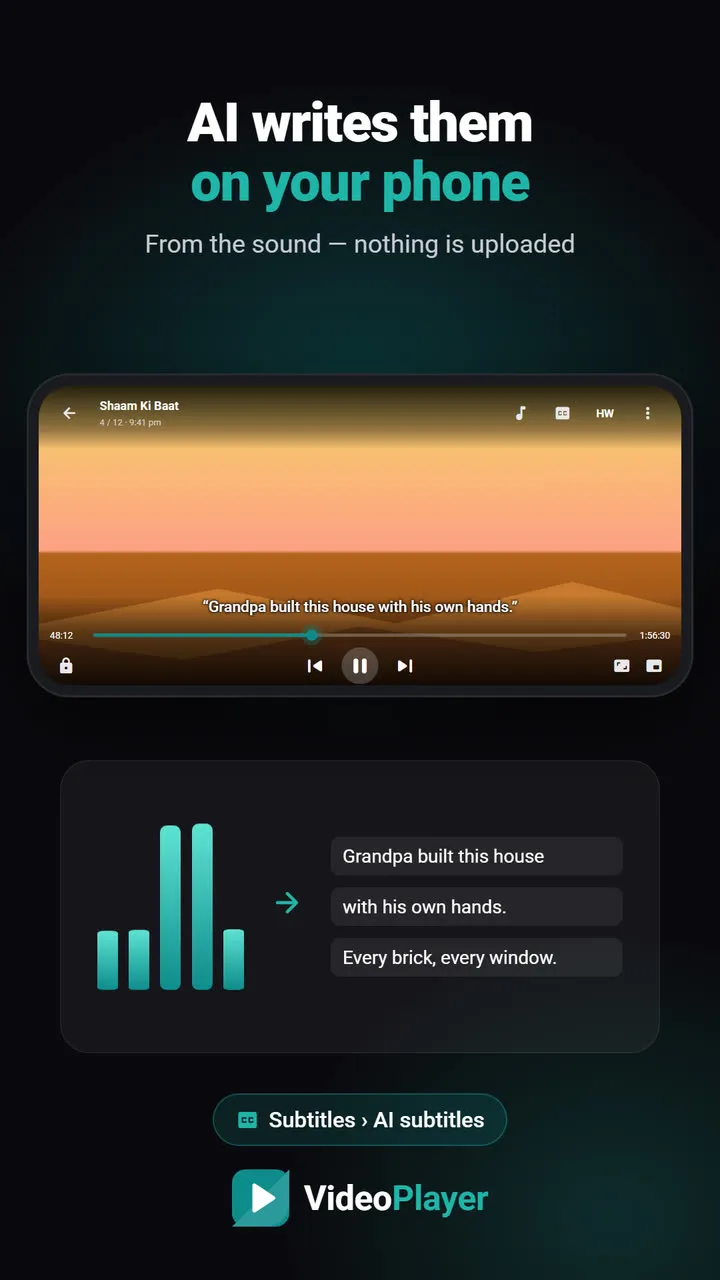
If there’s no subtitle for your video anywhere, you can still get one. VideoPlayer’s AI subtitles write captions from the audio on your phone, offline, after a one-time model download.
Subtitles not showing: quick checklist
- CC menu shows the track but nothing appears → timing (fix 3).
- CC menu only says “Off” → load the file (fix 2).
- Strange symbols → encoding (fix 4).
- File won’t load at all → format (fix 6).
Frequently asked questions
Why are my subtitles not showing on Android?
How do I fix subtitles not showing for an SRT file?
Why are MKV subtitles not showing?
Can I get subtitles if none exist for my video?
Try it on your own videos
VideoPlayer is free, has no ads and needs no account. Every feature in this guide works offline.
Guides
MKV no sound
Picture plays, audio is silent? Five fixes, easiest first.
Read the fix →Format not supported
“Can’t play this video”? Find the cause, then play it.
Read the fix →Black screen, sound plays
Hear the movie but can’t see it? Six fixes.
Read the fix →Video lagging
Stutter, jerks and frozen frames — eight fixes.
Read the fix →Learn English with movies
Dual subtitles, slower speed, repeat one line — a real method.
Read the fix →Bigger subtitles
Tiny subtitles? Make them big, bright and easy to read.
Read the fix →