Video Black Screen but Audio Plays: 6 Fixes for Android
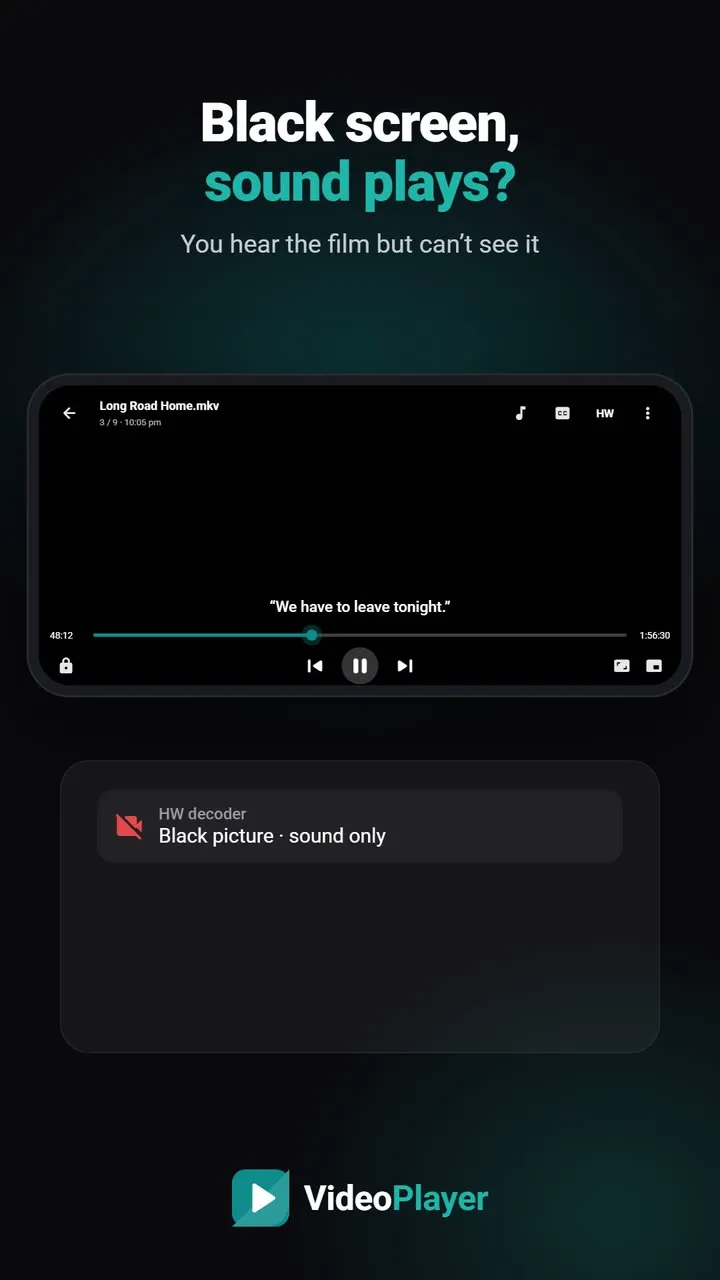
The dialogue plays, the subtitles even appear, but the picture is pure black. A video black screen with working audio looks like a broken phone, yet the screen is fine — you can see the player buttons on top of the black. What failed is the step that turns the video stream into pictures. Here are six fixes, quickest first.
Why you get a video black screen with sound
A video file carries the picture and the sound as separate streams, each decoded on its own. Sound is easy, so it almost always works. The picture is the heavy part. If the phone’s video decoder can’t handle the codec, the resolution or the bit depth, it may output nothing at all while the sound carries on. 10-bit HEVC, AV1 and very high-bitrate 4K files are the usual suspects on budget and older phones.
Fix 1: Skip ahead 30 seconds
Some films and episodes really start with a long black opening, especially rips with a black frame before the studio logo. Drag the seek bar forward. If the picture appears, nothing was wrong. If it stays black everywhere, carry on.
Fix 2: Switch the decoder from HW to SW
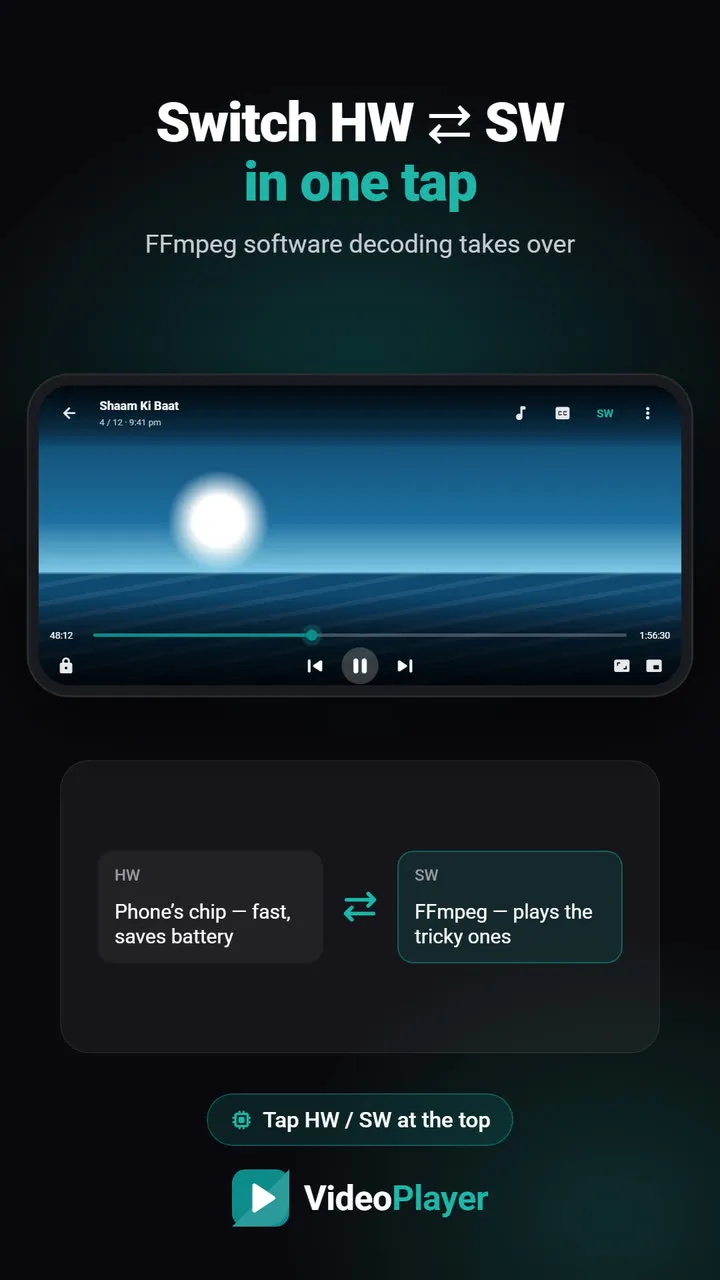
This is the fix that works most often. Hardware decoding uses the phone’s video chip; software decoding does the same job in the app. When the chip gives up, software usually doesn’t.
In VideoPlayer, tap HW at the top of the player — it turns into SW, and the FFmpeg software decoder takes over. The choice is remembered for the next videos. Software decoding uses more battery, so you can switch back to HW for normal files later. Our HW / SW decoder guide shows it step by step.
Fix 3: Turn off screen filters and floating apps
Apps that draw over the screen can hide the video layer: blue-light filters, screen dimmers, floating chat bubbles and some screen recorders. Turn them off for a minute and play the file again. If the video black screen disappears, add an exception for your video player in that app.
Fix 4: Check the codec and resolution
Open the file in our free video codec checker. It shows the video codec, the resolution and whether the video is 10-bit, and it runs entirely in your browser. If you see AV1 on a phone older than Android 10, or 10-bit HEVC on a phone from before about 2019, the hardware can’t keep up — software decoding (fix 2) or a converted copy (fix 6) is the answer.
Fix 5: Free up memory for big 4K files
A 4K film needs a lot of memory. With twenty apps open, the decoder may not get enough and output nothing. Close recent apps, or restart the phone, then play the file again. If it only fails late in a long session, this is the likely reason.
Fix 6: Make a phone-friendly copy
When nothing else works, convert the file once on a computer. Use the free HandBrake with a 1080p H.264 preset. The copy is smaller, plays on any phone and never shows a black screen. Google’s list of formats Android supports shows why H.264 is the safe choice.
A note on purple or green pictures
A picture tinted purple and green is a different problem from a video black screen. It usually means a Dolby Vision-only file on a phone without Dolby Vision. That’s the format itself, and the reliable fix is a converted copy (fix 6).
Video black screen: what to try for each case
| What you see | Try |
|---|---|
| Black only at the start | Fix 1 |
| Black in one 4K / HEVC film | Fix 2, then fix 4 |
| Black in every video, even small ones | Fix 3 |
| Black after watching for a while | Fix 5 |
If the picture comes back but stutters, read how to fix video lagging. If you get an error message instead of black, see video format not supported.
Frequently asked questions
Why do I get a video black screen but the audio plays?
How do I fix a video black screen on Android?
Can screen filter apps cause a video black screen?
Is a video black screen a sign of a broken phone?
Try it on your own videos
VideoPlayer is free, has no ads and needs no account. Every feature in this guide works offline.
Guides
MKV no sound
Picture plays, audio is silent? Five fixes, easiest first.
Read the fix →Format not supported
“Can’t play this video”? Find the cause, then play it.
Read the fix →Subtitles not showing
The SRT is right there, but nothing shows? Seven fixes.
Read the fix →Video lagging
Stutter, jerks and frozen frames — eight fixes.
Read the fix →Learn English with movies
Dual subtitles, slower speed, repeat one line — a real method.
Read the fix →Bigger subtitles
Tiny subtitles? Make them big, bright and easy to read.
Read the fix →