Video Codec Checker — Will This File Play on My Phone?
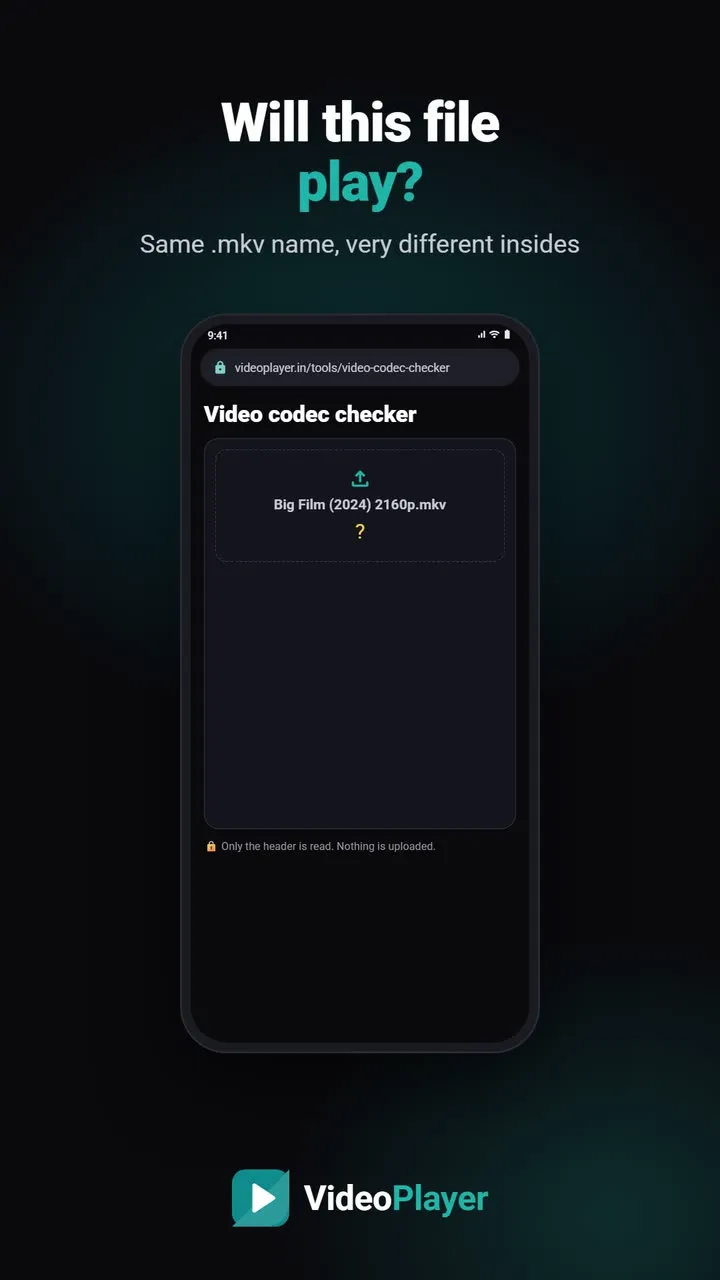
Two files can both end in .mkv or .mp4 and still be completely different inside. One plays everywhere; the other shows a black screen or no sound. The difference is the video codec and audio codec, which the file name never tells you. Choose a file below and this checker lists its container, codecs, resolution, bit depth, audio languages and subtitle tracks — and says whether each part plays on Android. It reads only the file header, right in your browser, so even a 20 GB film is checked in a second and nothing is uploaded.
🔒 Only the file’s header is read, in your browser. Nothing is uploaded.
How to read the result
- Plays — VideoPlayer decodes it on any supported phone.
- Depends on the phone — it needs hardware support (for example AV1) or is an older format some phones skip.
- Not supported — no Android phone plays it reliably; convert the file once on a computer.
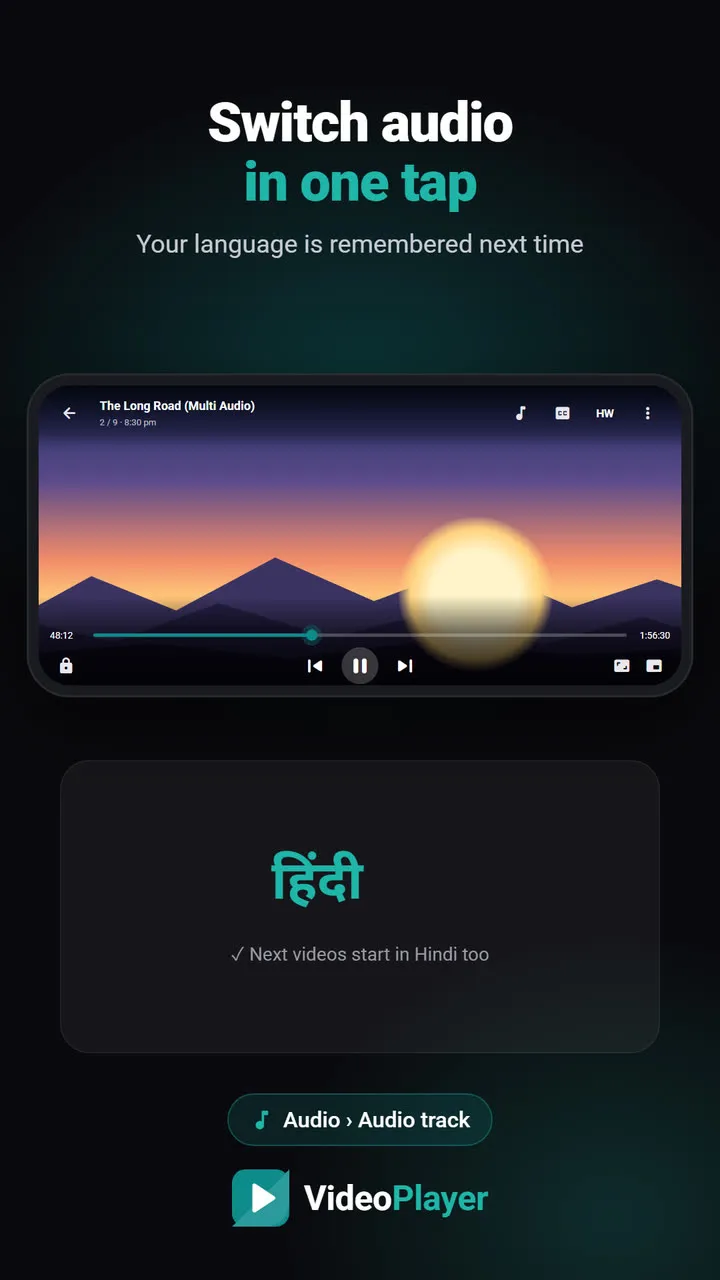
The summary on top tells you the overall answer. Below it, each audio track shows its language and channels (stereo, 5.1, 7.1), so you can see at a glance whether a dual-audio film really has Hindi and English.
Common video codec and audio formats
| You see | What it is | On Android |
|---|---|---|
| H.264 (AVC) | The most common video codec | Plays everywhere |
| HEVC (H.265), 10-bit | Half the size of H.264, used for 4K and HDR rips | Plays; old phones may need the SW decoder |
| AV1 | Newest, very efficient | Depends on the phone |
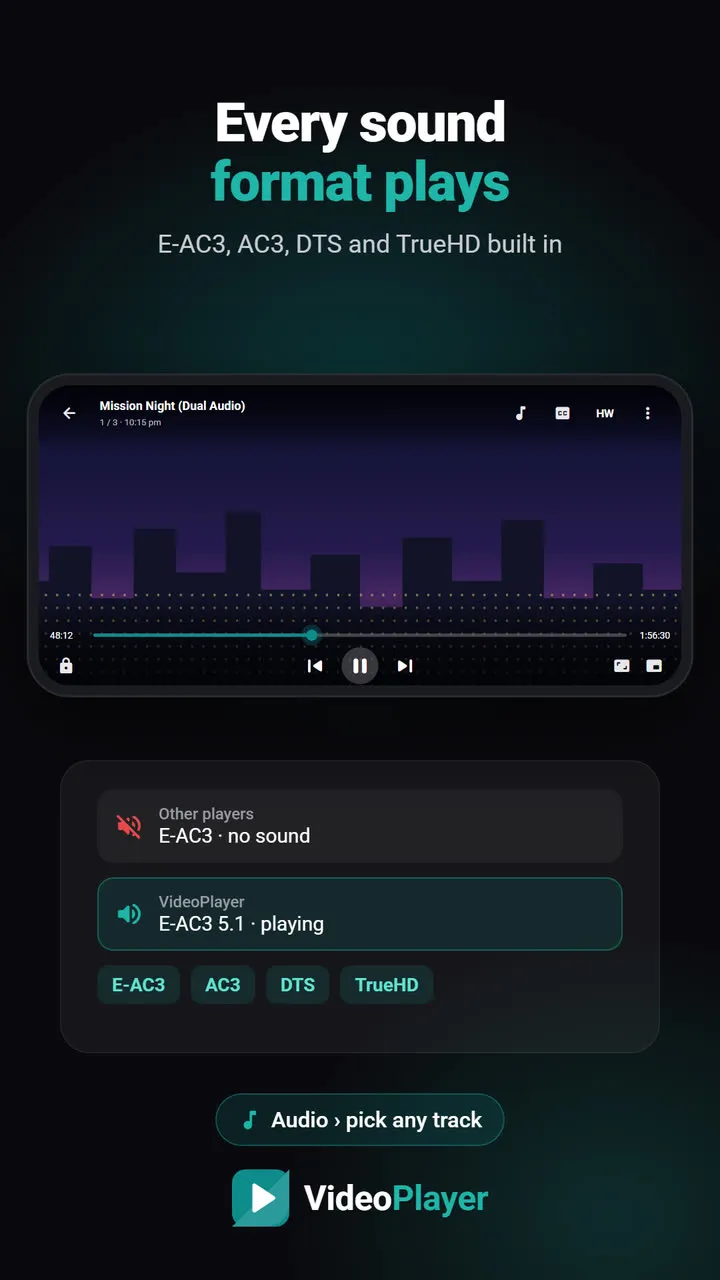
| E-AC3, AC3, DTS | Dolby and DTS surround sound | Many players need a codec pack; VideoPlayer has it built in |
| PGS, VobSub | Picture-based subtitles from Blu-ray / DVD | Shown as pictures; can’t be restyled |
| VC-1 / WMV | Old Windows format | Not supported — convert it |
Which files the checker reads
It reads MP4, MOV, M4V, MKV, WebM and AVI files, and recognises WMV. For an MP4 whose index sits at the very end of a very large file, the checker reads up to 96 MB to find it; in rare cases it may not. Phone camera clips work fine. TV recordings in MPEG-TS (.ts) aren’t read yet — VideoPlayer still plays them.
Why a laptop plays it and the phone doesn’t
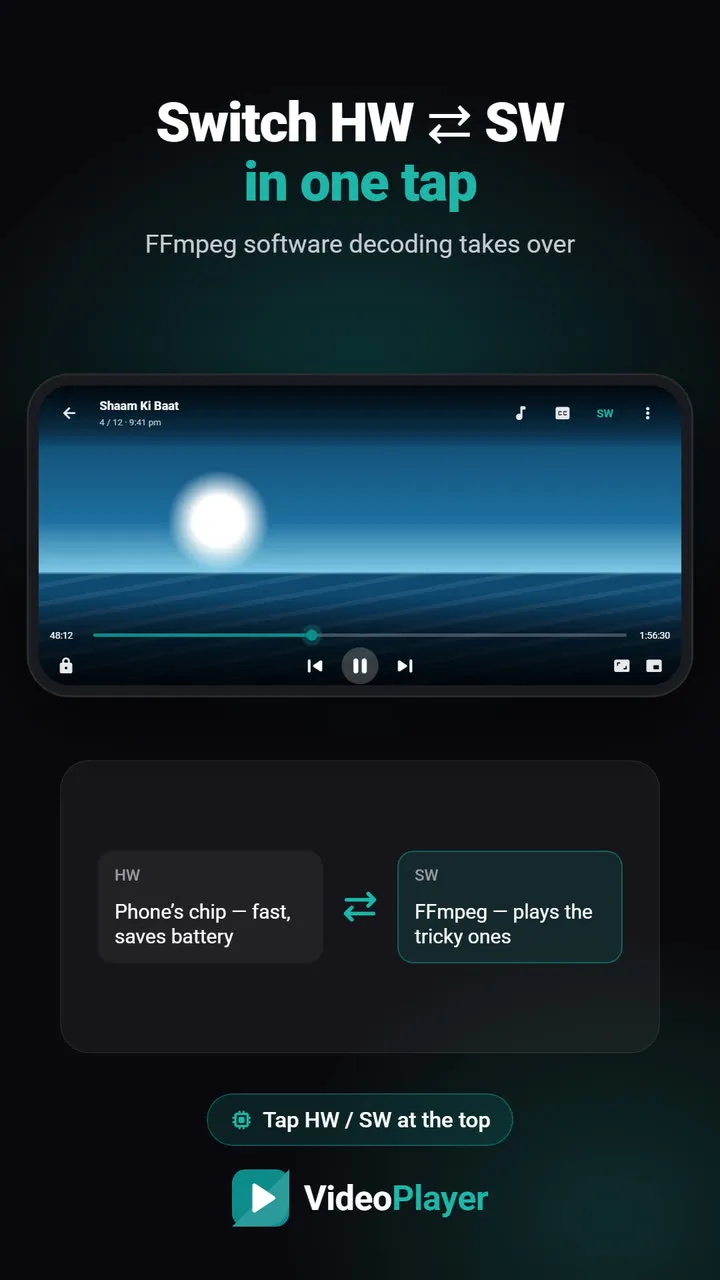
A laptop has a powerful processor that can decode almost any video codec in software, and desktop players like VLC bring dozens of decoders with them. A phone relies mostly on a small hardware decoder chip, built for the formats that were common when the phone was designed. That chip is fast and saves battery, but it can’t learn new tricks. So a 10-bit HEVC film from a recent release may play perfectly on a 2018 laptop and fail on a 2018 phone. A player with its own software decoders closes most of that gap — VideoPlayer switches to its FFmpeg decoder with one tap on HW. Checking the file first tells you which situation you’re in, before you spend twenty minutes copying a film that won’t play.
What to do with the answer
If the checker shows E-AC3, AC3 or DTS sound and your current player is silent, read MKV no sound on Android. If it shows 10-bit HEVC and you get a green or black screen, see HW vs SW decoding. If a part is not supported, video format not supported explains how to convert it.
For deep technical detail — bitrates, colour space, encoder settings — the desktop tool MediaInfo is the standard. This video codec checker answers the everyday question faster: will it play on my phone?
Frequently asked questions
How do I find the video codec of a file?
Is my video uploaded to check the video codec?
Which video codec plays on every Android phone?
Why does the checker say “depends on the phone” for AV1?
Try it on your own videos
VideoPlayer is free, has no ads and needs no account. Every feature in this guide works offline.
Free tools
Subtitle sync tool
Move every line earlier or later, or fix subtitles that slowly drift.
Open tool →SRT ⇄ VTT converter
SRT to VTT, VTT to SRT, and ASS to either — in your browser.
Open tool →Encoding fixer
é and ?? back to real letters, saved as UTF-8.
Open tool →Subtitle FPS converter
Lines drift later and later? Change the frame rate.
Open tool →Subtitle cleaner
Strip [MUSIC], (laughs) and “Subtitles by…” lines.
Open tool →ASS to SRT converter
Anime ASS files to plain SRT, italics kept.
Open tool →