Subtitle Cleaner — Remove [MUSIC], Speaker Names and Ads
Many subtitle files are written for deaf and hard-of-hearing viewers (SDH). They label sounds like [DOOR CREAKS] or (laughs) and put names in front of lines: JOHN: Wait! That’s essential for some viewers and just clutter for others. Many files also hide an advert or a website in the first or last line. This subtitle cleaner removes the parts you don’t want, shows you the result and saves a tidy file. It runs in your browser; nothing is uploaded.
🔒 Runs in your browser — your file is never uploaded.
How to use the subtitle cleaner
- Choose an SRT, VTT or ASS file, or paste the text.
- Tick what to remove. Sound descriptions, speaker names and ads are on by default.
- Read the message under the preview: it tells you how many lines were removed and tidied.
- Press Download. SRT and ASS files are saved as SRT; VTT stays VTT.

What each option removes
| Option | Before | After |
|---|---|---|
| Sound descriptions | [THUNDER] Get inside! (gasps) | Get inside! |
| Speaker names | MARIA: Where were you? | Where were you? |
| Song lines with ♪ | ♪ Rain on the window ♪ | (line removed) |
| Ads and credits | Subtitles by xyz — www.example.com | (line removed) |
| Formatting tags | <i>Hello</i> {\an8} | Hello |
Lines that become empty are dropped and the rest are renumbered, so the file stays valid. When only one speaker is left in a two-person line, the dialogue dash is removed too.
Patterns the subtitle cleaner understands
SDH files aren’t written to one standard, so the cleaner looks for the common shapes rather than exact words:
- Anything in square brackets or round brackets, anywhere in a line: [sighs], (door slams), [SPEAKING HINDI].
- Names in capitals followed by a colon at the start of a line or after a dialogue dash: - DOCTOR: Sit down. Normal sentences with a colon, like “Note: …”, are left alone because they aren’t in capitals.
- Song lines marked with ♪ or ♫, if you tick that option. Lyrics are kept by default, because many people like them.
- Credit and advert lines that mention subtitles, syncing, a website address or well-known subtitle sites.
Always glance at the preview. If the cleaner removed something you wanted, untick that option and download again.
When to keep hearing-impaired tags
Sound labels exist for good reasons. Keep them for anyone who is deaf or hard of hearing, for watching on mute, and for horror or thrillers where off-screen sounds matter. A subtitle cleaner is for viewers who hear the audio fine and want calmer subtitles. Wikipedia explains the difference between SDH and regular subtitles.
Why clean before translating
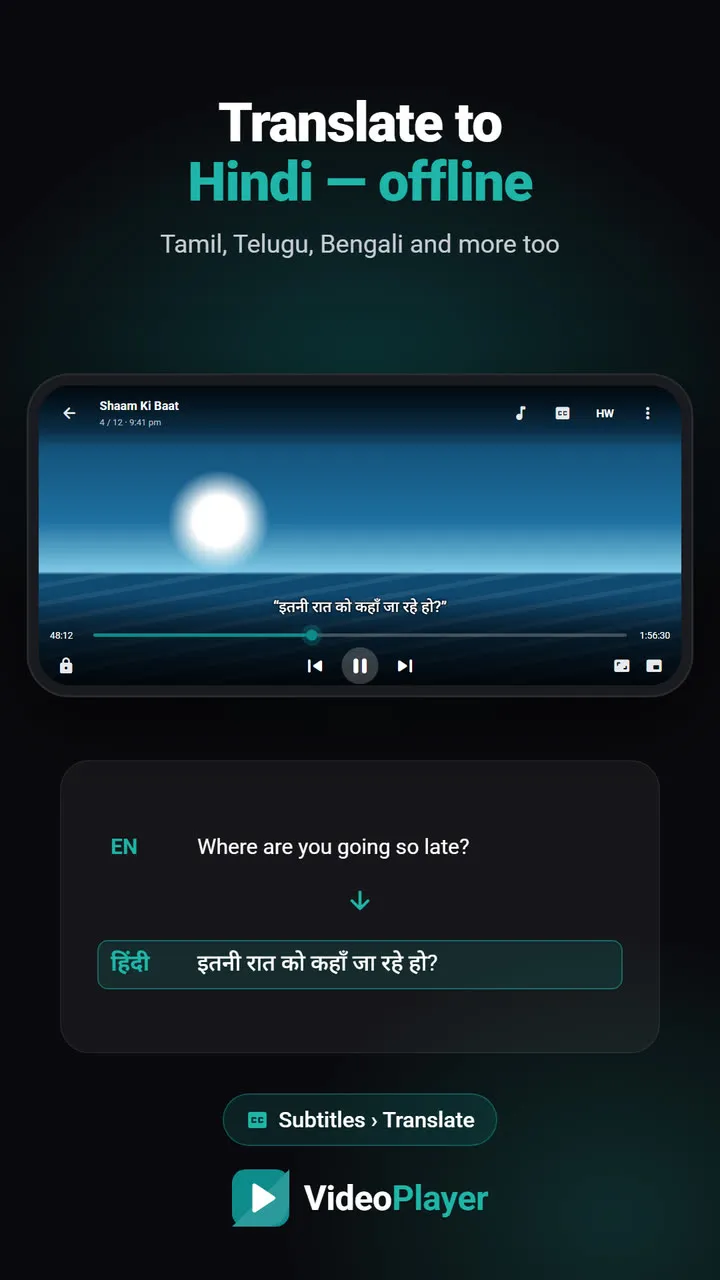
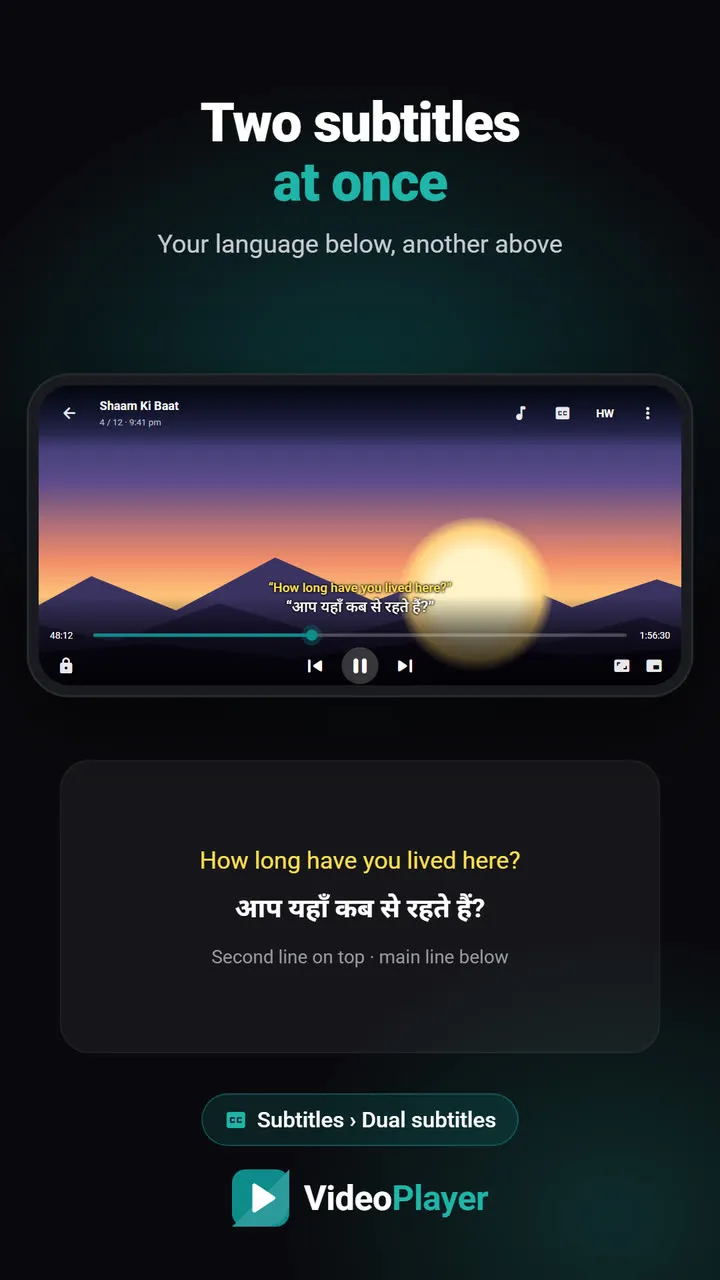
If you plan to translate subtitles into Hindi, clean them first. Sound labels and names translate awkwardly and use up screen space twice in dual-subtitle mode. VideoPlayer can translate subtitles on your phone and show two languages at once — both look much better with a clean file.
Cleaner, then fix the rest
- Letters look garbled? Use the subtitle encoding fixer.
- Timing is off? Use the subtitle sync tool.
- Want to fix a word or two by hand? Use the SRT editor.
Every subtitle cleaner option is reversible in the sense that your original file is never changed — you always download a new copy.
Frequently asked questions
What does a subtitle cleaner remove?
How do I remove hearing-impaired text from an SRT?
Will the subtitle cleaner break the timing?
Is my subtitle file uploaded?
Try it on your own videos
VideoPlayer is free, has no ads and needs no account. Every feature in this guide works offline.
Free tools
Subtitle sync tool
Move every line earlier or later, or fix subtitles that slowly drift.
Open tool →SRT ⇄ VTT converter
SRT to VTT, VTT to SRT, and ASS to either — in your browser.
Open tool →Encoding fixer
é and ?? back to real letters, saved as UTF-8.
Open tool →Video codec checker
See a file’s codecs and if it plays — before you copy it.
Open tool →Subtitle FPS converter
Lines drift later and later? Change the frame rate.
Open tool →ASS to SRT converter
Anime ASS files to plain SRT, italics kept.
Open tool →