Learn English With Movies: A 7-Step Method That Works
Millions of people in India have improved their spoken English through films and series — not by watching more, but by watching the right way. If you want to learn English with movies, the trick is to make every scene understandable first and then slowly take the support away. This guide gives you a simple seven-step method, plus the player settings that make it easy on an Android phone.
Why you can learn English with movies
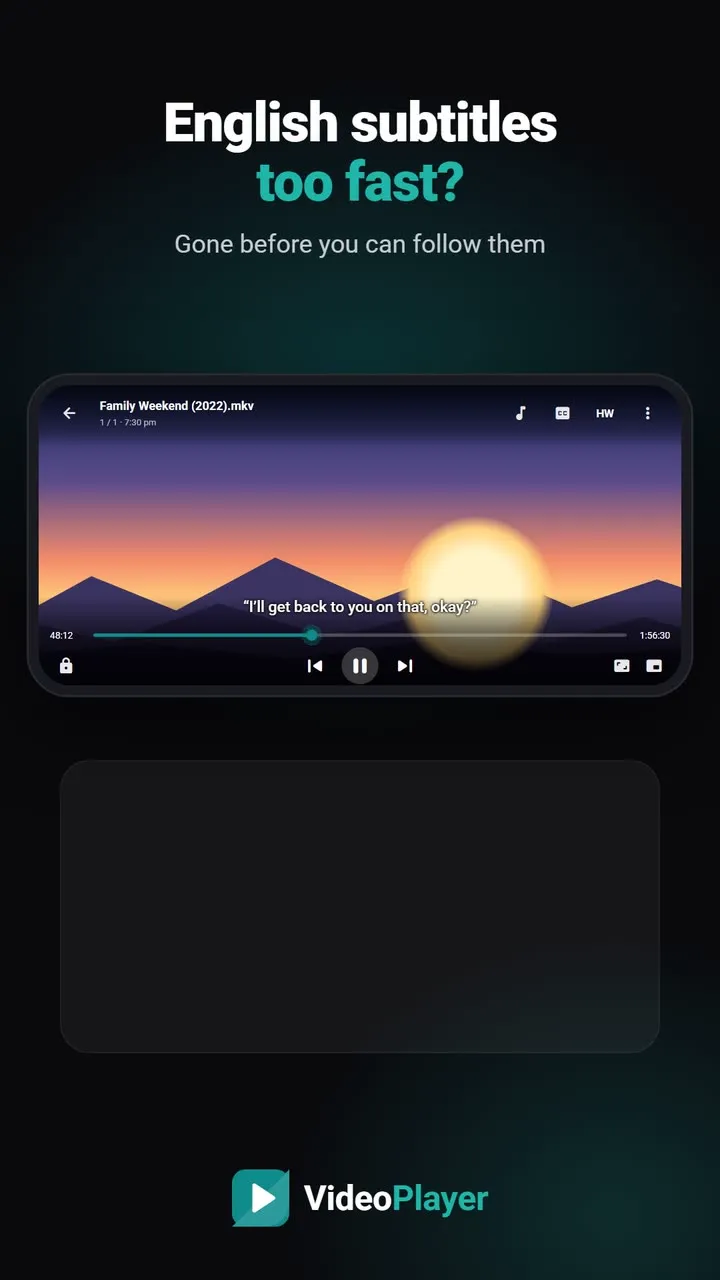
Textbooks teach correct English. Films teach real English: the speed, the short forms, the tone of a question, how people actually reply. You hear the same phrases again and again in different situations, which is how your brain stores them. The problem is that native speakers talk fast. Subtitles, a slower speed and repeating a line solve exactly that.
Step 1: Pick a film you already know
Start with a movie or series you have watched in Hindi. When you already know the story, all your attention goes to the language. Animated films, family dramas and sitcoms are easier than action films, because people speak clearly and in full sentences.
Step 2: Watch with English and Hindi subtitles together
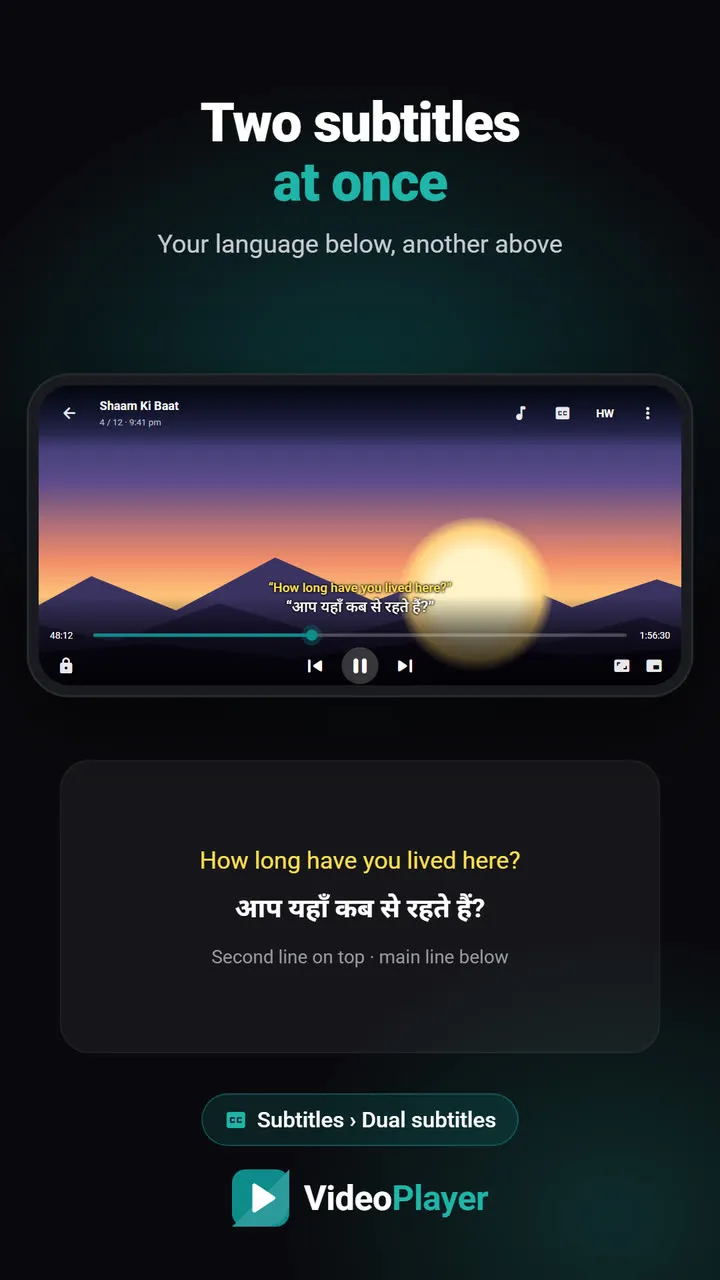
Dual subtitles are the heart of this method. English sits on top, your own language below, so you never lose the meaning. In VideoPlayer, open CC → Dual subtitles and choose the second line. No Hindi file for your film? Use translate subtitles to turn the English ones into Hindi on your phone. Our guide to dual subtitles shows the setup.
Step 3: Slow it down a little
Set the speed to 0.85× or 0.9×. Voices stay natural, but you get that extra moment to read and listen at once. VideoPlayer lets you change the playback speed in steps of 0.05×, from 0.25× to 4×. Go back to 1× as your ear gets used to it.
Step 4: Repeat the lines you like
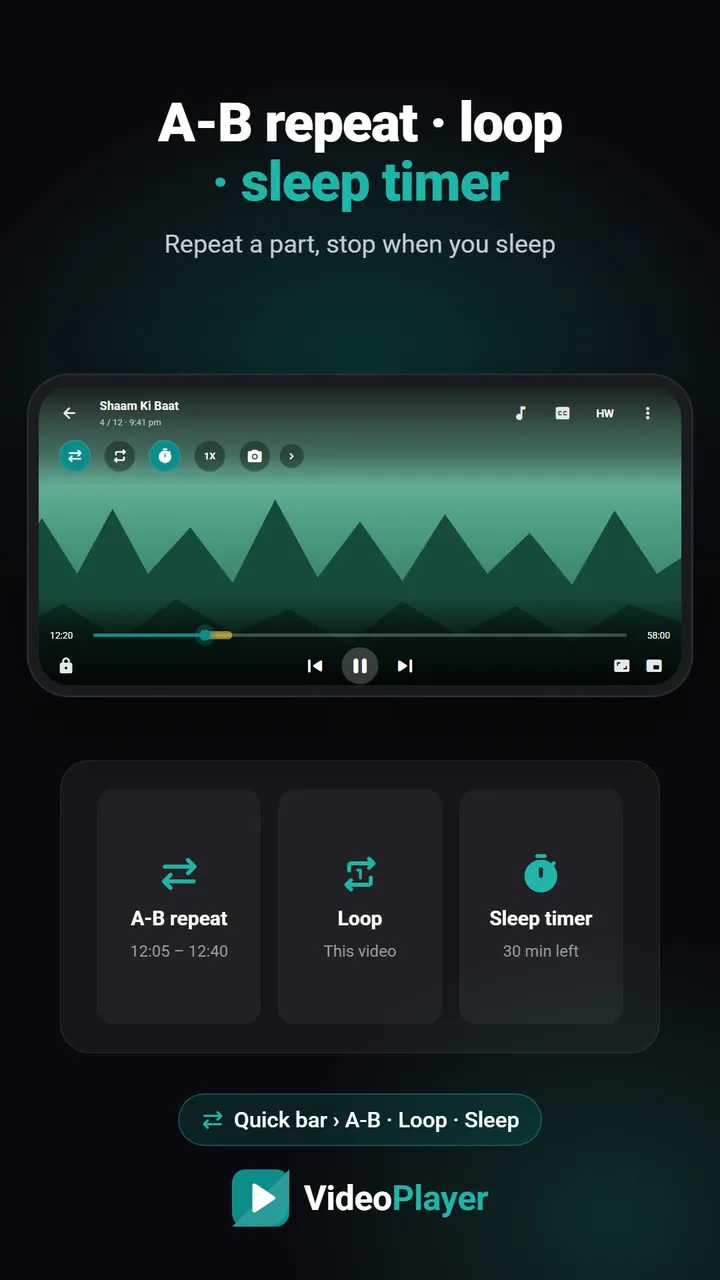
When you hear a useful sentence, play it three or four times. Say it out loud with the actor. This copying, called shadowing, trains your pronunciation and rhythm. With A-B repeat you mark the start and end of the line once, and it loops until you stop it.
Step 5: Keep a phrase notebook
Write down five phrases per episode — not single words, but whole bits like “I’ll get back to you” or “that makes sense”. Later, search the dialogue for a phrase to jump straight back to the scene and hear it again.
Step 6: Switch to English-only subtitles
After a few films, turn off the Hindi line and keep only English. You will be surprised how much you follow. When you get stuck, turn the Hindi line back on for that scene only.
Step 7: Try without subtitles
Finally, re-watch a favourite episode with no subtitles. This is real listening practice. Don’t worry about catching every word; aim to follow the story.
A weekly plan to learn English with movies
| Week | Subtitles | Speed | Daily practice |
|---|---|---|---|
| 1–2 | English + Hindi | 0.85× | One episode, 5 phrases |
| 3–4 | English + Hindi | 1× | Shadow 3 lines with A-B repeat |
| 5–8 | English only | 1× | One episode, retell it aloud |
| 9+ | None, then check | 1× | Re-watch a favourite |
When there are no English subtitles
Home videos, old films and many downloads come without any subtitle file. VideoPlayer’s AI subtitles can write English subtitles from the audio on your phone, offline, so you can still learn English with movies that never had captions.
For grammar and vocabulary lessons alongside your films, the British Council’s free LearnEnglish site is an excellent companion.
Frequently asked questions
Can you really learn English with movies?
Which subtitles should I use to learn English with movies?
How many hours a day should I watch?
Which movies are best for beginners?
Try it on your own videos
VideoPlayer is free, has no ads and needs no account. Every feature in this guide works offline.
Guides
MKV no sound
Picture plays, audio is silent? Five fixes, easiest first.
Read the fix →Format not supported
“Can’t play this video”? Find the cause, then play it.
Read the fix →Black screen, sound plays
Hear the movie but can’t see it? Six fixes.
Read the fix →Subtitles not showing
The SRT is right there, but nothing shows? Seven fixes.
Read the fix →Video lagging
Stutter, jerks and frozen frames — eight fixes.
Read the fix →Bigger subtitles
Tiny subtitles? Make them big, bright and easy to read.
Read the fix →