VLC vs MX Player: Which Is Better on Android?
Ask anyone in India which video player to install and you’ll hear two names: VLC and MX Player. Both are free, both play almost everything, and both have been around for more than a decade. So VLC vs MX Player — which is better? It depends on how you watch. This comparison goes through the differences that matter in daily use. We make a third player, VideoPlayer, which we mention at the end; the main comparison is between the two.
VLC vs MX Player at a glance
| VLC for Android | MX Player | |
|---|---|---|
| Price | Free | Free |
| Ads | None | Yes, in the free app |
| Made by | VideoLAN, a non-profit | Amazon (since 2024) |
| Open source | Yes | No |
| Dolby AC3 / E-AC3, DTS | Built in | Separate custom codec |
| Subtitle search in the app | — | Yes |
| Chromecast | Yes | — |
| Home network (SMB, UPnP) | Yes | — |
| Streaming shows | No | Yes |
Based on each app’s official pages and listings as of October 2026. A dash means we couldn’t confirm the feature, not that it’s missing.
Ads and privacy
This is the biggest difference. VLC has no ads and is funded by the non-profit VideoLAN and its community. MX Player is free because it shows ads and also carries a streaming section. If ads before your own videos bother you, VLC wins this round clearly.
Sound: Dolby and DTS
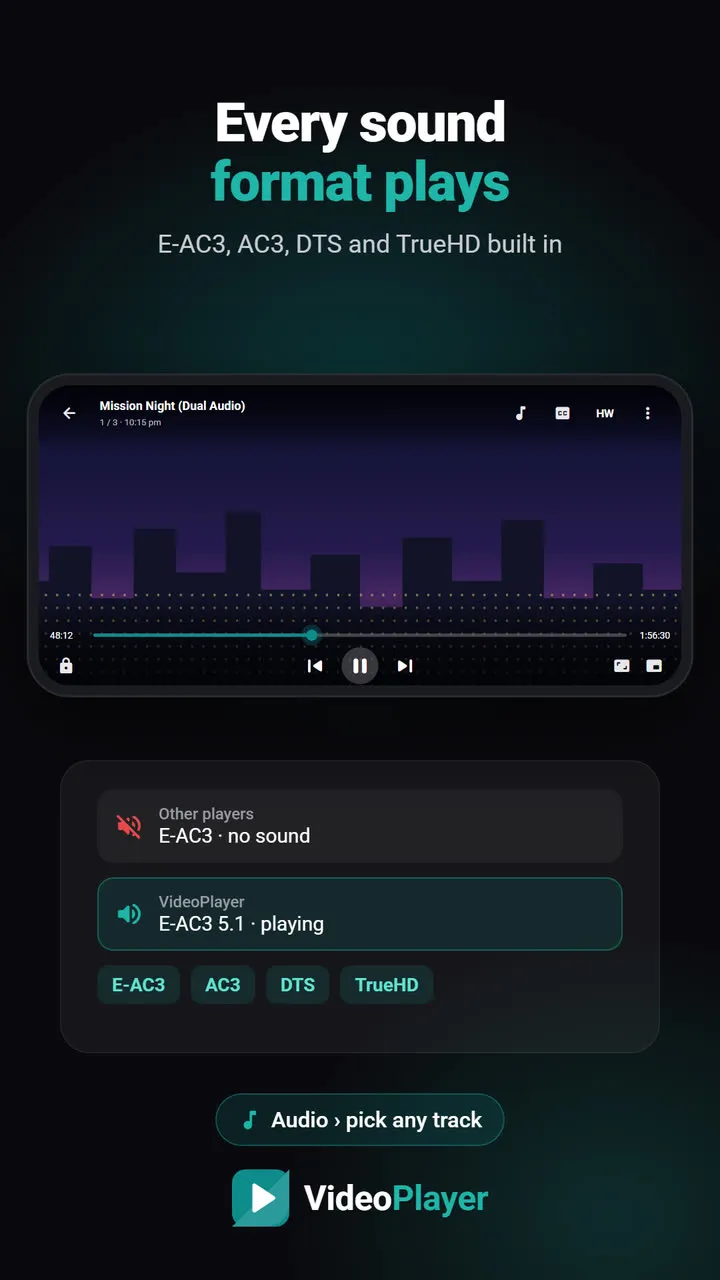
Many dual-audio films carry AC3, E-AC3 or DTS sound. VLC decodes all of them out of the box. The Play Store version of MX Player needs a separate “custom codec” package that matches your app version; without it, those films play silently. For downloaded movies, VLC is simpler. Our guide to E-AC3 audio not supported explains why.
Gestures and everyday feel
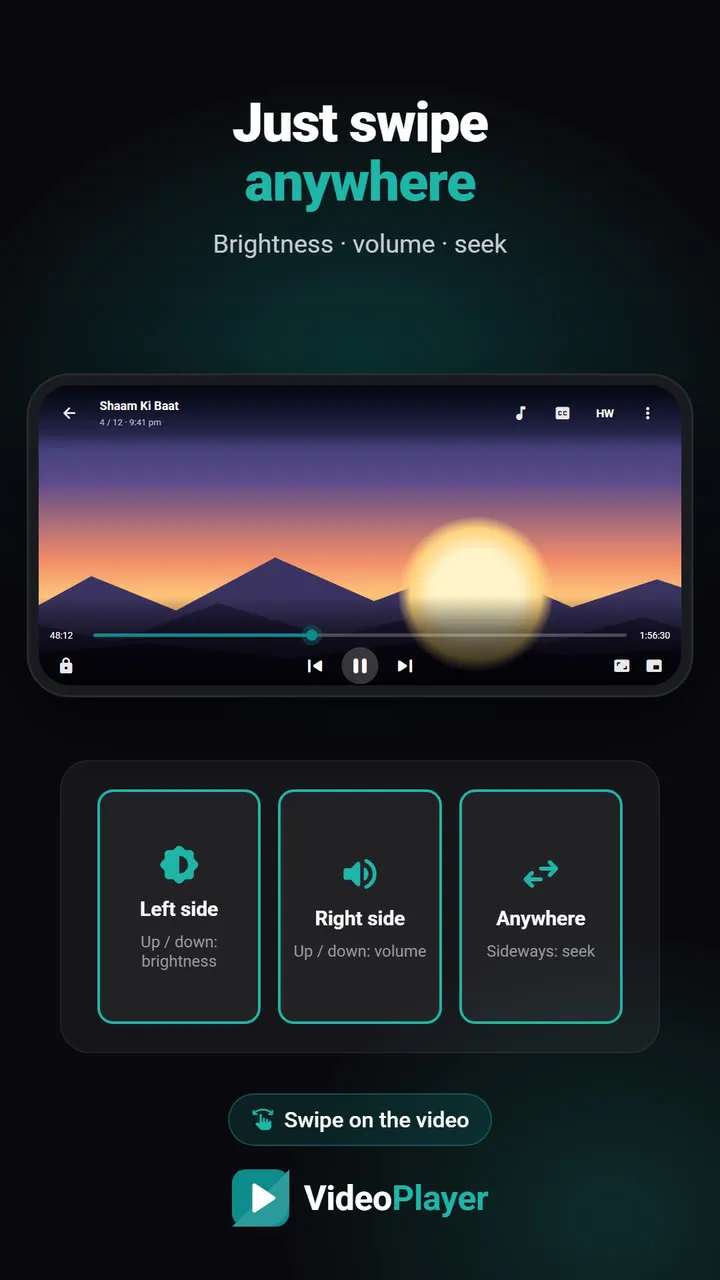
MX Player made swipe gestures popular: brightness on the left, volume on the right, seek by sliding, pinch to zoom, and a kids lock. Many people simply find it more comfortable. VLC has the same gestures, but its menus are fuller and can feel busy to beginners. In the VLC vs MX Player debate, comfort is MX Player’s strongest card.
Subtitles
MX Player can search and download subtitles from inside the app, which is handy. VLC renders styled ASS subtitles very faithfully, which anime fans appreciate. Neither offers automatic syncing to the voices or offline translation.
TV, casting and network
VLC casts to Chromecast, browses shared folders on a PC or NAS, and has an Android TV app. If you watch on a big screen, VLC is the clear choice. Get it from VideoLAN’s official page.
VLC vs MX Player: the verdict
- Choose VLC if you want no ads, Dolby sound without extras, casting or network playback.
- Choose MX Player if you love its gestures, use in-app subtitle search or watch its streaming shows, and don’t mind ads.
A third option worth knowing
If neither quite fits — say you want no ads and help with subtitles — there’s VideoPlayer, which we make. It’s free with no ads, plays Dolby and DTS sound, and adds AI subtitles, auto-sync, Hindi translation and Dialogue Boost. It has no Chromecast or network folders yet. Read VideoPlayer vs VLC and VideoPlayer vs MX Player for the details.
Frequently asked questions
VLC vs MX Player: which is better for movies?
Does VLC have ads?
Which has better gestures, VLC or MX Player?
Is there an alternative to both VLC and MX Player?
Try it on your own videos
VideoPlayer is free, has no ads and needs no account. Every feature in this guide works offline.
Compare
Best video player for Android
Six players, honest pros and cons, and which one fits you.
Read comparison →Players without ads
Five free players with no pop-ups at all.
Read comparison →PLAYit alternative
Same features you use in PLAYit, without the ads.
Read comparison →Best MKV player
Six free apps that play MKV with sound and subtitles.
Read comparison →Lightweight video player
Smooth playback on 2–3 GB RAM phones.
Read comparison →VideoPlayer vs MX Player
Ads, Dolby sound, AI subtitles — and where MX Player still wins.
Read comparison →