Lightweight Video Player for Low-End Android Phones
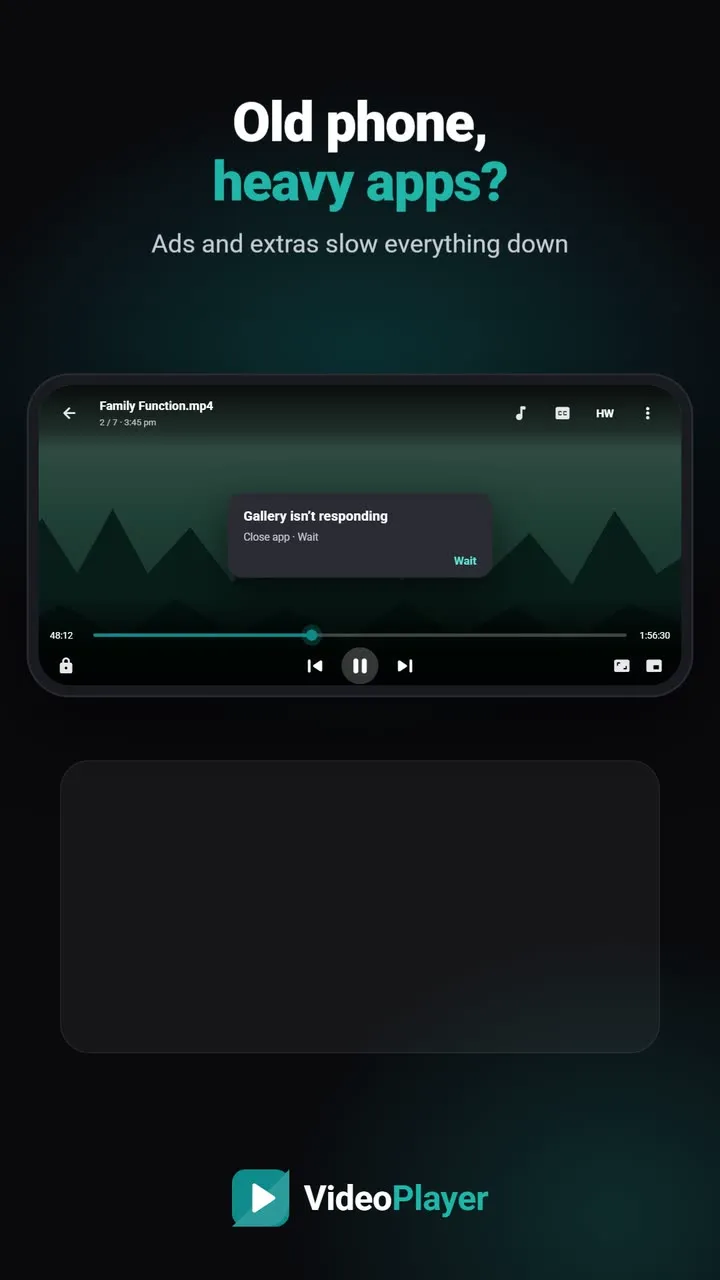
A phone with 2 or 3 GB of RAM and 32 GB of storage can still play films smoothly — if the app gets out of the way. Many players are packed with streaming sections, ad networks and background services that slow an older phone down. A lightweight video player does the opposite: small download, little memory, and the phone’s video chip doing the heavy work. Here’s what to look for, five good options and the settings that matter more than any app.
What makes a lightweight video player light
- Download size. Smaller apps install faster and leave room for films.
- No ads. Ad networks load extra code, use memory and run in the background.
- Hardware decoding by default. The phone’s video chip decodes far more efficiently than the processor.
- Nothing running when closed. No streaming feeds or notifications working in the background.
- Optional extras. Big features should download only if you choose them.
5 picks for a lightweight video player
| Player | Ads | Strength | Trade-off |
|---|---|---|---|
| Just Player | No | The most minimal | No library |
| Next Player | No | Light and clean | Few extras |
| VideoPlayer | No | Light core, extras on demand | Needs Android 7+ |
| VLC for Android | No | Plays everything | Larger app |
| Phone’s own gallery | Varies | Already installed | Limited formats |
VideoPlayer on a budget phone — honestly
We build VideoPlayer, so here are the plain numbers. The direct APK for modern 64-bit phones is about 15 MB, and a 32-bit version for older phones is about 14 MB; Google Play usually delivers less. It needs Android 7.0 or newer. The heavy parts — AI subtitle models (31–181 MB) and translation languages (about 30 MB each) — are never downloaded unless you turn them on. On phones with little memory it also skips heavy preview work on 4K files to keep playback smooth.
It isn’t the smallest app here: Just Player is lighter still. Choose VideoPlayer if you also want Hindi subtitle features, Dolby/DTS sound and Dialogue Boost without paying the cost of ads.
Settings that matter more than the app
Even the most lightweight video player stutters if the phone is struggling. On older phones:
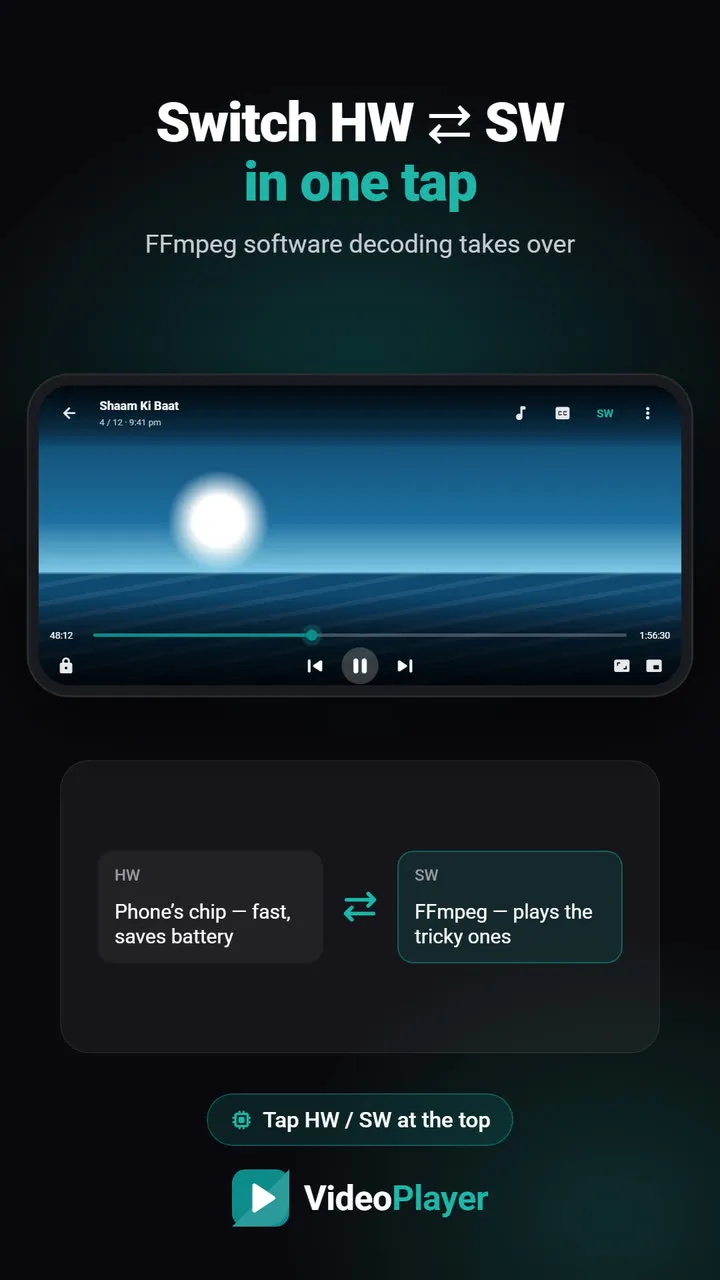
- Keep hardware decoding on. In VideoPlayer the button at the top should say HW. Switch to SW only for files that won’t play — see HW vs SW decoding.
- Prefer 720p H.264 files. 4K and 10-bit HEVC push budget chips too hard.
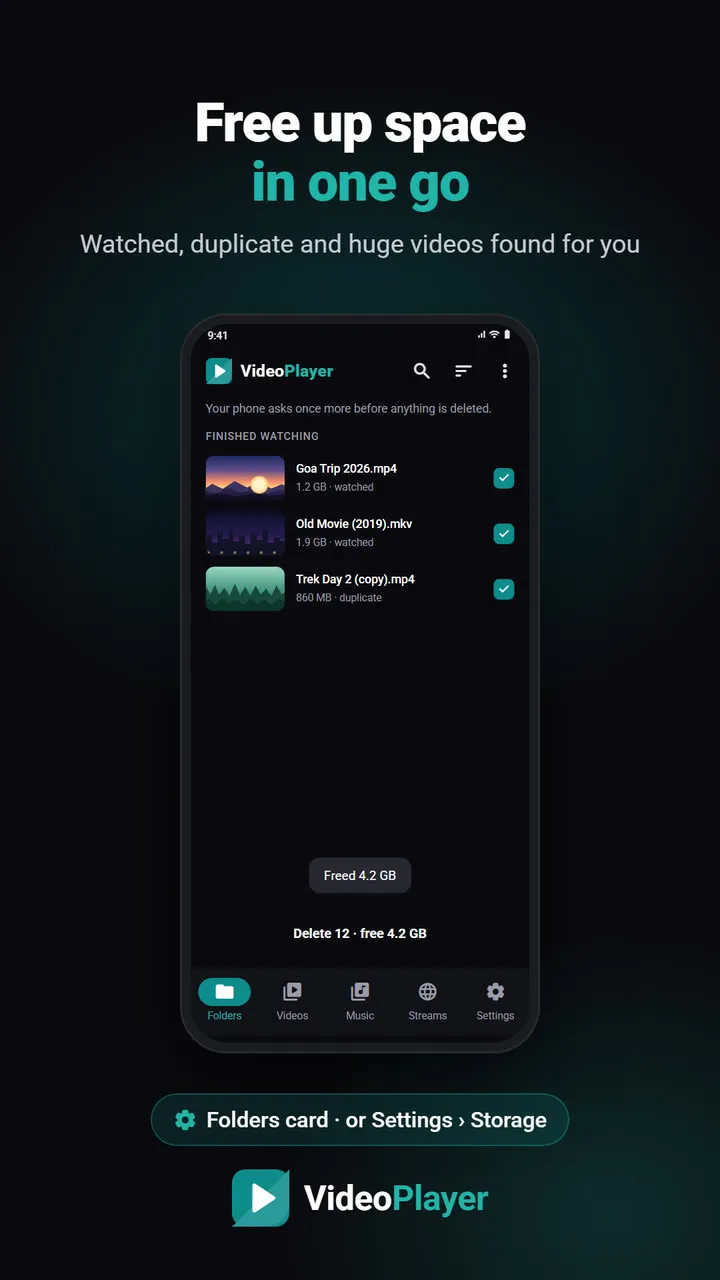
- Keep 2–3 GB of storage free. A nearly full phone slows everything; VideoPlayer can free up space from watched videos.
- Close other apps before a long film.
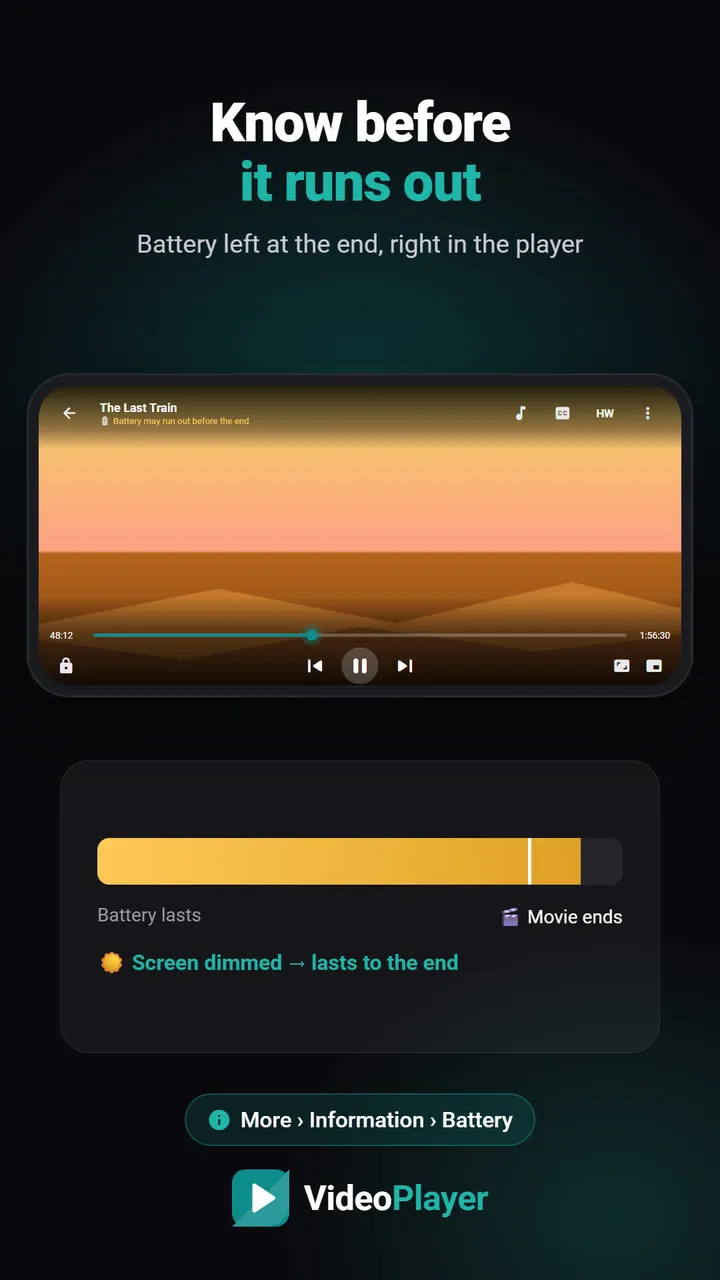
- Turn off battery saver while watching if playback stutters.
Our full guide to fix video lagging covers each step in detail.
Android Go phones
Phones running Android Go edition have 2 GB of RAM or less and lighter system apps. Google explains the idea on its Android (Go edition) page. A lightweight video player suits them well; skip optional AI downloads, and stick to 720p files.
Which one to choose
- Only want to play a file now and then → Just Player.
- Want a library, Hindi subtitle tools and Dolby sound, still light → VideoPlayer.
- Want every format and casting, and have a bit more room → VLC.
Still deciding? Compare all the options in video player without ads.
Frequently asked questions
Which is the best lightweight video player for 2 GB RAM phones?
How big is VideoPlayer?
Why does my old phone lag even with a lightweight video player?
Does a lightweight video player play Dolby and DTS sound?
Try it on your own videos
VideoPlayer is free, has no ads and needs no account. Every feature in this guide works offline.
Compare
Best video player for Android
Six players, honest pros and cons, and which one fits you.
Read comparison →Players without ads
Five free players with no pop-ups at all.
Read comparison →PLAYit alternative
Same features you use in PLAYit, without the ads.
Read comparison →Best MKV player
Six free apps that play MKV with sound and subtitles.
Read comparison →VLC vs MX Player
The two big names, compared fairly — plus a third option.
Read comparison →VideoPlayer vs MX Player
Ads, Dolby sound, AI subtitles — and where MX Player still wins.
Read comparison →