Kdrama Subtitles in Hindi or English — and Anime Too
India has fallen for Korean dramas and Japanese anime, and most fans hit the same wall: the episode is on the phone, but the subtitles are missing, in the wrong language or out of time. This guide shows how to get kdrama subtitles in Hindi or English for episodes already saved on your phone, and how the same steps work for anime. Everything below runs offline once it’s set up.
Step 1: Load the subtitle file
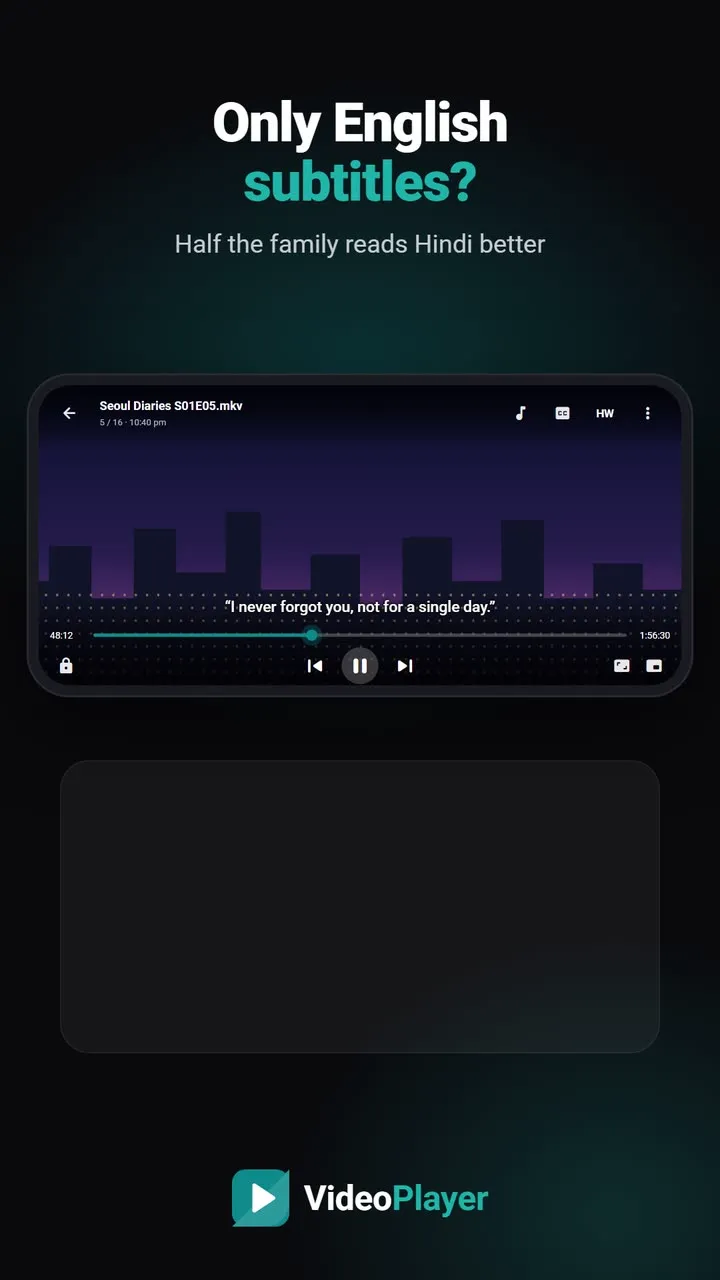
Most K-drama and anime episodes come with an English subtitle file, either inside the MKV or as a separate SRT or ASS file. Built-in tracks are often switched off: tap CC in VideoPlayer and pick one. For a separate file, either name it exactly like the episode (for example Episode.05.mkv and Episode.05.srt) or tap CC → Add subtitle file. If nothing shows, our subtitles not showing guide covers every cause.
Step 2: Turn English kdrama subtitles into Hindi
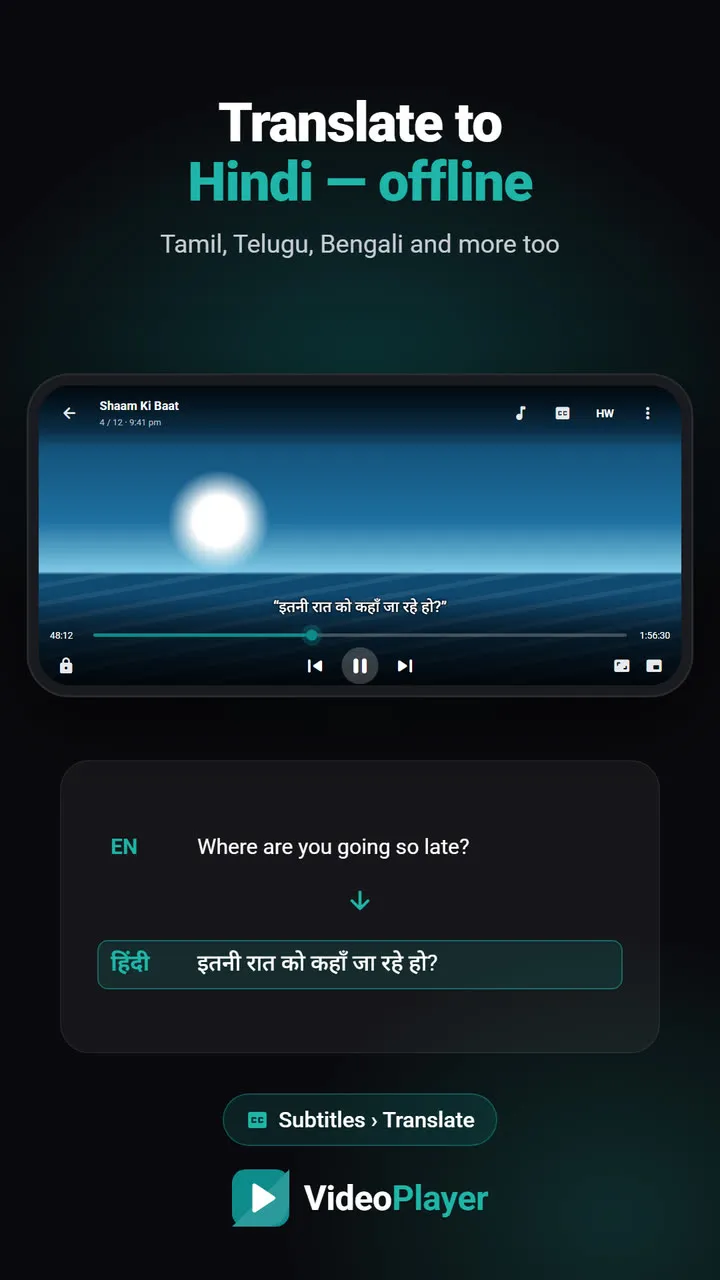
Hindi subtitle files for K-dramas are hard to find and often badly timed. A better route is to translate the English ones on your phone. In VideoPlayer, tap CC → Translate and choose Hindi. The language downloads once, about 30 MB, and then works without the internet. Tamil, Telugu, Bengali, Marathi and other Indian languages work the same way. See translate subtitles to Hindi for details.
Step 3: Keep English on top while you watch
Many fans like to see both lines. Open Dual subtitles and choose Original text: Hindi becomes the main line and English sits above it in a softer colour. It’s also a gentle way to pick up English while you binge.
Step 4: No subtitles at all? Let AI write them
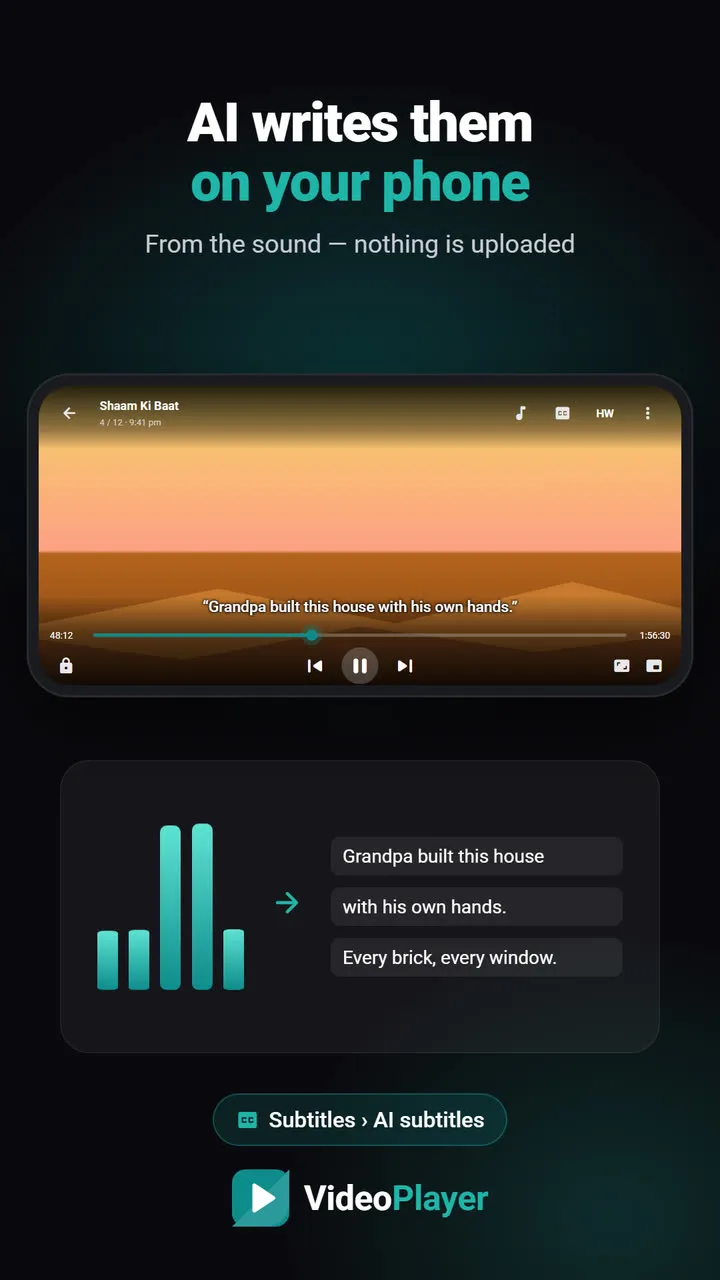
Some clips, specials and behind-the-scenes videos have no subtitles anywhere. VideoPlayer’s AI subtitles listen to the Korean or Japanese audio and, with Make English subtitles on, write English lines directly. Add Translate on top for Hindi. Clear dialogue works best; songs are mostly skipped.
Step 5: Fix kdrama subtitles that are early or late
Fan subtitles are often timed for a different release, so every line is a second or two off. Tap CC → Auto sync and VideoPlayer lines the subtitles up with the voices — see auto sync subtitles. If the gap grows steadily through the episode, the file was made for another frame rate; fix it once with the free subtitle FPS converter.
Anime: ASS subtitles, signs and songs
Anime fansubs usually use ASS files with styled text, signs translated on screen and karaoke song lines. On a phone, those effects can pile up or cover the picture. Two fixes help:
- Increase the subtitle size — VideoPlayer applies your size even to ASS files, which usually force tiny fonts.
- If the styling still gets in the way, convert the file to plain text with the free ASS to SRT converter. Dialogue, italics and bold stay; positions and effects go.
Step 6: Set it once for the whole series
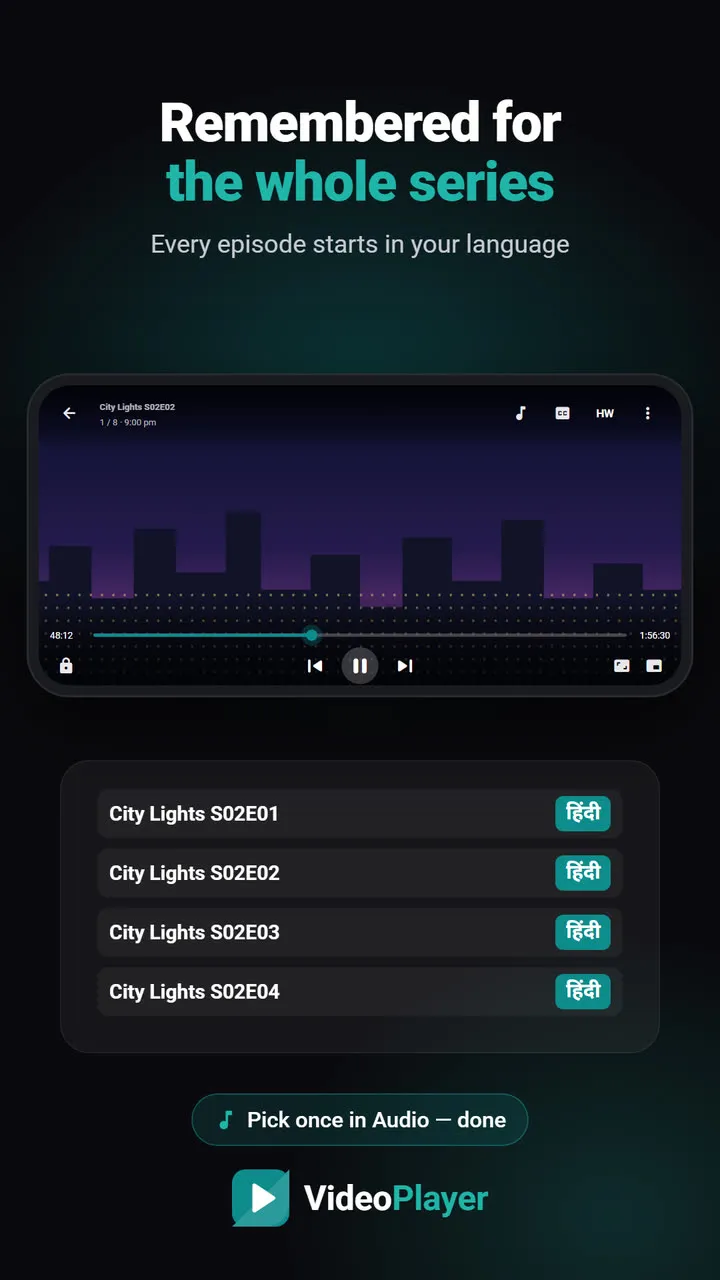
Choosing Korean audio and Hindi subtitles for every episode gets old fast. VideoPlayer remembers your audio and subtitle language for each series, so episode 6 starts the way episode 5 ended. Pair it with skip intro to jump past the opening song.
Kdrama subtitles: quick answers
| Problem | Fix |
|---|---|
| Only English subtitles | CC → Translate → Hindi |
| No subtitles at all | CC → AI subtitles → Make English subtitles |
| Lines early or late | CC → Auto sync |
| Anime signs cover the picture | ASS to SRT converter |
A word on sources: watch episodes you have the right to keep. Official platforms such as Rakuten Viki offer many K-dramas with community subtitles in several languages.
Frequently asked questions
How do I get kdrama subtitles in Hindi?
Why are my kdrama subtitles out of sync?
Can I watch anime with Hindi subtitles too?
What if an episode has no kdrama subtitles at all?
Try it on your own videos
VideoPlayer is free, has no ads and needs no account. Every feature in this guide works offline.
Guides
MKV no sound
Picture plays, audio is silent? Five fixes, easiest first.
Read the fix →Format not supported
“Can’t play this video”? Find the cause, then play it.
Read the fix →Black screen, sound plays
Hear the movie but can’t see it? Six fixes.
Read the fix →Subtitles not showing
The SRT is right there, but nothing shows? Seven fixes.
Read the fix →Video lagging
Stutter, jerks and frozen frames — eight fixes.
Read the fix →Learn English with movies
Dual subtitles, slower speed, repeat one line — a real method.
Read the fix →