Watch Movies Offline on Your Phone: Train and Flight Setup
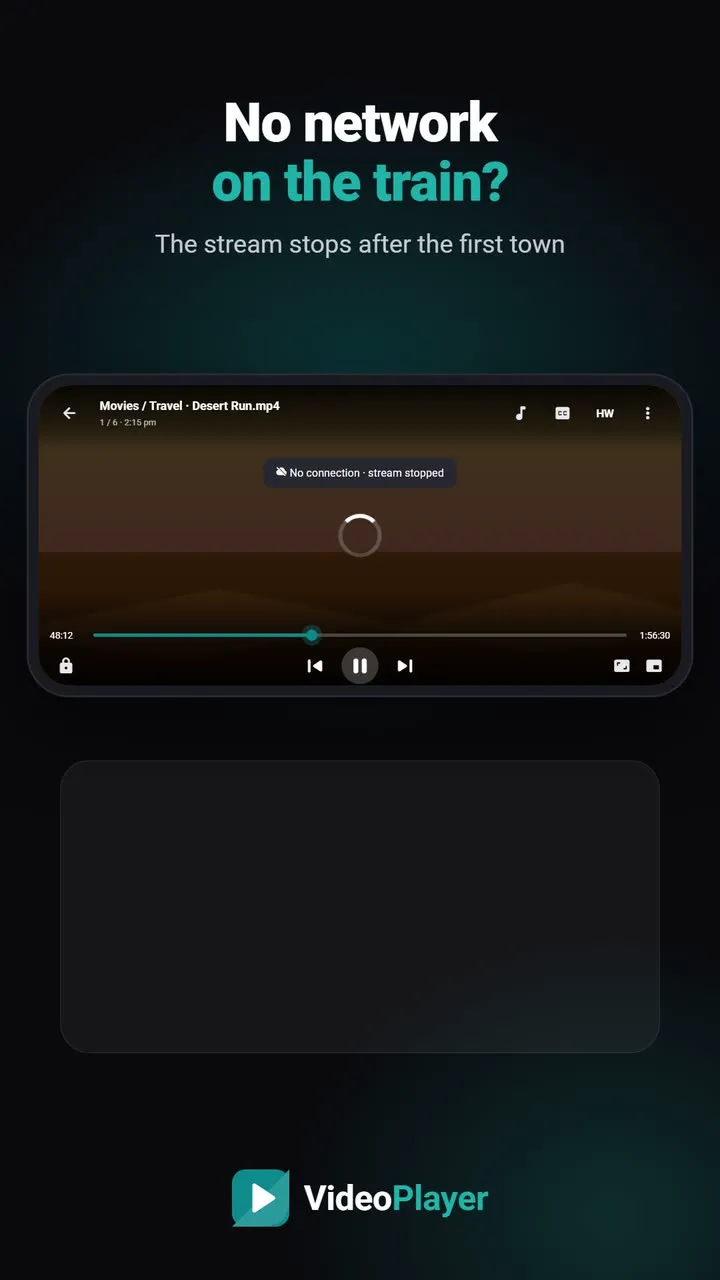
Fourteen hours on a train, no signal after the first town, and a phone that was meant to keep you entertained. Planning to watch movies offline sounds simple until a file won’t play, the subtitles need internet or the battery dies by lunch. This checklist takes ten minutes at home and saves the whole journey. It works the same for flights, bus trips and village visits with weak signal.
1. Get the films onto your phone
Streaming apps such as Netflix, Prime Video and JioHotstar let you download many titles inside their own app, and those downloads only play in that app. For your own files — family videos, recorded classes, films you bought as files — copy them into one folder, for example Movies/Travel, so you can find them quickly.
2. Check the space you need
A rough guide to file sizes for a two-hour film:
| Quality | H.264 | HEVC (H.265) |
|---|---|---|
| 480p | 0.5–0.8 GB | 0.3–0.5 GB |
| 720p | 1–1.5 GB | 0.6–1 GB |
| 1080p | 2–4 GB | 1.2–2.5 GB |
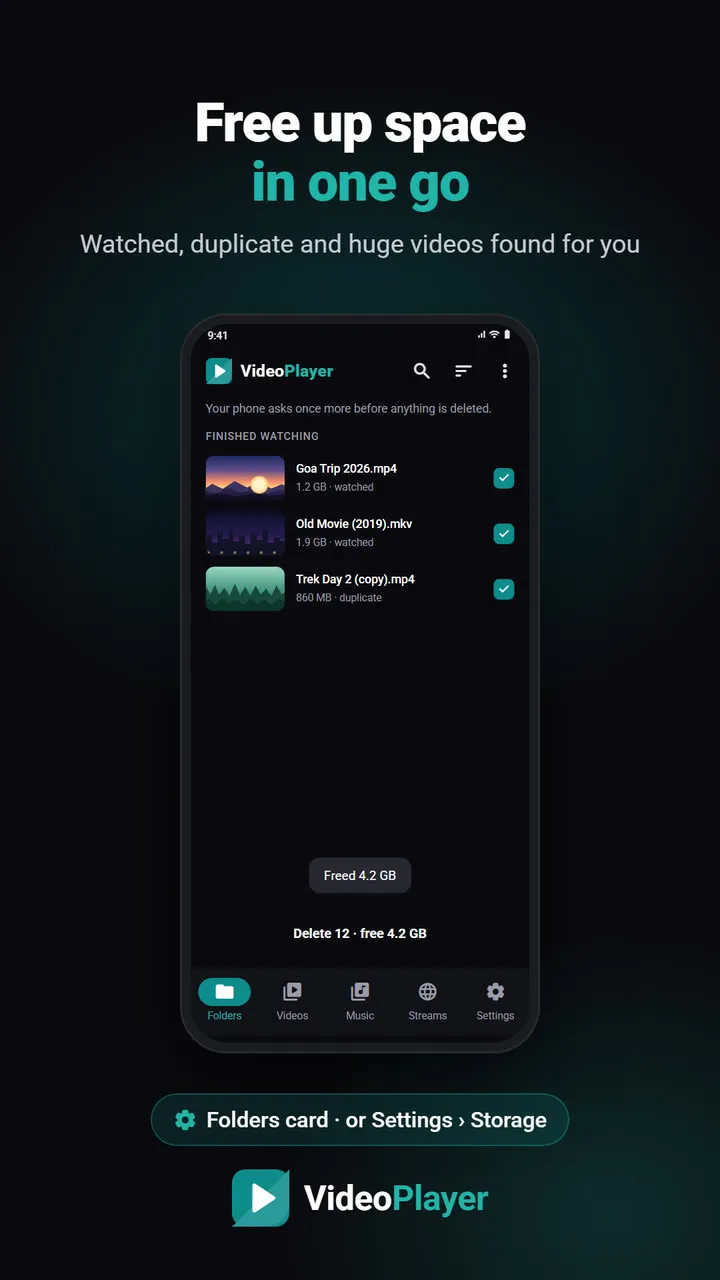
On a phone screen, 720p looks sharp and saves space. HEVC packs the same quality into a smaller file — Wikipedia’s page on HEVC explains how. Short on room? VideoPlayer can free up storage by finding videos you’ve already watched.
3. Test-play every file before you leave
This is the step people skip and regret. Open each film, skip to the middle and check that you get both picture and sound. A file with Dolby E-AC3 or DTS sound may play silently in the gallery app. If something looks wrong, run it through the free video codec checker while you still have time to fix it.
4. Do the one-time downloads at home
Some features need the internet once, then work offline forever. Do them on home Wi-Fi:
- Translation languages for translating subtitles (about 30 MB each).
- The AI model for AI subtitles (31–181 MB).
- Subtitle files for every film, placed next to the video with the same name.
After that, you can watch movies offline with translated or AI subtitles in the middle of nowhere.
5. Plan your battery
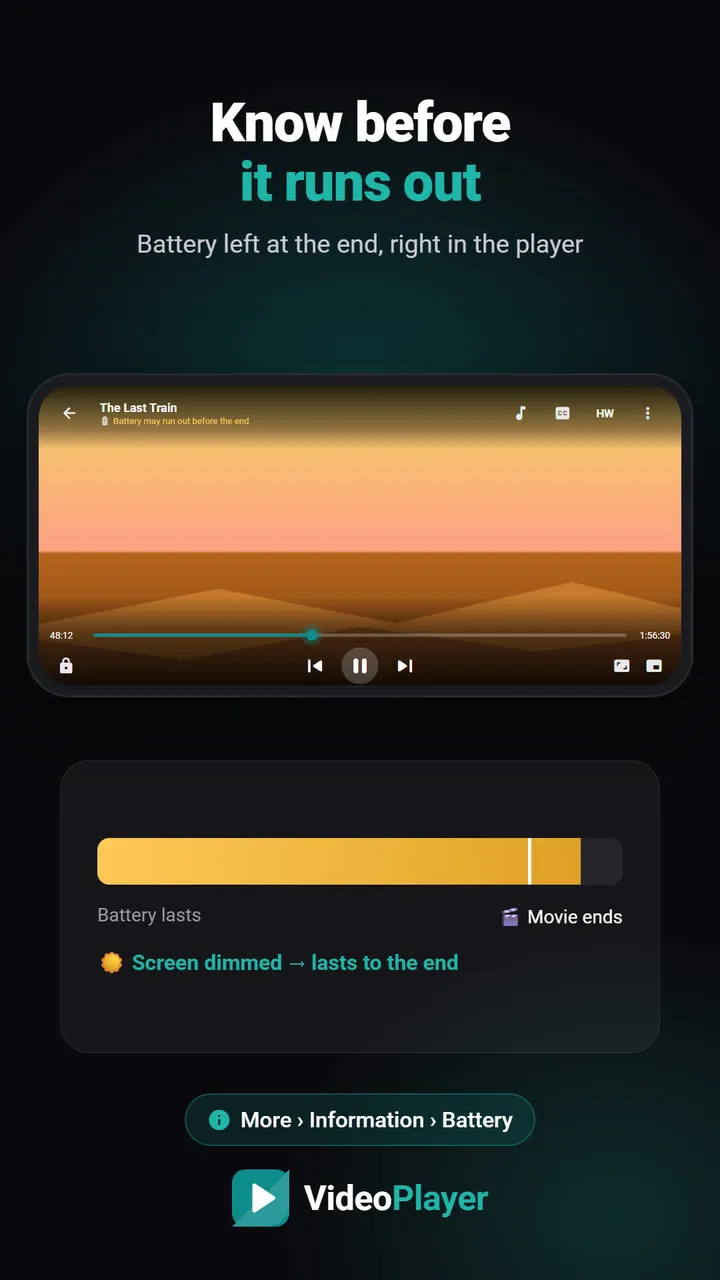
Video playback with the screen bright is one of the biggest battery drains. Charge to full, carry a power bank and lower the brightness — a dim compartment needs less anyway. Turning on airplane mode stops the phone from searching for signal, which saves more than you’d think. VideoPlayer shows how much battery will be left when the film ends, so you know whether to start a second one.
6. Fix the sound for a noisy journey
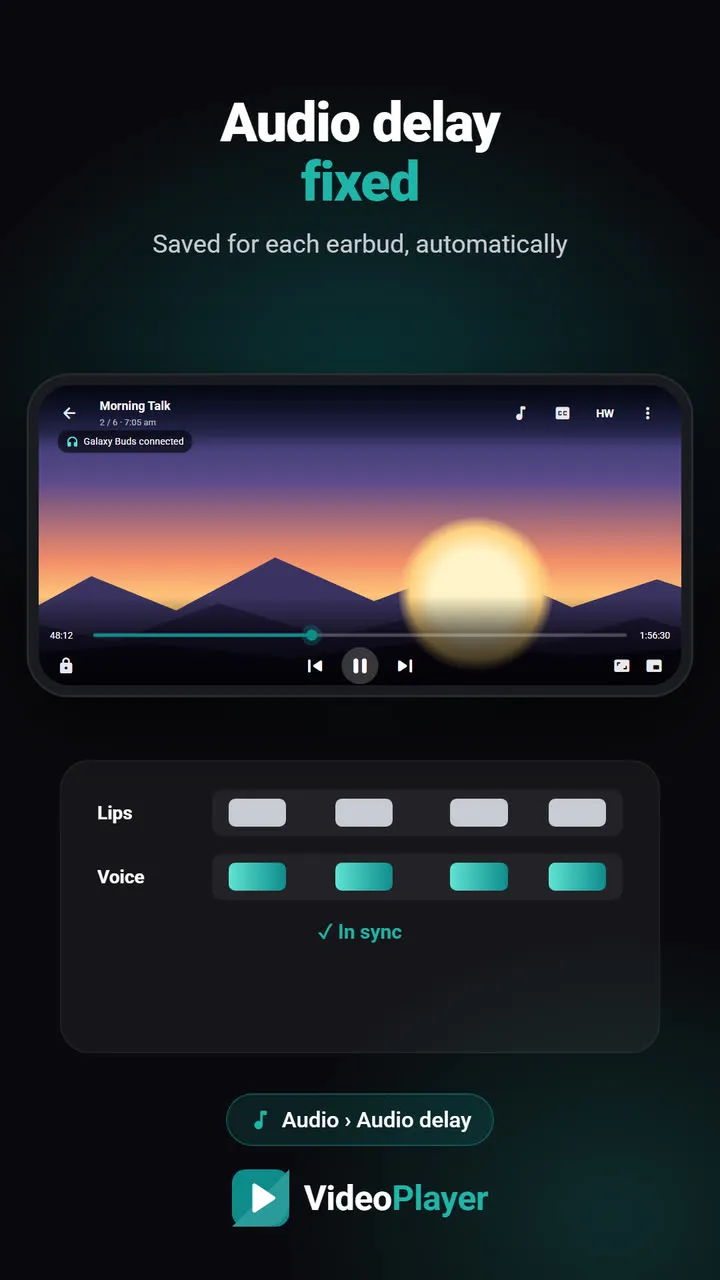
Train and bus noise drowns out quiet dialogue. Turn on Dialogue Boost to lift voices, and use the volume booster if the phone’s maximum isn’t enough. With wireless earbuds, set the Bluetooth audio delay once so lips and voices match.
7. Comfort settings
- Screen lock: lock the controls so a bump or a child’s hand doesn’t skip the film.
- Sleep timer: on night trains, stop playback after 30 or 60 minutes.
- Resume: if you doze off, VideoPlayer remembers the exact second you stopped.
Checklist to watch movies offline
- Films copied into one folder
- Enough free space, 720p where possible
- Every file test-played with sound
- Subtitles and translation downloaded
- Phone and power bank charged
- Earbuds paired, delay set
Frequently asked questions
How can I watch movies offline on my phone?
What quality is best to watch movies offline while travelling?
Do subtitles work when I watch movies offline?
How do I save battery while watching on a train?
Try it on your own videos
VideoPlayer is free, has no ads and needs no account. Every feature in this guide works offline.
Guides
MKV no sound
Picture plays, audio is silent? Five fixes, easiest first.
Read the fix →Format not supported
“Can’t play this video”? Find the cause, then play it.
Read the fix →Black screen, sound plays
Hear the movie but can’t see it? Six fixes.
Read the fix →Subtitles not showing
The SRT is right there, but nothing shows? Seven fixes.
Read the fix →Video lagging
Stutter, jerks and frozen frames — eight fixes.
Read the fix →Learn English with movies
Dual subtitles, slower speed, repeat one line — a real method.
Read the fix →